
Pastey Extension
AI-powered context-aware clipboard extension for smart pasting and instant text rewriting.
Verdict
A quick read before you dig into the full page.
- Best if
- AI-powered context-aware clipboard extension for smart pasting and instant text rewriting
- Pick this when
- AI-powered context-aware clipboard extension for smart pasting and instant text rewriting
Overview
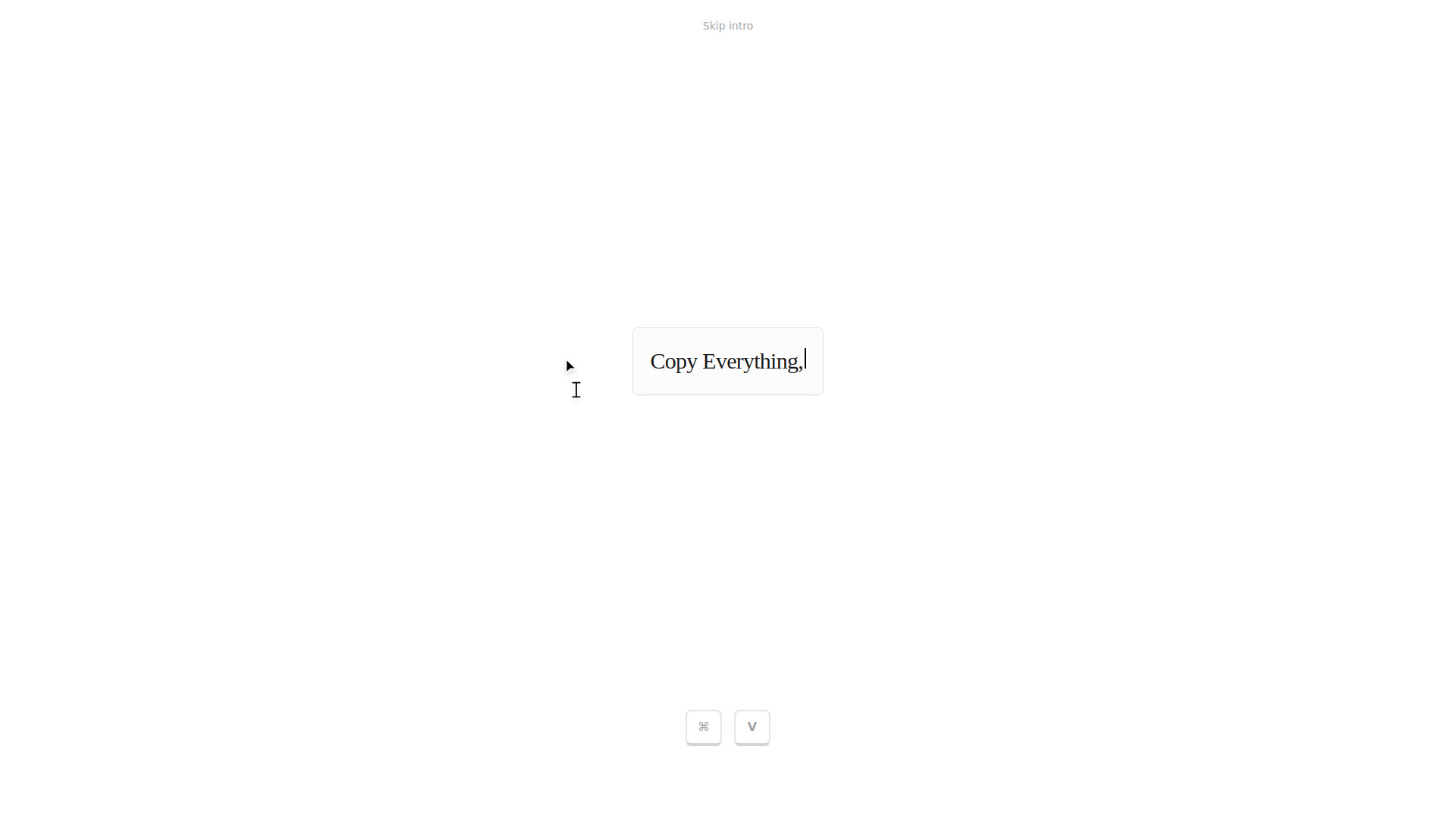
Pastey is an AI-powered browser extension that reimagines the standard copy-paste workflow. Instead of just being a clipboard, it is a context-aware tool woven into your browser flow. By holding the ⌘+V shortcut, users can access 'Smart Paste,' which adapts text to its destination, or use 'Inline Rewrite' to transform the tone of selected text instantly. It includes a searchable history, automatic detection of 2FA codes, and data masking for sensitive information like credit cards. Built with a local-first approach, it ensures that clipboard data and context are stored and indexed privately on the user's device.
Access & connections
Where you can use Pastey Extension.
Platforms
Capabilities
What this tool accepts, produces, and is strongest at.
Highlights
- Smart Paste: Adapts copied text to fit destinations like email, code, or docs.
- Inline Rewrite: Instantly transforms the tone of selected text upon pasting.
- Searchable Memory: A clean list of everything ever copied for easy searching.
- Local-First Storage: Context and history are stored and indexed privately on your device.
- Data Masking: Automatically hides sensitive items like credit card numbers.
- 2FA Auto-Detection: Automatically identifies and indexes two-factor authentication codes.

