
Orca
Open-source Agent Development Environment for parallel AI coding agents.
Verdict
A quick read before you dig into the full page.
- Best if
- You are software engineers and need: Fanning out a single prompt across multiple AI agents to compare and merge the best solution
- Pick this when
- Open-source Agent Development Environment for parallel AI coding agents
Overview
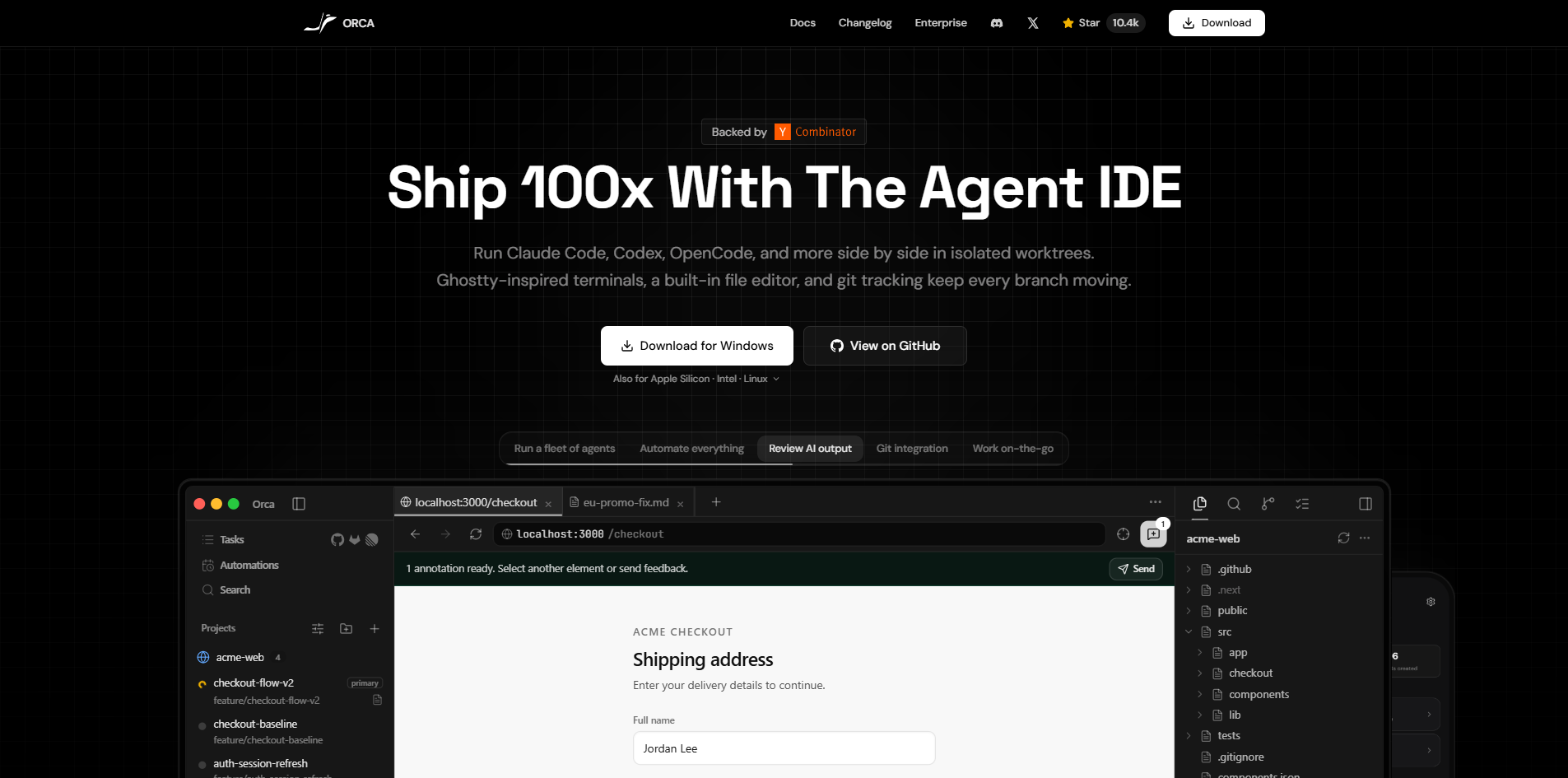
Orca is an open-source, cross-platform Agent Development Environment (ADE) specifically designed for running and orchestrating AI coding agents. Unlike traditional IDEs, Orca allows developers to run multiple AI command-line interface (CLI) agents—such as Claude Code, Codex, Gemini, and OpenCode—simultaneously in isolated git worktrees. This parallel setup enables users to multi-task across branches, test solutions, and review AI outputs efficiently within an environment featuring Ghostty-inspired WebGL terminals, an embedded Chromium browser for Design Mode feedback, native GitHub/Linear integration, and an editor.
Best for
Short scenarios where Orca tends to shine.
-
Fanning out a single prompt across multiple AI agents to compare and merge the best solution
Best for Software engineers
-
Running servers, tests, logs, and AI agents side-by-side without stashing or branch juggling
Best for AI developers
-
Using a mobile companion app to monitor live agent status, check usage, and manage tasks on the go
Best for DevOps engineers
How it works
Example outputs 1
Sample generations and before/after results for Orca.
Access & connections
Where you can use Orca, and what it plugs into.
Platforms
Capabilities
What this tool accepts, produces, and is strongest at.
Highlights
- Parallel AI agent execution in isolated git worktrees
- Ghostty-inspired WebGL terminals with infinite splits and full search
- Design Mode with embedded Chromium window for visual element feedback
- Native GitHub and Linear integrations for managing PRs, issues, and boards
- SSH Worktrees to run agents on robust remote servers with passphrase caching
- Inline diff comments to easily review and send feedback back to agents
People also view
Tools that often show up alongside Orca in collections and comparisons.


