
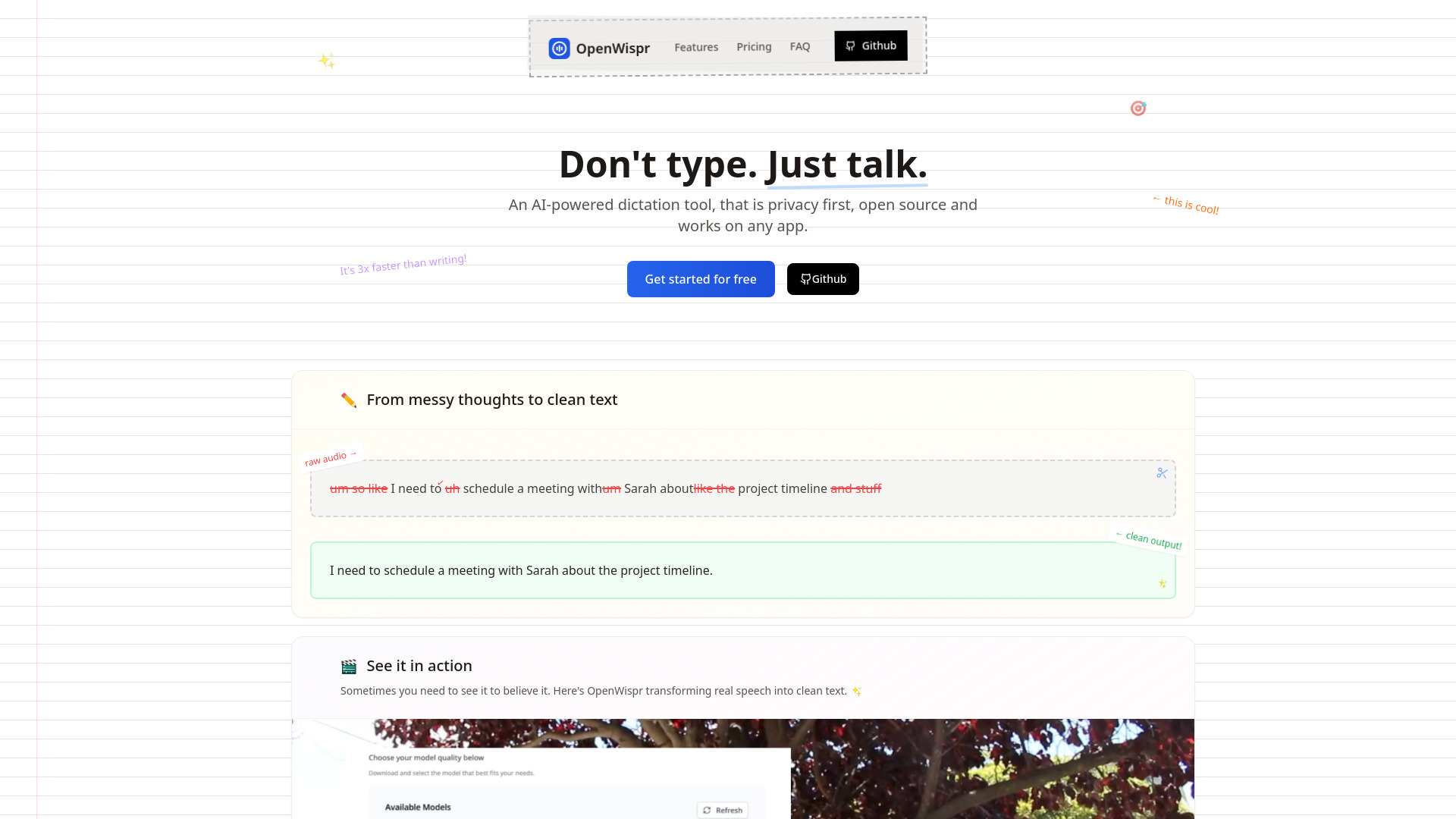
OpenWispr
Open-source, private AI voice dictation for fast text conversion.
Source rating 5.0
(65)
0 views
0 saves
Freemium
Free + from $8 / mo
Verdict
A quick read before you dig into the full page.
- Best if
- Open-source, private AI voice dictation for fast text conversion
- Skip if
- You need enterprise SLAs or a fully managed team plan right away
- Pick this when
- Freemium · Free + from $8 / mo
Overview
OpenWispr is an open-source, AI-powered voice dictation tool that converts your voice into formatted text instantly. It runs 100% locally, ensuring full privacy, and is designed to be 3-5x faster than typing. It's especially useful for prompting LLMs, writing emails, sending texts, and works seamlessly across various applications, allowing users to pick their preferred model and even edit the system prompt for full control.
Access & connections
Where you can use OpenWispr.
Platforms
Capabilities
What this tool accepts, produces, and is strongest at.
Highlights
- Voice-to-text dictation
- 100% local processing for privacy
- Open source
- 3-5x faster than typing
- Works across any application
- Model selection (base, tiny, large)
- Customizable system prompt
FAQ 6
What is OpenWispr?
OpenWispr is an open-source, AI-powered voice dictation tool that converts your voice into formatted text instantly. It runs 100% locally, ensuring full privacy, and is designed to be 3-5x faster than typing. It's especially useful for prompting LLMs, writing emails, sending texts, and works seamlessly across various applications, allowing users to pick their preferred model and even edit the system prompt for full control.
How to use OpenWispr?
OpenWispr allows users to turn their voice into text instantly. Simply hit a hotkey, speak, and the words appear on screen. Users can pick their preferred AI model for speed and accuracy, and even edit the system prompt for tailored results.
How private is local processing really?
100% private. When you use local processing, your voice never leaves your device. The AI models run entirely on your machine, so your thoughts stay completely yours.
Which model should I choose?
Start with "base" - it's the sweet spot between speed and accuracy. If you need lightning-fast responses, try "tiny". For critical transcriptions, go with "large".
Can I use my own OpenAI API key?
That's the whole point. Use your own API keys, control your costs, and keep your data relationship direct with OpenAI.
What's the difference between the pricing tiers?
Free & Open Source means you build and run it yourself (GitHub support). Lazy Edition is ready-to-use with automatic updates ($8/month). Enterprise adds team features and managed services (custom pricing).
Related tools
Recommended


OpenWispr
Free + from $8 / mo