

OneCliq ✓
Transform videos into multi-platform content effortlessly.
Verdict
A quick read before you dig into the full page.
- Best if
- Transform videos into multi-platform content effortlessly
- Skip if
- Video size limit 2GB
- Pick this when
- Transforms videos into clips
Considering FlowPost instead? Compare side by side
Overview
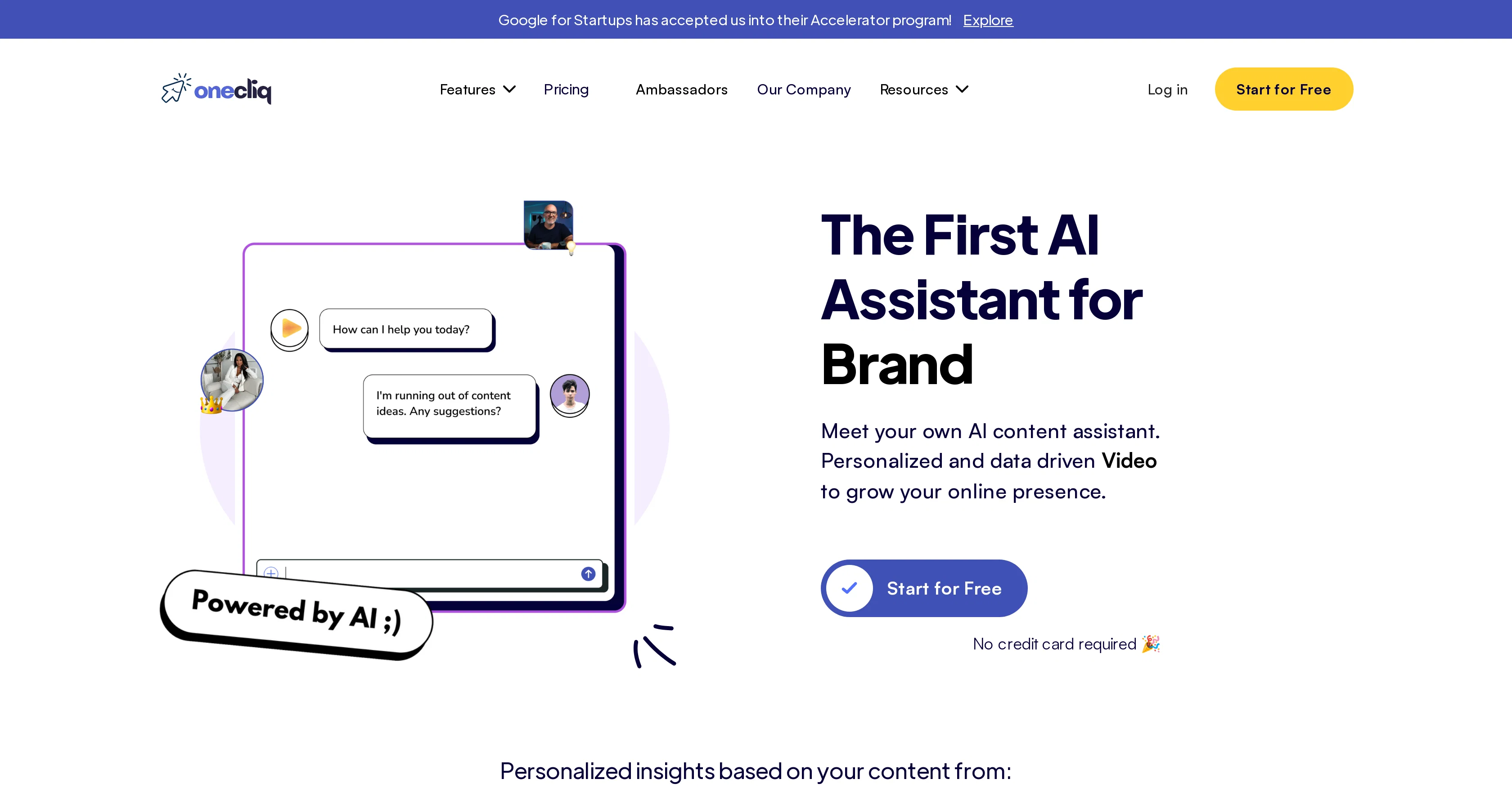
OneCliq is an AI-powered tool designed for content creators, businesses, and agencies. Its key focus lies in transforming videos, generating clips, writing blogs, and creating social media posts automatically.
It tailors content for each platform, keeping the brand's image and style consistent. Moreover, the assistant part is capable of developing and pitching fresh content strategies.
The tool includes several key features. Video-based features include content creation, video chaptering, reformatting, and auto-captioning. Written content-focused features include blog and newsletter writing as well as social media post generation.
The tool uses audience analysis and competitor insights for content optimization and strategic content planning. OneCliq also proactively identifies trending topics that creators can leverage.
The additional features include uploading, repurposing, and analyzing videos for optimized titles, engaging descriptions, and comprehensive captions. One key aspect is, the more OneCliq is used, the smarter it becomes in increasing user reach and content relevance while also saving time.
However, it is important to note that OneCliq currently only works on desktop platforms.
Access & connections
Where you can use OneCliq.
Platforms
Capabilities
What this tool accepts, produces, and is strongest at.
Input
- Video
Output
- Text
Pros & cons
Pros
- Transforms videos into clips
- Generates written blogs
- Creates social media posts
- Tailors content per platform
- Consistent branding
- Develops content strategies
- Video chaptering
- Video reformatting
Show 41 more
- Auto-captioning videos
- Writes newsletters
- Audience analysis
- Competitor insight utilization
- Strategic content planning
- Identifies trending topics
- Uploads videos
- Repurposes videos
- Analyzes video for optimization
- Optimized titles
- Engaging descriptions
- Comprehensive captions
- Increases user reach
- Improves content relevance
- Time saving
- Mature with use
- Personalized content generation
- Data-driven content strategies
- New idea pitching
- Researches audience
- Platform-specific content fine-tuning
- 300% increase in topics
- 95% faster content planning
- Tracks competitor strategies
- Notifies about latest trends
- Seamless trend integration
- Boosts audience engagement
- Maintains title accuracy
- Written content for videos
- Platform specific content
- Content co-pilot feature
- Large toolset
- In-depth content analysis
- Unique inspiration generation
- Personalized insights
- Content research and execution
- Channel leverage
- Content repurposing
- Content analysis
- Generates thumbnails
- Conversational assistant
Cons
- Desktop only
- Video size limit 2GB
- Limited file formats support
- No mobile optimization
- Learning curve for improved performance
- Dependency on existing content
- Requires constant interaction
- No listed API
Compare alternatives
Similar tools in the catalog — with a clear reason to open each one.


EasyAI – AI Flow - No Code Content (Video/Image) Ge... ✓
Free TrialChain AI tasks with no-code into workflows for chatbots, video, documents, and
Why look Offers a public API
Full comparison
RightBlogger ✓
FreemiumAutomate blogging, SEO, and publishing in one simple platform
Why look Higher community rating
Full comparison
myAIninja ✓
Free TrialAI-powered content creation for social media, 10x faster
Why look Higher community rating
Full comparison

Releases 1
Imported reviews 1
I can do my login using google account
FAQ 12
What is OneCliq?
How does OneCliq tailor content for each platform?
What video-based features does OneCliq offer?
How does OneCliq help with writing blogs and newsletters?
How does OneCliq use audience analysis and competitor insights?
How does OneCliq identify trending topics?
Can OneCliq help me optimize video titles, descriptions, and captions?
Does the utility of OneCliq improve with increased usage?
Why is OneCliq limited to desktop platforms?
Can OneCliq assist with social media post generation?
Does OneCliq offer suggestions for content strategies?
What kind of businesses can benefit from using OneCliq?
Related tools
Recommended

Blend AI ✓
FreemiumYou favorite AI, all in one place (-20% with TAAFT at checkout)

PrometAI ✓
FreemiumTurn ideas into viable reality with AI business plan generator.

IllumiChat ✓
FreemiumFrom Ticket Backlog to Instant Answers Powered by AI

Supercreator ✓
FreemiumCreate short videos 10x faster with AI

Favikon ✓
FreemiumAI-powered Influencer Marketing for all niches.

Visme ✓
FreemiumCreate professional presentations, infographics, designs, and videos.