
Onboard AI
AI tool to understand and navigate codebases.
Source rating 5.0
(90)
0 views
0 saves
Unknown
Verdict
A quick read before you dig into the full page.
- Best if
- AI tool to understand and navigate codebases
- Pick this when
- AI tool to understand and navigate codebases
Overview
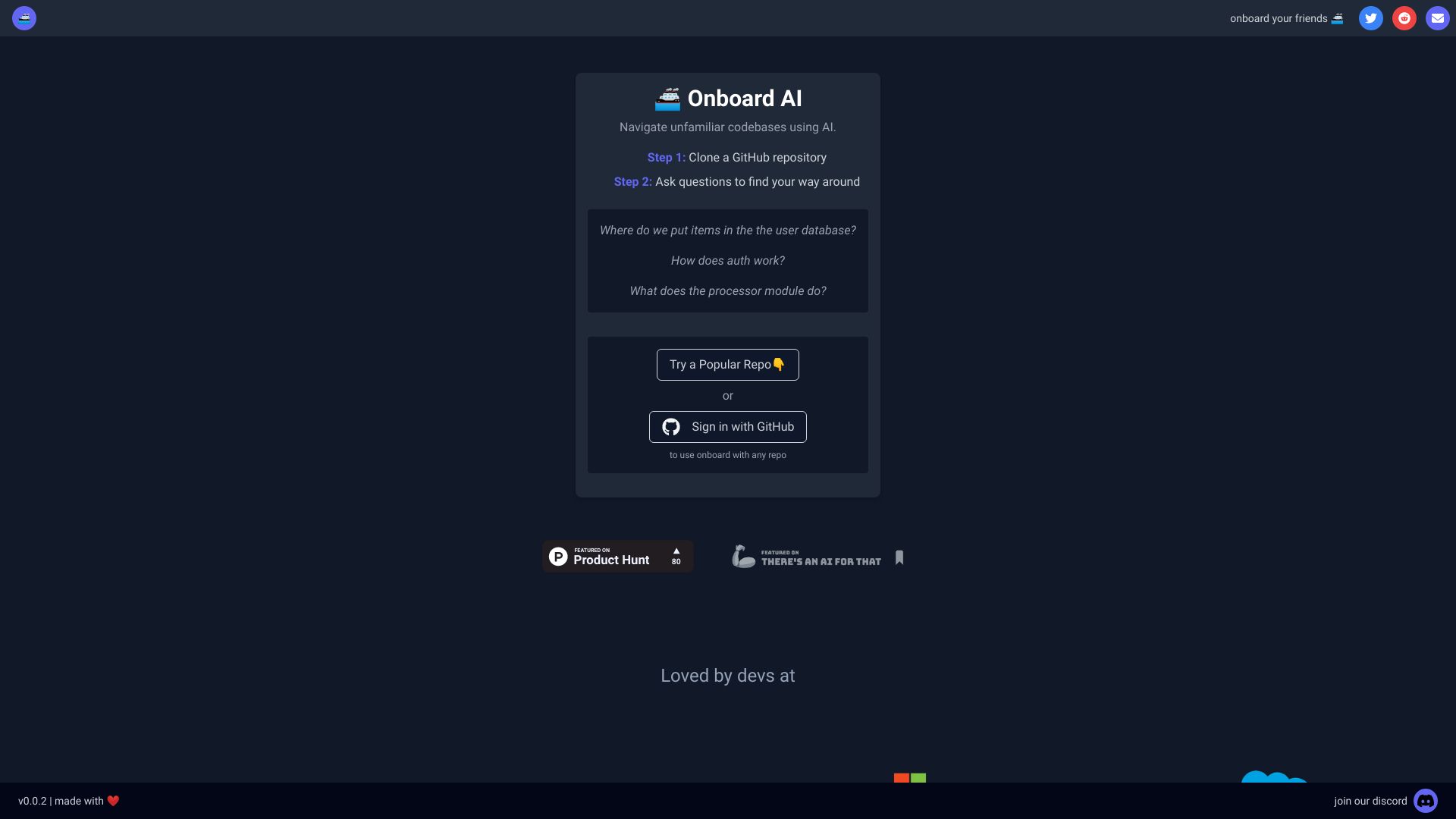
Onboard is an AI-powered tool that helps users quickly understand and navigate new codebases. By entering the link for any GitHub repository, Onboard transforms into a subject matter expert on that repo, allowing users to ask AI chat questions to find specific functionality, determine where code changes should be made, and more.
Access & connections
Where you can use Onboard AI, and what it plugs into.
Platforms
Integrations
Capabilities
What this tool accepts, produces, and is strongest at.
Highlights
- AI-powered codebase navigation
- Subject matter expertise on GitHub repos
- AI chat for code-related questions
FAQ 4
What is Onboard?
Onboard is an AI-powered tool that helps users quickly understand and navigate new codebases. By entering the link for any GitHub repository, Onboard transforms into a subject matter expert on that repo, allowing users to ask AI chat questions to find specific functionality, determine where code changes should be made, and more.
How to use Onboard?
To use Onboard, clone a GitHub repository and then ask questions to the AI to find your way around the codebase.
What does Onboard do?
Onboard helps you quickly understand and navigate a new codebase by turning into a subject matter expert on any GitHub repo you link to it. You can ask AI chat questions to find specific functionality, determine where code changes should be made, and more.
How do I use Onboard?
Clone a GitHub repository and then ask questions to the AI to find your way around the codebase.
Related tools
Recommended



Onboard AI