
NinjaTools
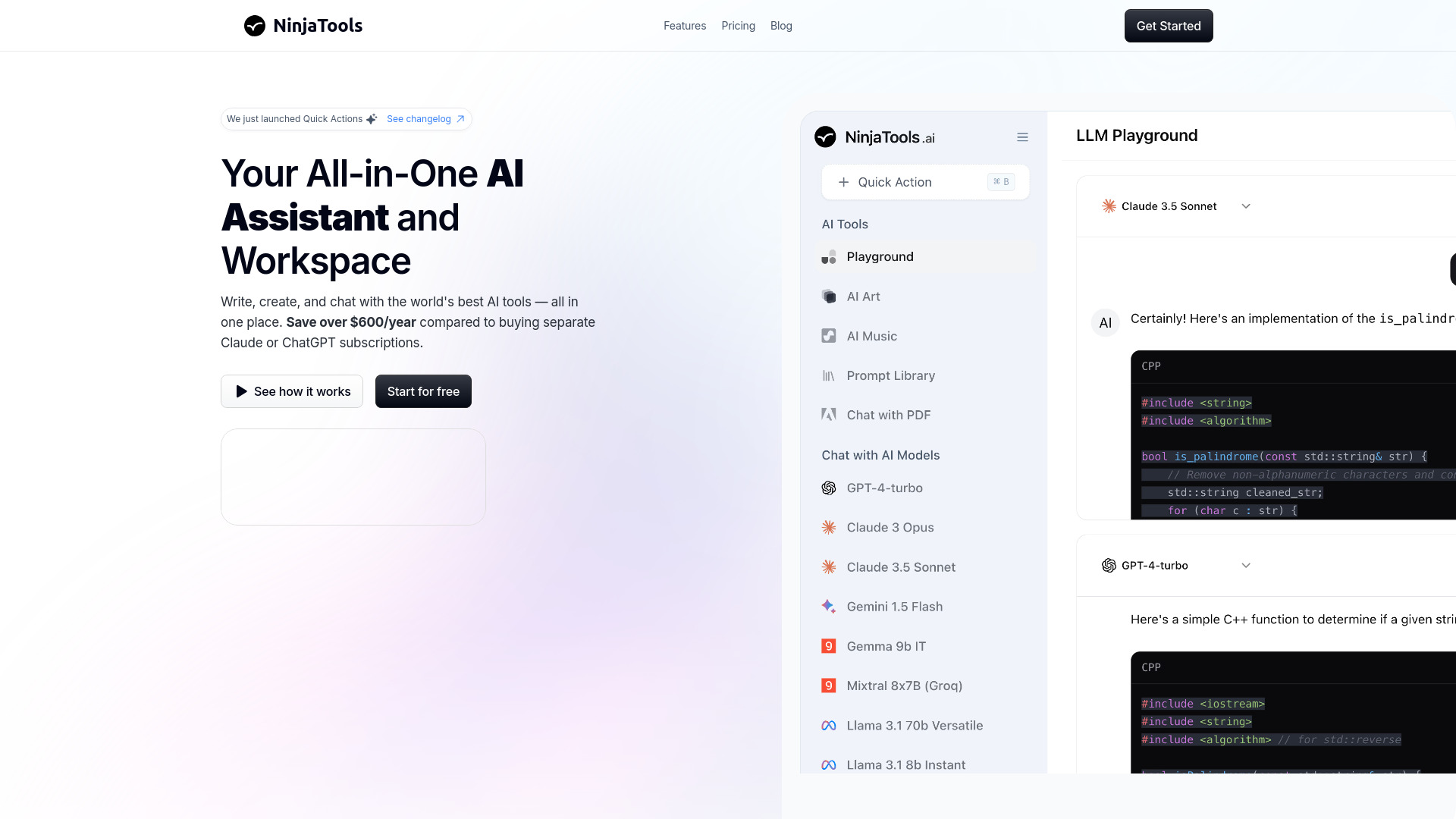
All-in-one AI platform with models, image, video, PDF tools.
Verdict
A quick read before you dig into the full page.
- Best if
- You are content creators and need: Compare responses from leading AI models side-by-side
- Pick this when
- All-in-one AI platform with models, image, video, PDF tools
Overview
NinjaTools is an all-in-one AI platform offering top AI models, image generation, and PDF insights in one subscription. Starting at $9/month, it simplifies workflows and boosts productivity for everyone. It provides an AI Playground to compare different AI models side by side, image generation, video generation, PDF chat, and a writing library.
Best for
Short scenarios where NinjaTools tends to shine.
-
Compare responses from leading AI models side-by-side
Best for Content creators
-
Generate professional-quality images from text
Best for Researchers
-
Create videos from text descriptions or images
Best for Students
-
Chat with your PDF documents in natural language
Best for Professionals needing AI assistance
-
Extract insights and summaries automatically
Best for Marketers
Example outputs 1
Sample generations and before/after results for NinjaTools.
Access & connections
Where you can use NinjaTools.
Platforms
Capabilities
What this tool accepts, produces, and is strongest at.
Highlights
- AI Playground for model comparison
- Image Generation from text
- Video Generation from text or images
- PDF Chat for document insights
- Writing Library for content creation
People also view
Tools that often show up alongside NinjaTools in collections and comparisons.

SJolt ✓
PaidOne API for all the best AI generation models.

PoYo.AI ✓
FreemiumHigh concurrency. Stable AI API. Better pricing.
EverMemOS
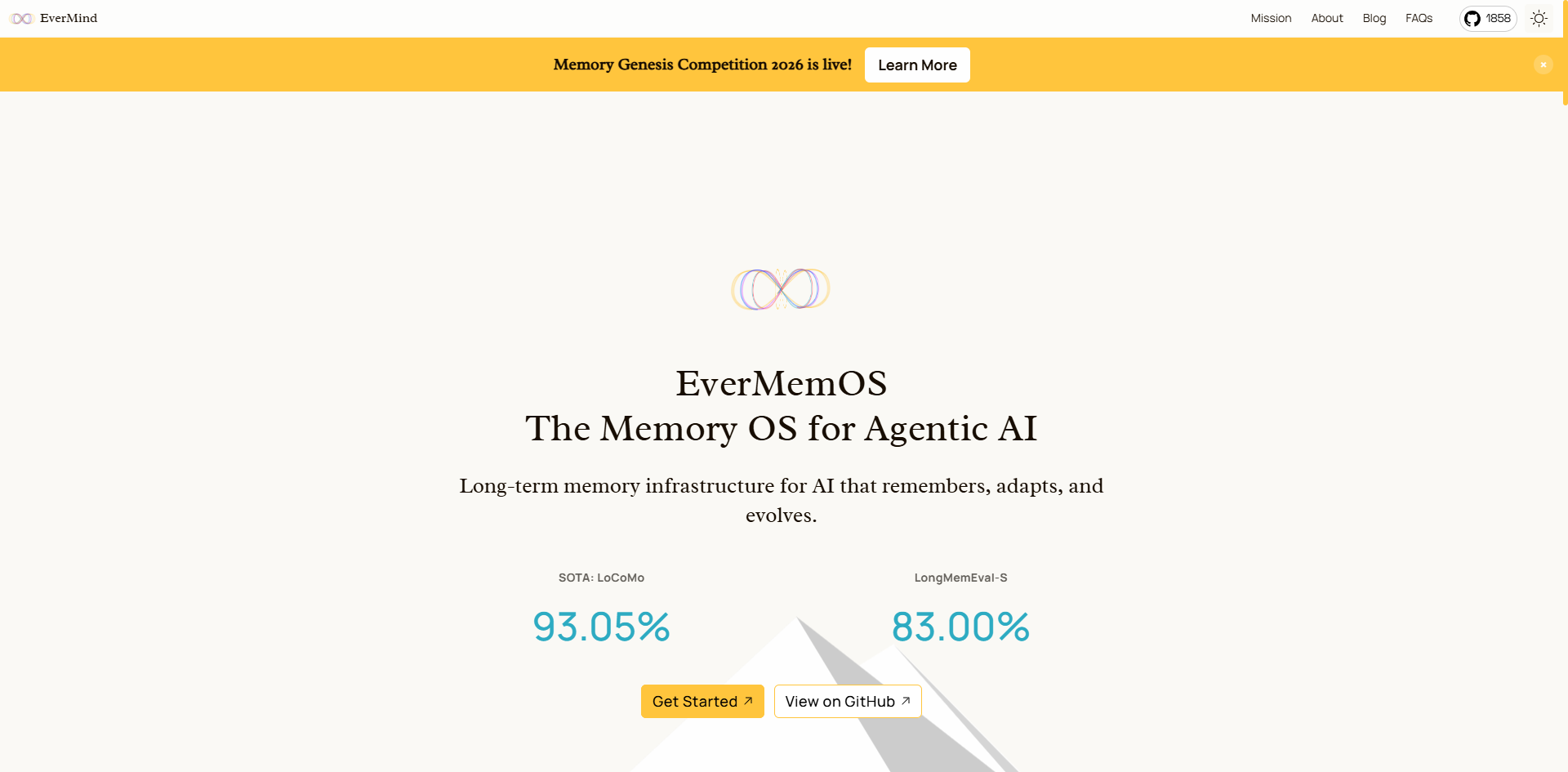
FreemiumInfinite memory. Persistent identity. Evolving intelligence. EverMemOS, powered by EverMind, is entering beta…

Chatbot App
PaidMulti-Model AI Chat Platform that lets you switch between 30+ leading AI models instantly or run them side by…
FAQ 5
What is NinjaTools?
How to use NinjaTools?
What AI models are available on NinjaTools?
What can I do with the AI Playground?
What kind of content can I create?
Related tools
Recommended
SJolt ✓
PaidOne API for all the best AI generation models.
Chatbot App
PaidMulti-Model AI Chat Platform that lets you switch between 30+ leading AI models instantly or run them side by…
PoYo.AI ✓
FreemiumHigh concurrency. Stable AI API. Better pricing.
EverMemOS
FreemiumInfinite memory. Persistent identity. Evolving intelligence. EverMemOS, powered by EverMind, is entering beta…