
Nexa
AI business analyst for automated data analysis and insights.
Source rating 5.0
(97)
0 views
0 saves
Freemium
Free + from $85 / month
Verdict
A quick read before you dig into the full page.
- Best if
- AI business analyst for automated data analysis and insights
- Skip if
- You need enterprise SLAs or a fully managed team plan right away
- Pick this when
- Freemium · Free + from $85 / month
Overview
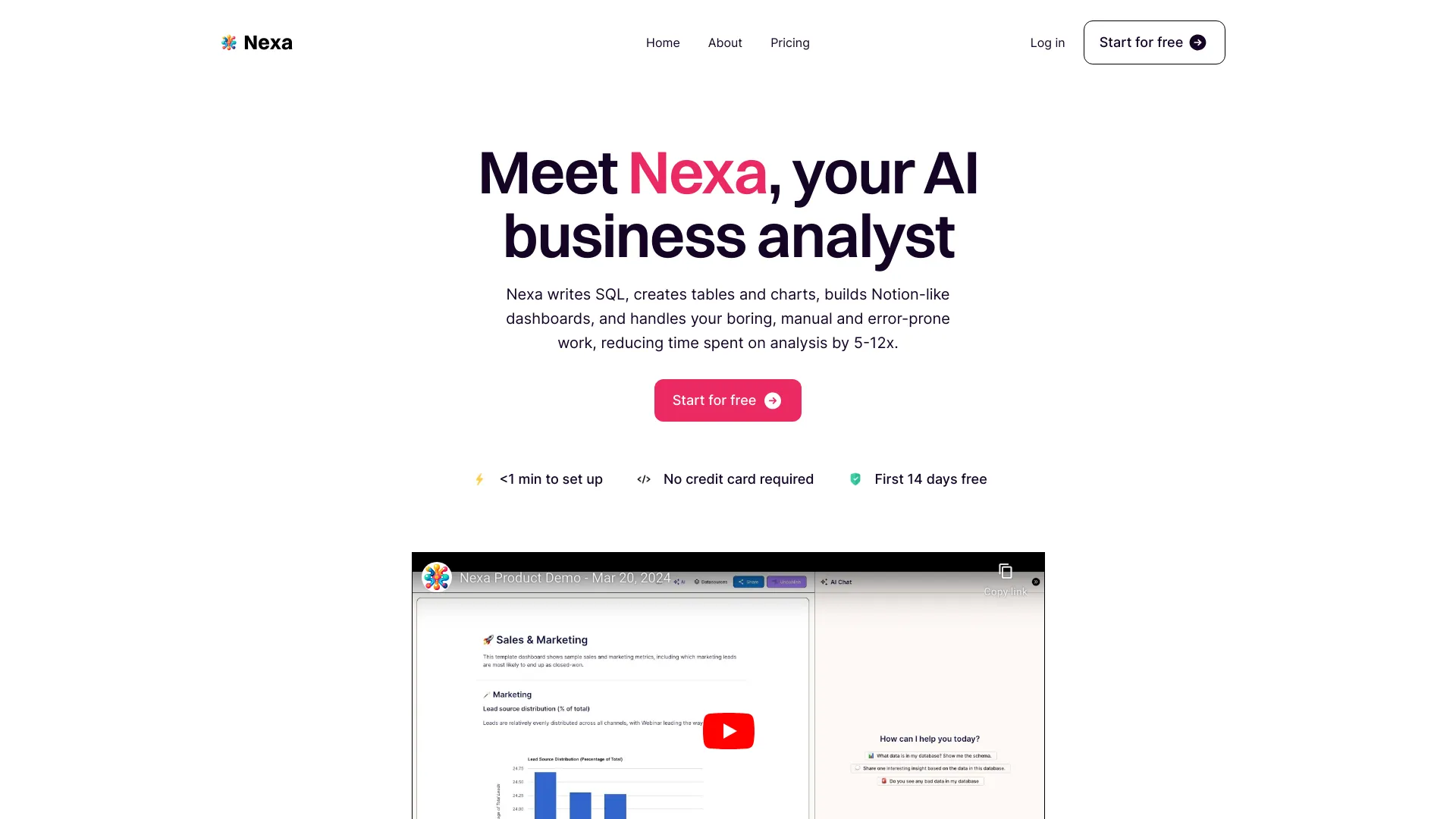
Nexa is an AI business analyst that writes SQL, creates tables and charts, builds Notion-like dashboards, and automates boring, manual, and error-prone data analysis work. It aims to reduce time spent on analysis and reporting by 5-12x, providing instant access to revenue-driving insights without requiring Excel formulas, SQL, or code.
Access & connections
Where you can use Nexa, and what it plugs into.
Platforms
Integrations
Capabilities
What this tool accepts, produces, and is strongest at.
Highlights
- AI-powered SQL generation
- Automated table and chart creation
- Notion-like dashboard building
- Natural language querying (AI Chat)
- Data source integration (MySQL, PostgreSQL, CSV)
- Identification of bad data and suggestion of improvements
- Seamless app integrations and Developer API
FAQ 8
What is Nexa?
Nexa is an AI business analyst that writes SQL, creates tables and charts, builds Notion-like dashboards, and automates boring, manual, and error-prone data analysis work. It aims to reduce time spent on analysis and reporting by 5-12x, providing instant access to revenue-driving insights without requiring Excel formulas, SQL, or code.
How to use Nexa?
To use Nexa, first connect your data by linking your SQL database (MySQL, PostgreSQL) or uploading CSVs. Then, you can chat with your data using simple English prompts to request insights or brainstorm. Finally, build Notion-like dashboards by adding charts and tables with one click, which can be shared instantly with stakeholders.
Is Nexa accurate?
Nexa is highly effective for most supported use cases and improves with more context, similar to a human analyst. However, it may make some mistakes, so users should always verify the accuracy of responses.
What can Nexa do?
Nexa can write SQL, create tables and charts, and is excellent for brainstorming. It can also help identify bad data and suggest improvements, though it cannot clean the data yet.
Is Nexa secure?
Nexa has read-only access to your MySQL or PostgreSQL database, and CSVs are stored securely in DigitalOcean. It uses GPT4, and per OpenAI guidelines, your data is never used to train public models. All other infrastructure is on GCP, and SOC 2 Type 2 certification is pending.
What datasources do you support?
Currently, Nexa supports PostgreSQL and MySQL databases, and CSV uploads. More datasources are planned for after the beta phase. Users with urgent needs for specific datasources can email [email protected].
How does pricing work?
Nexa offers a free 14-day trial that includes 50 AI prompts. After the trial, pricing starts at $85/month for 150 prompts/month and scales based on usage. All tiers include unlimited users and dashboards.
How is Nexa better than ChatGPT?
Unlike ChatGPT, Nexa connects directly to your database, providing tailored responses and getting smarter with more context. Nexa also features a built-in Notion-like dashboard for one-click chart/table addition and instant sharing with stakeholders, going beyond a traditional chat interface.
Related tools
Recommended


Nexa
Free + from $85 / month