Code assistant

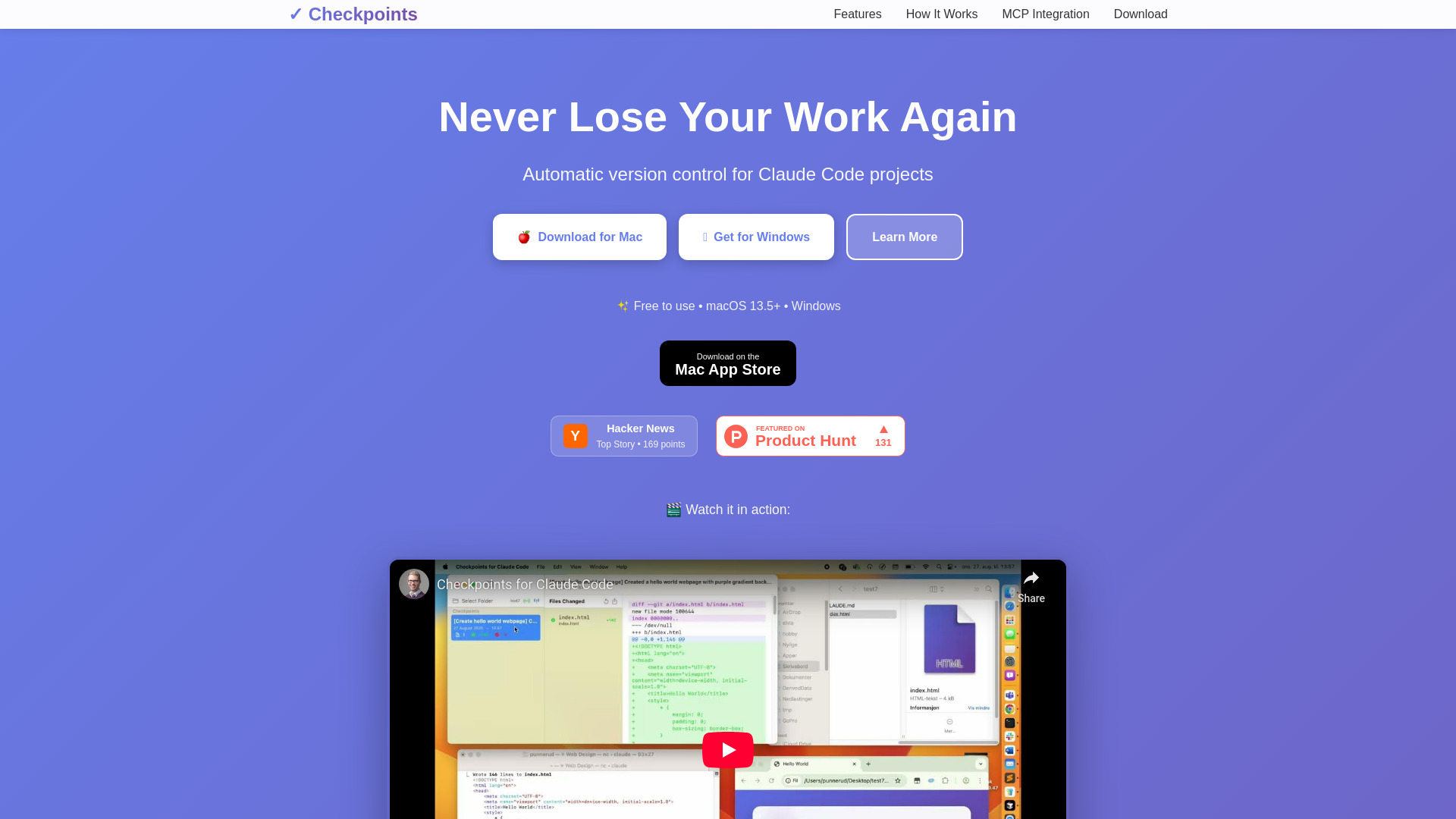
Never lose your work again

Automatic version control and checkpoint management for Claude AI code projects.

Source rating 5.0 (57) 883 views 883/mo traffic 0 saves Unknown
More categories (8)

Verdict

A quick read before you dig into the full page.

Best if
Automatic version control and checkpoint management for Claude AI code projects
Pick this when
Unknown · Free

Overview

Checkpoints for Claude Code (also referred to as Claude Diff) is an essential companion app for developers using Claude AI. It provides automatic version control and checkpoint management for Claude Code projects, allowing users to track changes, create instant snapshots of their project state, and restore previous states with confidence. It continuously monitors projects for file changes, offers a visual diff viewer, and integrates seamlessly with Claude Desktop via the Model Context Protocol (MCP). This ensures that developers never lose their work and can experiment or recover from mistakes with ease during AI-assisted coding sessions.

Never lose your work again screenshot

Access & connections

Where you can use Never lose your work again, and what it plugs into.

Platforms

Web

Integrations

MCP

Capabilities

What this tool accepts, produces, and is strongest at.

Highlights

  • Automatic Change Detection
  • One-Click Checkpoints
  • Visual Diff Viewer
  • Time Travel for Code (Instant Restoration)
  • Claude Integration (via MCP protocol)
  • Full Project Backup
  • Preserve or remove newer checkpoints when restoring
  • Export and share diffs for code reviews
Show 1 more
  • Intelligent file tracking (ignores system and binary files)

FAQ 6

What is Checkpoints for Claude Code?
Checkpoints for Claude Code (also referred to as Claude Diff) is an essential companion app for developers using Claude AI. It provides automatic version control and checkpoint management for Claude Code projects, allowing users to track changes, create instant snapshots of their project state, and restore previous states with confidence. It continuously monitors projects for file changes, offers a visual diff viewer, and integrates seamlessly with Claude Desktop via the Model Context Protocol (MCP). This ensures that developers never lose their work and can experiment or recover from mistakes with ease during AI-assisted coding sessions.
How to use Checkpoints for Claude Code?
To use Checkpoints for Claude Code, first, select your project folder within the app. Then, continue working with Claude Code as usual; the app will automatically track all changes. Checkpoints are created automatically when Claude tasks are completed. If needed, you can restore your project to any previous state with a single click.
What is Checkpoints for Claude Code?
Checkpoints for Claude Code is an app that provides automatic version control and checkpoint management for your Claude Code projects. It helps you track changes, create instant snapshots, and restore previous states with confidence.
How does it integrate with Claude Desktop?
It seamlessly integrates with Claude Desktop through the Model Context Protocol (MCP). The MCP server starts automatically, and Claude Desktop connects instantly. It tracks task starts and completions, creating automatic checkpoints when tasks are completed. Claude can also use MCP commands to list checkpoints, view diffs, and restore previous states.
Is Checkpoints for Claude Code free to use?
Yes, Checkpoints for Claude Code is free to use.
What operating systems are supported?
The app supports macOS 13.5+ and Windows.
Never lose your work again Free

