
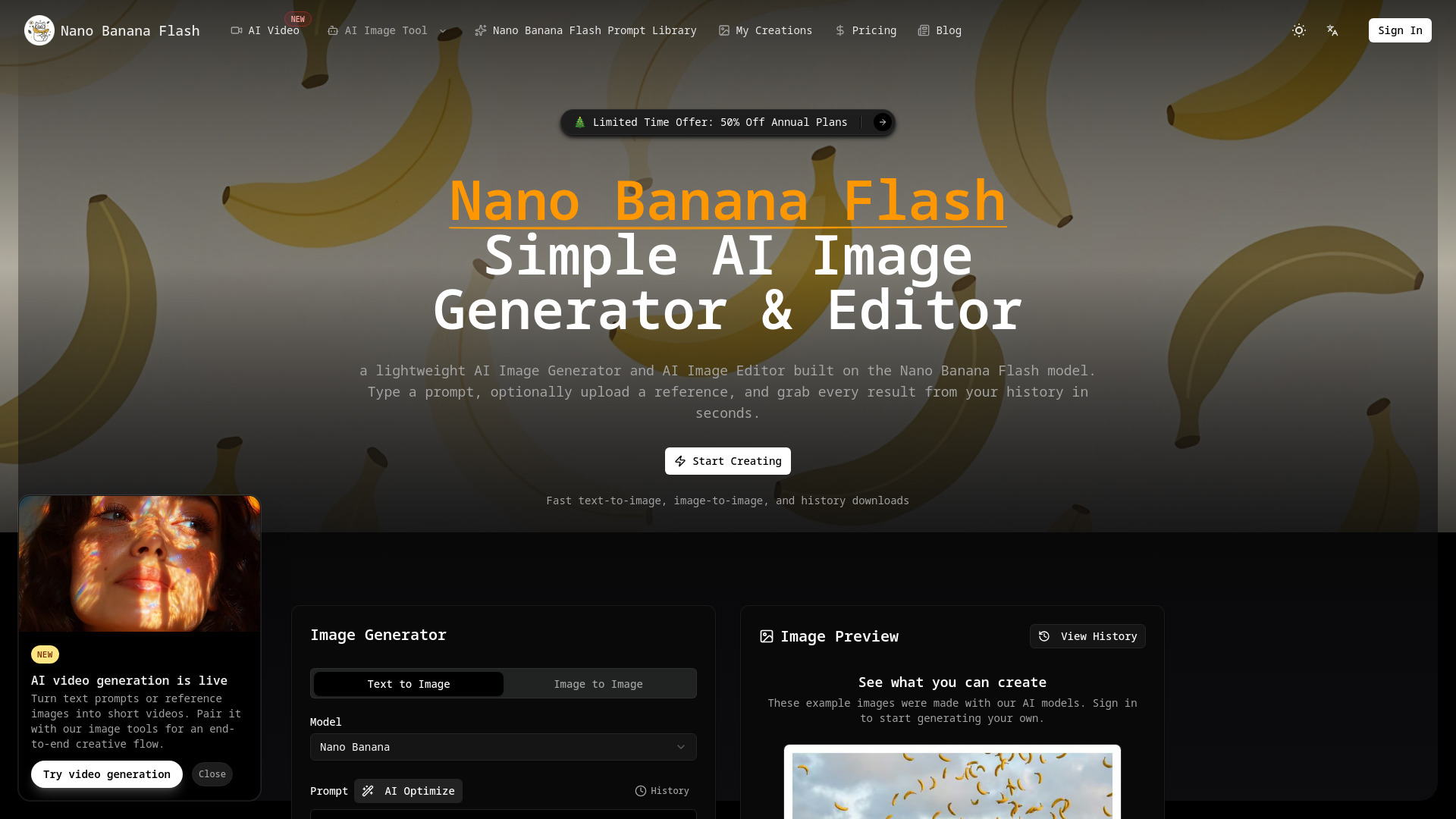
Nano Banana Flash - AI Image Generator & Editor
Lightweight AI image and video generator/editor for fast mockups.
Verdict
A quick read before you dig into the full page.
- Best if
- Lightweight AI image and video generator/editor for fast mockups
- Pick this when
- Lightweight AI image and video generator/editor for fast mockups
Overview
Nano Banana Flash is a lightweight AI Image Generator and Editor designed for creative teams that need fast mockups and mood boards. It allows users to create stunning images quickly from text prompts or reference images. Built on the Nano Banana Flash model, it offers fast text-to-image and image-to-image generation, intelligent image editing, intuitive style control, and a permanent gallery for all creations. The platform also includes advanced features like visual typography, semantic interpretation, internationalization, creative transformation from sketches, visual production for cinematic photography, and consistency preservation across series. Recently, it has also launched AI video generation, enabling users to turn text prompts or reference images into short videos.
Access & connections
Where you can use Nano Banana Flash - AI Image Generator & Editor.
Platforms
Capabilities
What this tool accepts, produces, and is strongest at.
Highlights
- AI Image Generator (Text-to-Image, Image-to-Image)
- AI Image Editor (Intelligent Image Editor, Intuitive Style Control)
- Permanent Gallery / Saved History for creations
- Prompt Controls (Guidance, creativity, aspect sliders)
- Lightweight Dashboard
- Downloadable PNGs
- Visual Typography (Precision Layout Control)
- Semantic Interpretation (Context-Aware Visual Creation)
Show 5 more
- Internationalization (Multilingual Design Adaptation)
- Creative Transformation (Concept Art Evolution from sketches)
- Visual Production (Cinematic Photography Mastery)
- Consistency (Visual Continuity Preservation)
- AI Video Generation
FAQ 9
What is Nano Banana Flash?
How to use Nano Banana Flash?
1. Create Your Account: Sign in, choose a plan, and access your personal AI Image Generator credits.
2. Describe or Upload: Write a short prompt and optionally add a reference image to guide the AI Image Editor.
3. Generate Results: Choose text-to-image or image-to-image, tweak a couple of sliders, and run the job. Most renders finish fast.
4. Download from History: Every render appears in your history so you can download or rerun it whenever you return.


