Image generation

Nano Banana 2 – Gemini 2.5 Flash Image & AI Image Studio

AI image studio for Gemini 2.5 Flash with text-to-image and image-to-image.

Source rating 5.0 (98) 0 views 0 saves Paid
More categories (10)

From $83.88 / year

Verdict

A quick read before you dig into the full page.

Best if
AI image studio for Gemini 2.5 Flash with text-to-image and image-to-image
Skip if
You need a free plan with no credit card
Pick this when
Paid · From $83.88 / year

Overview

Nano Banana 2 is an AI Image Studio that connects to Gemini 2.5 Flash for advanced AI image generation and editing. It enables users to create images using text-to-image and image-to-image functionalities, including targeted inpainting edits, with SynthID watermarked outputs for compliance. The platform offers multimodal coverage, enterprise-grade governance, and elastic performance on Google Cloud, ensuring fast render times. It is designed to help users keep pace with AI developments and capture demand from various Google AI modes.

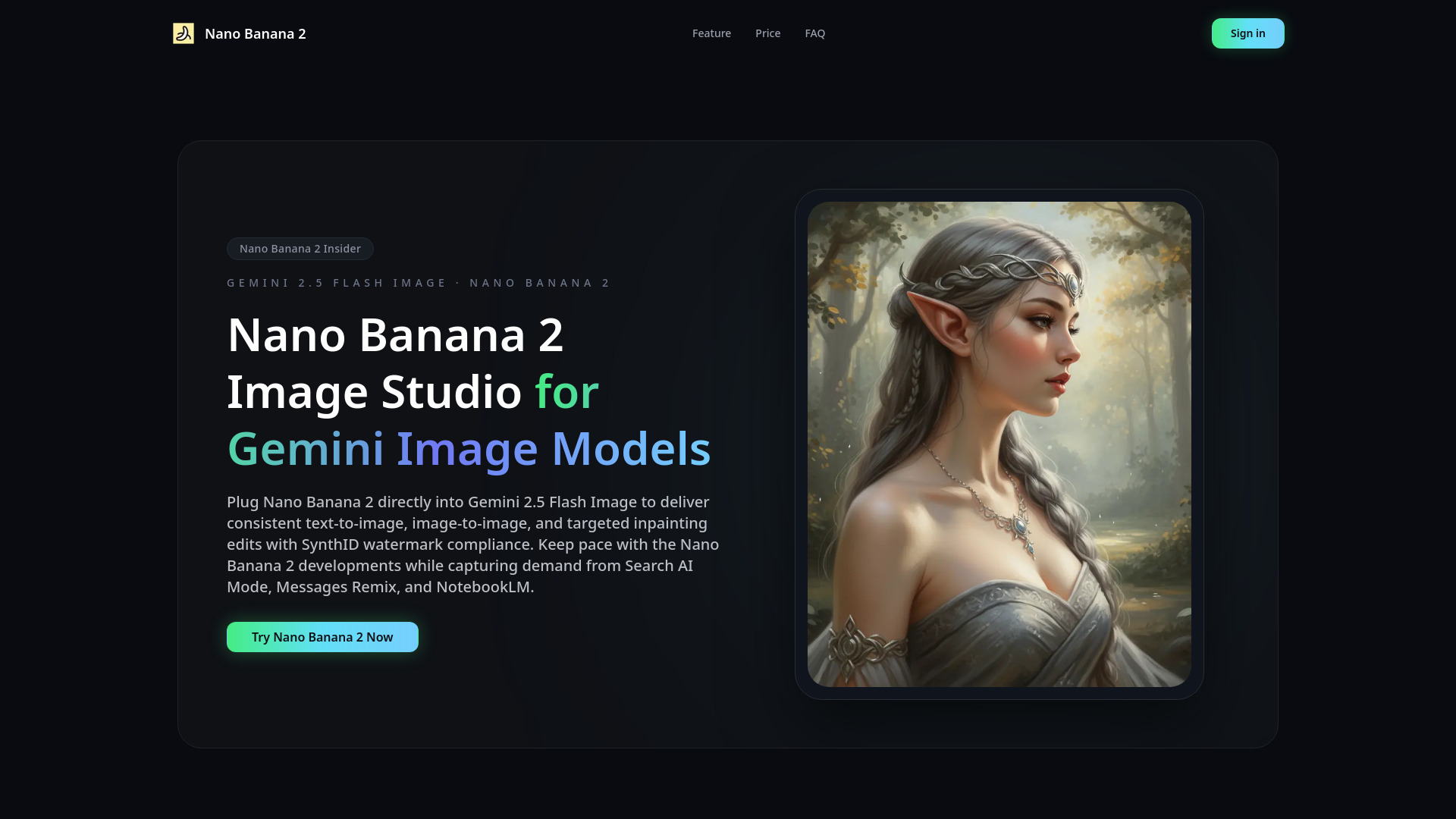
Nano Banana 2 – Gemini 2.5 Flash Image & AI Image Studio screenshot

Access & connections

Where you can use Nano Banana 2 – Gemini 2.5 Flash Image & AI Image Studio.

Platforms

Web

Capabilities

What this tool accepts, produces, and is strongest at.

Highlights

  • AI image generation (text-to-image, image-to-image, inpainting)
  • SynthID watermarked outputs and compliance
  • Multimodal coverage (text prompts, reference uploads, masked edits)
  • Enterprise-grade governance with audit trails and approvals
  • Elastic performance with scalable inference and fast rendering (under 10 seconds)
  • Guided prompting with templates and brand glossaries

FAQ 7

What is Nano Banana 2?
Nano Banana 2 is an AI Image Studio that connects to Gemini 2.5 Flash for advanced AI image generation and editing. It enables users to create images using text-to-image and image-to-image functionalities, including targeted inpainting edits, with SynthID watermarked outputs for compliance. The platform offers multimodal coverage, enterprise-grade governance, and elastic performance on Google Cloud, ensuring fast render times. It is designed to help users keep pace with AI developments and capture demand from various Google AI modes.
How to use Nano Banana 2?
To create images with Nano Banana 2, follow these three steps:
1. **Choose a mode**: Select either text-to-image for generating new concepts or image-to-image to restyle an uploaded image.
2. **Write your prompt**: Describe the desired subject, style, and any reference notes. If editing an existing image, add masks as needed.
3. **Download your image**: Select your preferred image variation and export it, ready for use in campaigns, stores, or internal presentations.

Is Nano Banana 2 an official Google product?
Nano Banana 2 ships with Google's official Nano Banana 2 integration and plugs directly into Gemini 2.5 Flash Image, indicating it's a platform built to leverage Google's AI technology rather than being an official Google product itself.
Can I disable SynthID watermarks?
While the general description emphasizes SynthID watermarked outputs for compliance, the pricing plans explicitly state 'No watermark' for all paid tiers (Basic, Pro, Premium). This suggests watermarks are not applied to images generated under paid subscriptions.
Does Nano Banana 2 run offline on device?
No, Nano Banana 2 scales inference on Google Cloud, indicating it is a cloud-based service and does not run offline on a device.
How can I rank for ‘gempix’ keywords?
The website suggests using a bundled SEO toolkit to create tutorial series and content hubs, which can drive inbound leads and improve search engine ranking for relevant keywords.
How is pricing calculated?
Pricing is based on annual subscriptions, offering different tiers (Basic, Pro, Premium) with varying monthly credit allowances and a corresponding cost per 100 credits. Credits never expire, and you can cancel anytime.
Nano Banana 2 – Gemini 2.5 Flash Image & AI Image Studio From $83.88 / year
