

Personal assistant 2026 Rank: #2916
MuseAI.im ✓
Give AI a goal. Get work done.
Verdict
A quick read before you dig into the full page.
- Best if
- Give AI a goal. Get work done
- Skip if
- Messaging Support Is Limited to Selected Platforms
- Pick this when
- Multi-Step Task Processing
Considering Notis instead? Compare side by side
Overview


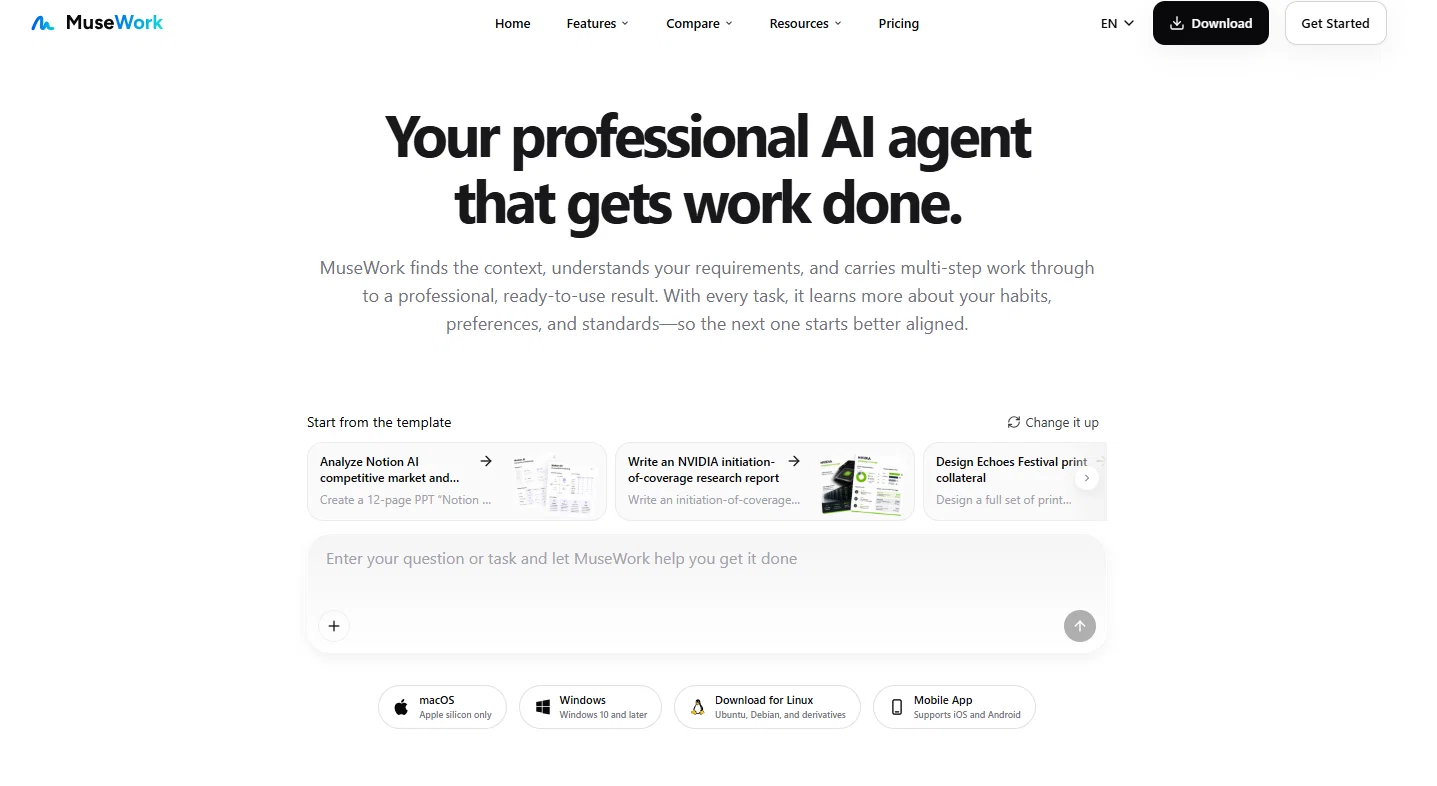
Muse can create polished presentations, build websites, conduct in-depth research, generate visual assets, and produce structured documents and spreadsheets. Users can review the results, provide additional instructions, and refine the work through an ongoing conversation.
With long-term memory, Muse can retrieve relevant past conversations, uploaded files, previous deliverables, and user preferences when needed. This reduces repeated explanations and allows Muse to produce work that better reflects each user’s context, standards, and working style over time.
Access & connections
Where you can use MuseAI.im.
Platforms
Capabilities
What this tool accepts, produces, and is strongest at.
Input
- Tabular
- Image
- Text
Output
- Code
- Tabular
- Text
- Image
Pros & cons
Pros
- Multi-Step Task Processing
- Assists in Structuring Reports
- Drafts and Formats Papers
- Clarifies Problems
- Work Context Integration
- Transforms Ideas into Visuals
- Telegram Integration
- Facilitates Collaboration
Show 25 more
- Email Connectivity
- Calendar Connectivity
- Files Integration
- Chat Integration
- Code Integration
- Seamless Workflow Integration
- Work Optimization
- Generates Diverse Work Content
- No Task or Project Setup
- No Work Mode or Model Switching
- Conversational Interaction
- Personalized User Experience
- Long-Term Memory for User Preferences
- Produces Tailored Work Outcomes
- Optimised for Real-World Tasks
- Works Across Multiple Tools
- Assists in Deep Research
- Generates Academic Papers
- Creates Visual Assets
- Connects With Real Work
- Multi-channel Response
- Learning User Preferences
- Memory Carries User Context
- Enhances Work Continuity
- Interactive Task Completion
Cons
- Messaging Support Is Limited to Selected Platforms
Compare alternatives
Similar tools in the catalog — with a clear reason to open each one.

Notis ✓
Free TrialThe first WhatsApp assistant that runs on your ChatGPT and Claude subscriptions
Free + from $13/mo
Full comparison
Alice - AI Automation App ✓
Free TrialStop chatting. Start doing.
Why look Typically cheaper
Full comparison
Assindo ✓
Free TrialManaged AI agent like OpenClaw but with real phone calls included
Why look Typically cheaper
Full comparison

Botlor ✓
Free TrialYour AI butler that books, shops, creates, advises.
Why look Higher community rating
Full comparisonReleases 1
FAQ 12
What is the purpose of Muse?
How does Muse help in creating AI-powered websites?
Can Muse assist in drafting and formatting academic papers?
How does Muse turn ideas into visual assets?
What does comparability with GPT-5.6 models mean in Muse?
How does Muse integrate with Telegram and WeChat?
What kind of problems can Muse help clarify?
How can Muse facilitate collaboration?
Can I personalize Muse to match my working rhythm and communication style?
How does Muse's ease-of-use compare to other AI tools?
How does Muse bring together different work contexts?
What types of files and platforms can Muse integrate with?
Related tools
Recommended

MagicSlides.app AI PPT Maker ✓
FreemiumCreate Stunning PPTs in Seconds with the AI PPT Maker

GetLogit ✓
FreemiumArtificial intelligence, available for everyone.

ChatGPT ✓
FreemiumAsk anything, create anything, and move from idea to action.

Automateed ✓
Free TrialCreate eBooks effortlessly with Automateed, the AI-powered writing tool.

Kin - Personal AI Advisors ✓
FreePrivacy-first & designed your for mind, and life at work

Aiter.io | Paste a URL. Ship a Campaign That Sounds L... ✓
FreemiumAI marketing that sounds like you, not everyone else.