

Moonbeam ✓
Never write from scratch again.
Free + from $21/mo
Verdict
A quick read before you dig into the full page.
- Best if
- You are freelancers and need: Writing essays, stories, articles, and blogs
- Skip if
- Limited style generator choices
- Pick this when
- Content outlining support
Considering Voila instead? Compare side by side
Overview
Moonbeam is an AI-powered long-form writing assistant that helps users generate content quickly and easily. It is designed to create content for essays, stories, articles, blogs, and other long-form content.
It is equipped with a Wizard that allows users to instantly turn their jumbled notes into an organized outline, and then automatically transform that outline into perfectly written paragraphs.
It also features a Custom Style Generator, which allows users to write in the style of famous authors, comedians, and politicians, as well as a “Luna AI” that can be prompted with a single phrase.
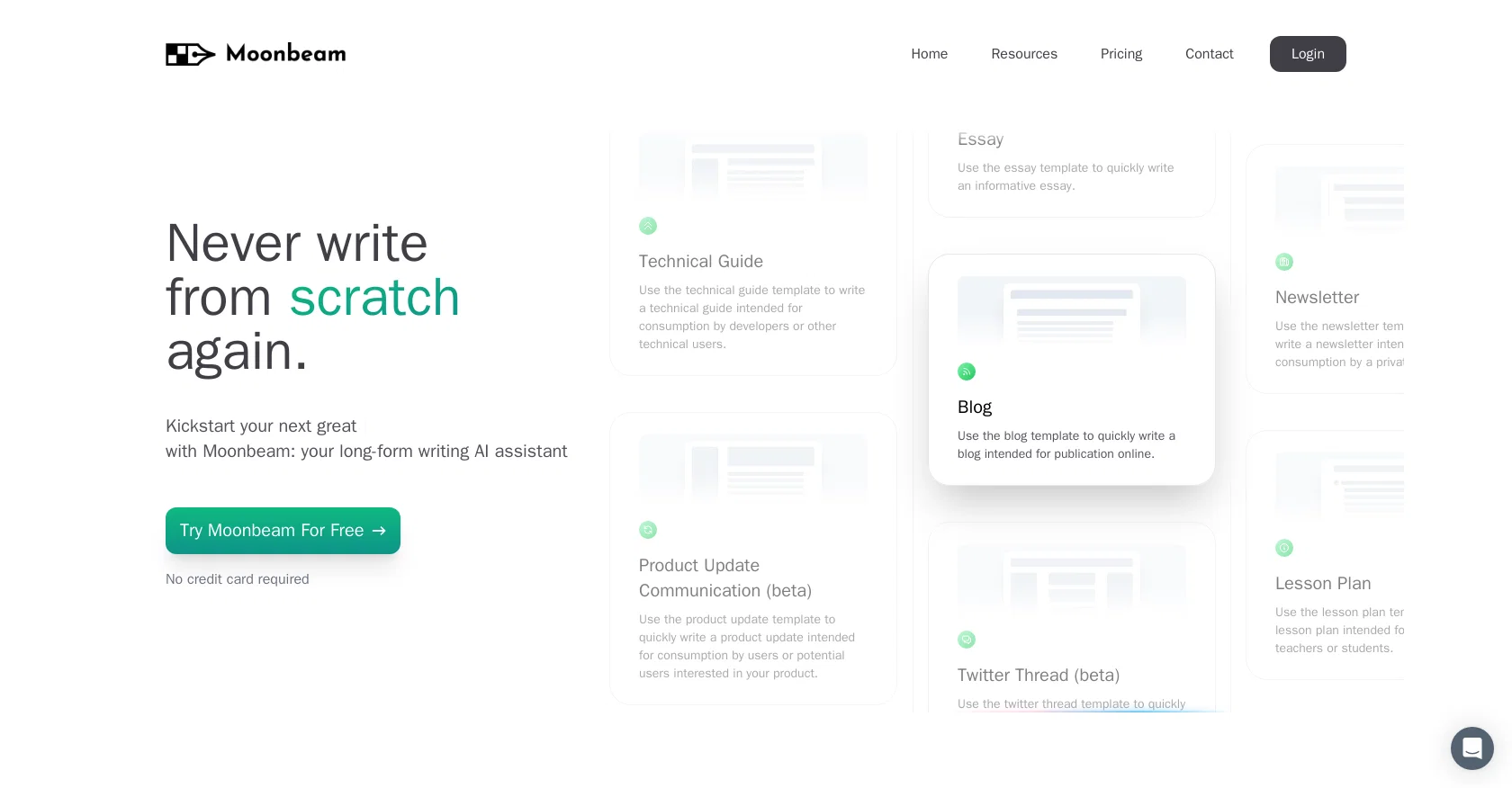
Finally, Moonbeam provides templates for Technical Guides, Product Updates, Help Desk Articles, How-to Guides, Essays, Blogs, Twitter Threads, Newsletters, Lesson Plans, Discussion Posts, and Personal Stories.
Moonbeam Pro unlocks even more features, such as unlimited long-form writing, unlimited social media posts, unlimited Luna AI access, and access to all templates.
Moonbeam is backed by a 100% money-back guarantee.
Best for
Short scenarios where Moonbeam tends to shine.
-
Writing essays, stories, articles, and blogs
Best for Freelancers
-
Generating content clusters around a specific topic
Best for Educators
-
Creating product update communications and help desk articles
Best for Business owners
-
Drafting newsletters and lesson plans
Best for Copywriters
-
Writing in the style of famous authors or comedians
Best for Content creators
Example outputs 1
Sample generations and before/after results for Moonbeam.
Access & connections
Where you can use Moonbeam, and what it plugs into.
Platforms
Integrations
Capabilities
What this tool accepts, produces, and is strongest at.
Input
- Text
Output
- Text
Pros & cons
Pros
- Content outlining support
- Custom Style Generator
- Write any long-form content
- Wide range of templates
- Optimized for essay and story creation
- Can mimic different writing styles
- Designed for bloggers, authors
- Access to all templates in Pro version
Show 38 more
- Generates well-written drafts
- Effortless brainstorming tool
- Organises thoughts automatically
- Boosts writing pace
- Excellent for academic use
- No need to write from scratch
- Helps create unique content
- Research tool to learn new topics
- Contributor to a stunning workflow
- Aids in structuring content
- Backed by 100% money-back guarantee
- Access to newer features everyday
- Includes a Wizard for structure organization
- Helps generate ideas easily
- Produces plagiarism-free content
- Translates jumbled texts into usable outlines
- Effective tool for content curation
- Option to add personal notes
- Perfect for online content creators
- Assists in writing shorter pieces
- Efficiency in generating sentences
- Professional tool for tech writers
- Useful for product update communication
- Write help desk articles swiftly
- Apposite tool for bloggers
- Master tool for newsletter creation
- Apt for Lesson plan and discussion posts
- Allows creative freedom for personal stories
- Assists with Twitter thread creation
- Effective for content intended for forums
- Refunds full payments if not satisfactory
- Enhances writing output
- Caters to private audience too
- Useful for academic assignments
- Specialized tool for long-form content
- Distinctive styles just a prompt away
- Valid for professional or casual writing
- Featured by many users and influencers
Cons
- Limited to long-form content
- Over-dependence on templates
- No short form writing
- May lack personal touch
- Limited style generator choices
- Potential overused phrasing
- Requires notes for outlining
- Pro version for full access
Show 1 more
- No mention of multi-language support
Compare alternatives
Similar tools in the catalog — with a clear reason to open each one.

Voila ✓
Free TrialSeamless AI assistant to help you create, write, brainstorm, and research.
Why look Typically cheaper
Full comparison
Rizz! Keyboard ✓
FreeAI-powered creative responses in your iPhone keyboard.
Why look Fully free option
Full comparison
Werd - Vibe Write with Multi-agent AI ✓
Free TrialVIBE WRITE With Multi-agent AI
Why look Typically cheaper
Full comparison
Sudowrite ✓
Free TrialAI writing partner for faster, more creative storytelling
Why look Typically cheaper
Full comparison
RewriteBar ✓
Free TrialRewrite. Refine. Accelerate. — AI productivity for every macOS app. 🚀
Why look Offers a public API
Full comparisonPeople also view
Tools that often show up alongside Moonbeam in collections and comparisons.
Werd - Vibe Write with Multi-agent AI ✓
Free TrialVIBE WRITE With Multi-agent AI
Voila ✓
Free TrialSeamless AI assistant to help you create, write, brainstorm, and research.
Sudowrite ✓
Free TrialAI writing partner for faster, more creative storytelling
Rizz! Keyboard ✓
FreeAI-powered creative responses in your iPhone keyboard.
RewriteBar ✓
Free TrialRewrite. Refine. Accelerate. — AI productivity for every macOS app. 🚀

Skywork ✓
Free Trial10 tasks in 1 hour, not 10 hours

Pismo ✓
PaidNative AI writing assistant for Windows, MacOS and iOS

Merchant Floor | Blog Writer ✓
FreemiumWrite smarter. Publish faster.
Releases 1
FAQ 12
How does Moonbeam help generate long-form content?
What does the Wizard feature in Moonbeam do?
How does the Custom Style Generator in Moonbeam work?
Who can benefit from using the Luna AI in Moonbeam?
What templates does Moonbeam provide for content creation?
What additional features does Moonbeam Pro offer?
What is Moonbeam's refund policy?
How can Moonbeam improve my writing speed?
What types of writing styles can I mimic with Moonbeam’s Custom Style Generator?
Does Moonbeam have features for social media content, like Twitter threads?
How does Moonbeam's AI produce cohesive and relevant content?
Who can benefit from the templates provided by Moonbeam?
Related tools
Recommended

LearningStudioAI ✓
Free TrialAI-powered authoring tool for effortless online course creation.

TutorAI ✓
FreemiumInstant knowledge on any topic

Scene One ✓
FreemiumWrite more stories, less hassle with AI-powered book software.

VenturusAI ✓
FreemiumBusiness idea analysis and reporting.

Easy-Peasy.AI ✓
FreemiumAccelerates content creation.

Cowriter ✓
UnknownSpeed up creative writing with AI