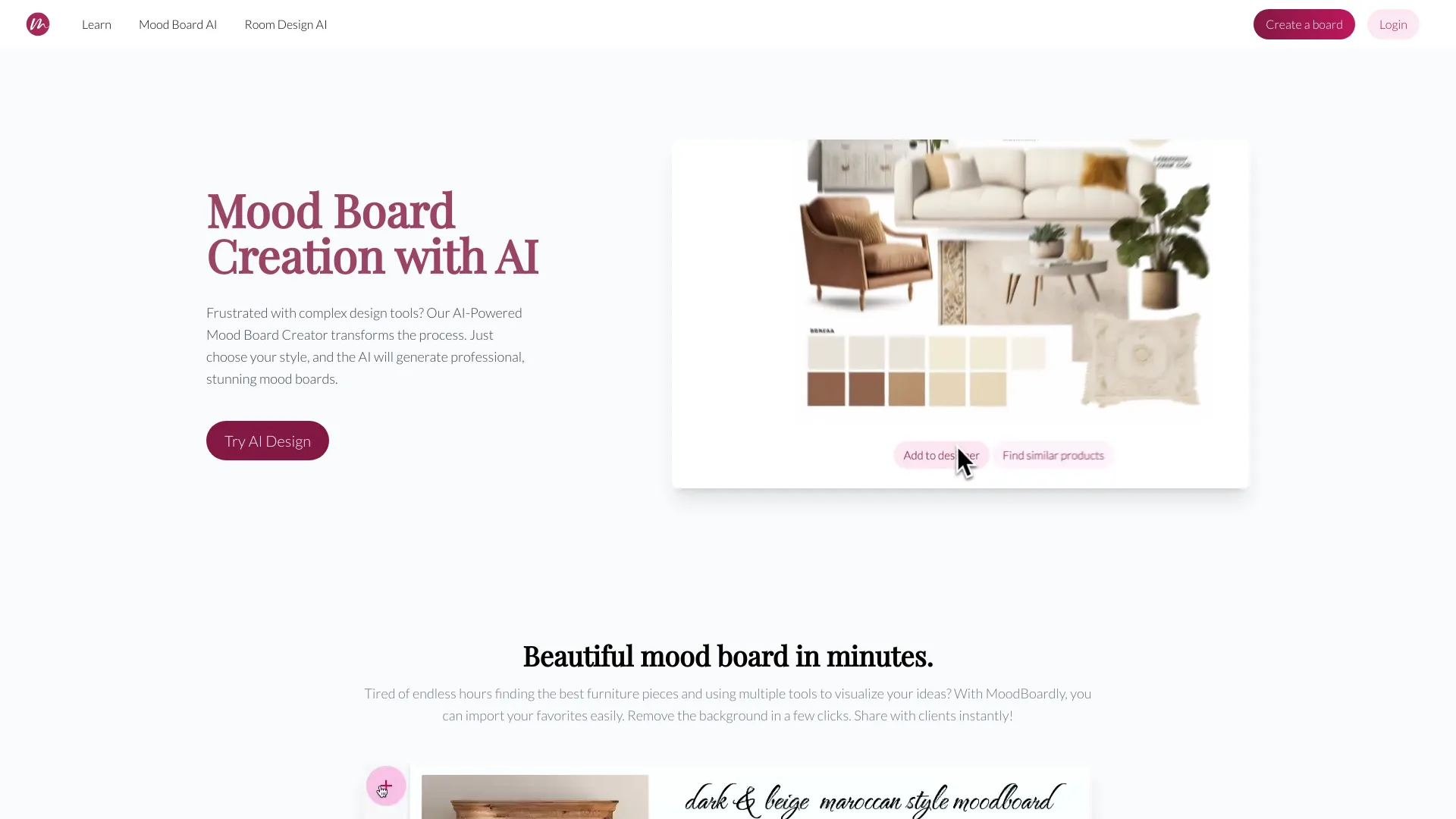
What is MoodBoardly?
MoodBoardly is an AI tool that transforms creative concepts into stunning mood boards for interior design, fashion, weddings, and more. It offers an online moodboard maker and generator, allowing users to create, customize, and share mood boards online with ease using intuitive, AI-powered tools. MoodBoardly provides a suite of tools including Mood Board AI, Board Editor, and MyRoomDesigner.AI to simplify the design process.
How to use MoodBoardly?
To use MoodBoardly, start by defining your creative vision, choose a style and color palette, add custom details, and use the AI to generate and refine your mood board. You can then import your AI-generated board into the Mood Board Editor for further customization and create a shopping list.
What areas can I generate mood boards for with Mood Board AI?
Mood Board AI allows you to create mood boards for a wide range of areas, including interior design, fashion, wedding design, food branding, food photography, restaurant photography, kitchen design, living rooms, dining rooms, bedrooms, gardens, yoga studios, and more.
What types of rooms can I design mood boards for using Mood Board AI?
You can design mood boards for various spaces including: Interior Design, Living Room, Dining Room, Bedroom, Kitchen, Bathroom, Home Office, Library, Nursery, Kids Room, Yoga Studio, Garden and more.
How do I create the perfect mood board with Mood Board AI?
1. Begin by choosing your creative focus. 2. Choose from design aesthetics. 3. Add specific elements. 4. Pick your favorite from four suggested boards. 5. Refine your AI-generated design. 6. Get tailored product suggestions.
Can I further customize the design with specific elements?
Yes! You can add extra wishes and specific elements you want in your design, whether it's specific furniture pieces, colors, or additional details like plants or fairytale elements. Simply write them down and click the "Change prompt" button to update your design accordingly.
Can I refine the AI-generated design?
Yes! You can use Mood Board AI's intuitive "Clean Up and Replace" feature to quickly refine the design, removing unwanted elements or making changes to better suit your vision. Additionally, you can upscale the selected image to a high resolution for enhanced photo quality, ensuring you have the best visual representation of your design. You can also add your AI-generated photo to the Mood Board Editor for further customization and create a shopping list for that design.
How can I use the Mood Board AI to find products for my design?
Yes, you can! After generating your mood board, simply click the 'Find similar products' button. By selecting items in your mood board photo, you can discover real-life products that match the style.
How can interior designers use this tool for their projects?
With MyRoomDesigner.AI, MoodBoard AI, and Board Editor, interior designers can easily create multiple design concepts, mood boards, shopping lists, and color palettes. The tool also allows for the creation of client-ready presentations, helping designers enhance their creative process, streamline their workflow, and present polished, professional designs to clients.
Why are the AI features not free?
Our AI features require significant computational resources and advanced technology to deliver high-quality results. The costs associated with running these AI models, including GPU usage and ongoing development, necessitate a subscription model to ensure we can continue providing and improving this service.
Can I get a refund for the AI moodboard and room design generations?
We understand that you may have concerns about the quality of our AI-generated designs. However, due to the immediate consumption of computational resources when generating AI moodboards and room designs, we generally cannot offer refunds once the service has been used. If you're unsatisfied with the results, please contact our support team.
How do I cancel my subscription?
You can easily manage and cancel your subscription at any time through your user dashboard. Simply log in to your account, navigate to the subscription management section, and follow the prompts to cancel. Your access to the AI room designer and mood board generation will continue until the end of your current billing period.