
Modeli.ai
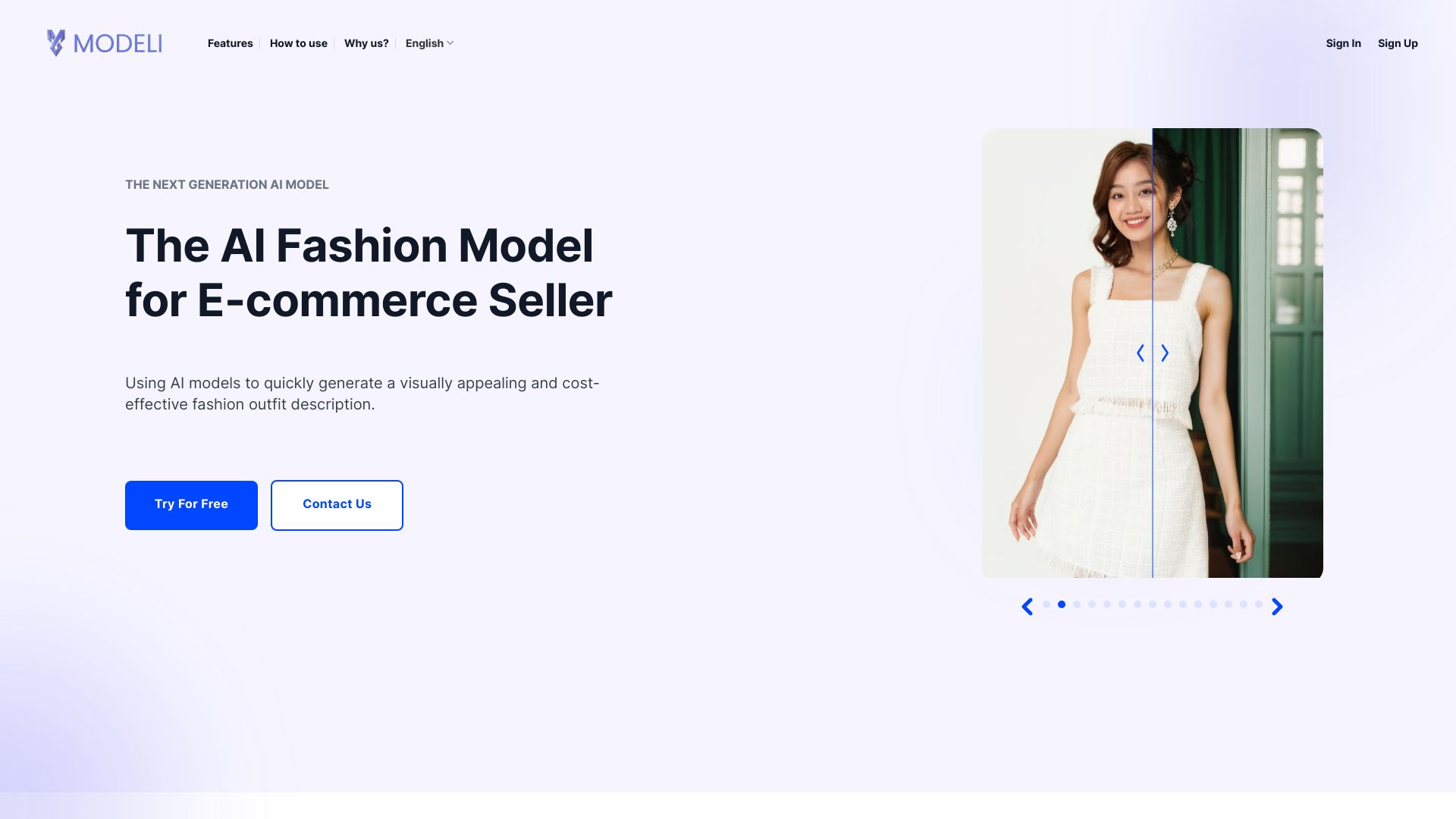
Modeli.ai optimizes fashion product photoshoots with AI models for e-commerce sellers.
Source rating 5.0
(67)
0 views
0 saves
Unknown
Verdict
A quick read before you dig into the full page.
- Best if
- Modeli.ai optimizes fashion product photoshoots with AI models for e-commerce sellers
- Pick this when
- Modeli.ai optimizes fashion product photoshoots with AI models for e-commerce sellers
Overview
Modeli is an AI Solution that aims to optimize & replace traditional Photo Shooting Process for Fashion Product using AI Models. It offers AI Fashion Model for E-commerce Seller, using AI models to quickly generate visually appealing and cost-effective fashion outfit descriptions.
Access & connections
Where you can use Modeli.ai.
Platforms
Capabilities
What this tool accepts, produces, and is strongest at.
Highlights
- AI model photos generation
- Mannequin Photos
- Traditional Model Photos
- KOL Models
- Fashion Collection
FAQ 6
What is Modeli.ai?
Modeli is an AI Solution that aims to optimize & replace traditional Photo Shooting Process for Fashion Product using AI Models. It offers AI Fashion Model for E-commerce Seller, using AI models to quickly generate visually appealing and cost-effective fashion outfit descriptions.
How to use Modeli.ai?
Upload product images, choose a template, customize model attributes (body stance, hair, skin, background), add a watermark, and export the AI-generated image.
What is Modeli.ai?
Modeli is an AI Solution that aims to optimize & replace traditional Photo Shooting Process for Fashion Product using AI Models.
How does Modeli.ai enhance product visuals?
Modeli.ai offers many input options, multiple model style templates, tailors body, skin, and hair intricately, provides flexibility in adding accessories, and offers a diverse range of backgrounds.
What input options are available in Modeli.ai?
Modeli.ai provides an assortment of input possibilities based on source images: mannequin and model’s shot.
How do I select the gender of the AI model?
Choose the gender option 'Male' / 'Female' for the AI model based on your product. You can also opt for 'Unisex' in the Advanced Settings section.
Related tools
Recommended

APIMart ✓
UnknownOne API for 500+ AI models at 70% less cost.

SJolt ✓
PaidOne API for all the best AI generation models.

PoYo.AI ✓
FreemiumHigh concurrency. Stable AI API. Better pricing.

Chatbot App
PaidMulti-Model AI Chat Platform that lets you switch between 30+ leading AI models instantly or run them side by…
Modeli.ai