Verdict

A quick read before you dig into the full page.

Best if
AI interview simulator for UX/UI and Product Designers
Pick this when
AI interview simulator for UX/UI and Product Designers

Overview

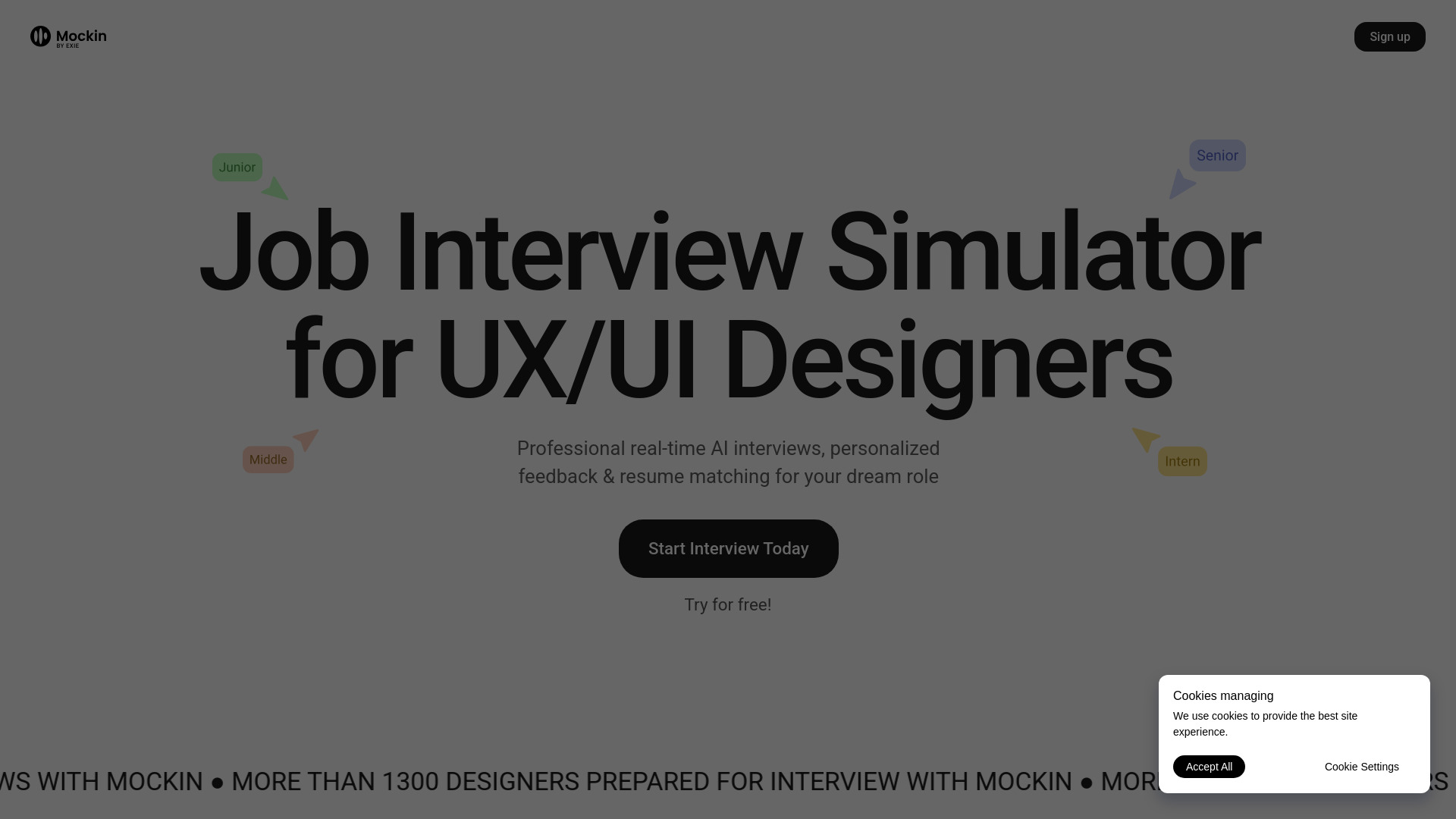
Mockin is an AI-powered job interview simulator specifically designed for UX/UI and Product Designers. It provides realistic mock interviews using advanced natural language technology, offering real-time, personalized feedback on responses (content, clarity, structure, and design thinking). The platform helps users master interview techniques like the STAR method, improve self-presentation skills in multiple languages, and prepare for various interview types including technical, case study, and behavioral questions. Additionally, Mockin assists with resume assessment for ATS compatibility and matching skills to target positions, aiming to boost confidence and help users land their dream design roles.

Mockin screenshot

Access & connections

Where you can use Mockin.

Platforms

Web

Capabilities

What this tool accepts, produces, and is strongest at.

Highlights

  • Professional real-time AI interviews
  • Personalized and actionable feedback
  • Resume assessment and ATS compatibility check
  • Skill matching to target positions
  • STAR method mastery training
  • 200+ real interview questions
  • Adaptive AI that thinks and follows up based on answers
  • Verbal response capability with text and audio questions
Show 2 more
  • Self-presentation skill improvement in seven languages
  • Design level assessment

FAQ 5

What is Mockin?
Mockin is an AI-powered job interview simulator specifically designed for UX/UI and Product Designers. It provides realistic mock interviews using advanced natural language technology, offering real-time, personalized feedback on responses (content, clarity, structure, and design thinking). The platform helps users master interview techniques like the STAR method, improve self-presentation skills in multiple languages, and prepare for various interview types including technical, case study, and behavioral questions. Additionally, Mockin assists with resume assessment for ATS compatibility and matching skills to target positions, aiming to boost confidence and help users land their dream design roles.
How to use Mockin?
Users can start an interview simulation by responding verbally to AI-generated questions, which are presented in both text and audio formats. The system analyzes responses for content, clarity, structure, and design thinking, providing real-time, personalized feedback and suggestions for improvement. The platform also guides users through a 5-step process that includes assessing their design level, checking and improving their resume for ATS compatibility, highlighting skills, mastering the STAR method, and turning simulations into job offers.
How does the interview simulation work?
Our interview simulation uses advanced natural language technology to create realistic design interview experiences. It presents questions through both text and audio formats, allowing you to respond verbally. The system analyzes your responses for content, clarity, structure, and design thinking, providing real-time feedback with specific suggestions for improvement.
What designer experience level is Mockin for?
Mockin adapts to designers at any level. Beginners receive guidance for their first major interviews, while experienced designers get tailored preparation matching their seniority. The Assessment interview feature helps everyone identify strengths and growth opportunities.
What’s the STAR method, and why do you use it?
The STAR Method (Situation, Task, Action, Result) provides structure to behavioral interview responses. We emphasize it because it demonstrates problem-solving skills, highlights collaboration abilities, and showcases user-centered thinking, which are crucial for UX/UI and Product Design roles.
Mockin