

MockFlow ✓
Wireframe websites and apps in minutes with AI.
Free + from $12.50/mo
Verdict
A quick read before you dig into the full page.
- Best if
- Wireframe websites and apps in minutes with AI
- Skip if
- Complex interface for beginners
- Pick this when
- Over 1000 UI components
Considering Visily instead? Compare side by side
Overview
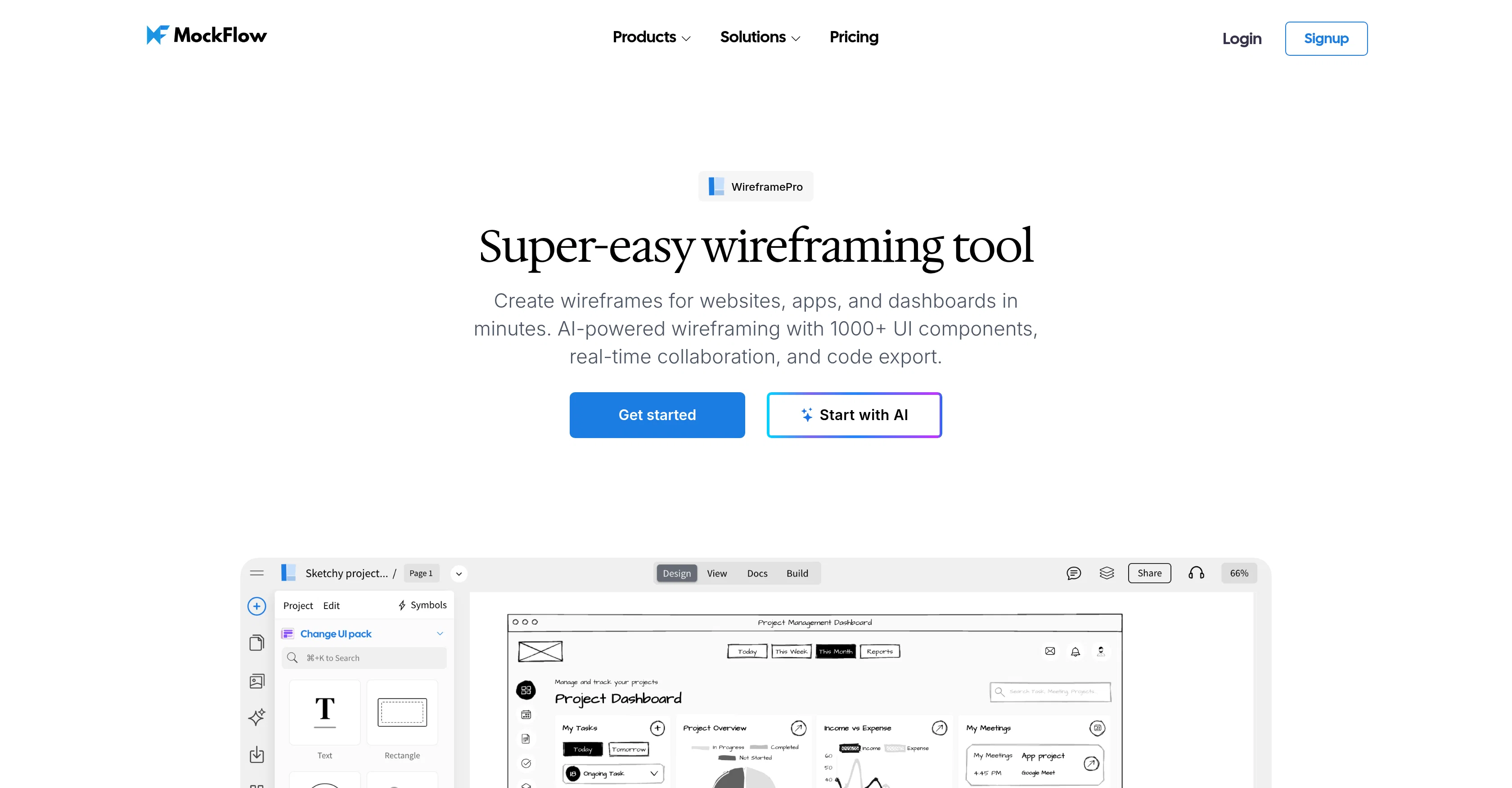
MockFlow WireframePro is an AI-enhanced wireframing tool perfect for designing websites, applications, and dashboards. The machine learning power enables users to create wireframes quickly with its assortment of over 1000 UI components.
Not only does it have an impressive selection of UI kits, but MockFlow also offers real-time collaboration, making it an excellent choice for remote teams, agencies, startups, and enterprises.
A distinguishing feature of this tool is the capacity to export code for various programming environments, including Tailwind, Bootstrap, React, and more, leading to a smoother transition from design to development.
The tool can convert existing designs into editable wireframes or even create new ones from text prompts or captured screenshots via an integrated AI feature.
Important tool additions like integrated images, illustrations, and icons enhance the wireframing process, while its unique features like reusable design components, shared layouts, chart components, and complex data tables equip users to build sophisticated wireframes.
MockFlow WireframePro also allows users to create interactive prototypes, import layout templates for quick completion, and implement design assets into their wireframes.
Plus, the platform promotes collaboration with real-time editing, design suggestion capabilities, and a presentation mode for a streamlined review and feedback process.
Access & connections
Where you can use MockFlow.
Platforms
Capabilities
What this tool accepts, produces, and is strongest at.
Input
- API
- Tabular
- Image
- Text
Output
- Code
- API
- Text
- Image
Pros & cons
Pros
- Over 1000 UI components
- Real-time collaboration
- Export code for Tailwind, Bootstrap, React
- Design conversion to editable wireframes
- Create wireframes from text prompts
- Create wireframes from screenshots
- Integrated images, illustrations, icons
- Reusable design components
Show 24 more
- Shared layouts
- Chart components
- Complex data table design
- Interactive prototypes
- Layout template import
- Real-time editing
- Design suggestion capabilities
- Presentation mode
- Wireframe redesign feature
- Chrome extension for conversion
- Integrated stock images
- Instant icon libraries
- Illustration libraries
- Symbols for reusable components
- Master pages for shared layouts
- Data visualization in wireframes
- UI flow communication
- Functional flow creation
- Production-ready code export
- Skip design to development phase
- Editable code for developers
- Design and development team collaboration
- Copy changes in comments
- Feedback in real-time
Cons
- No offline mode
- Limited code export options
- No Android or iOS apps
- Limited UI components
- Cannot directly edit code
- Lacks advanced prototyping features
- Shared layouts not customizable
- No comprehensive analytics feature
Show 2 more
- Limited collaboration tools
- Complex interface for beginners
Compare alternatives
Similar tools in the catalog — with a clear reason to open each one.

Visily ✓
FreemiumAI-powered wireframes for non-designers.
Why look Higher community rating
Full comparison
Wireframe Designer ✓
Free TrialDesign wireframes with a single click.
Why look Typically cheaper
Full comparison
Chordio Wireframes ✓
FreemiumAI chatbot for instant app wireframes
Why look Typically cheaper
Full comparison
Thread App ✓
FreemiumCreate interactive wireframes instantly with AI
Why look Typically cheaper
Full comparison
BareMinimum ✓
FreeAI-powered ASCII wireframe generator for developers.
Why look Fully free option
Full comparisonReleases 1
FAQ 12
What is MockFlow WireframePro?
How can MockFlow WireframePro help with designing websites, applications, and dashboards?
What does it mean that MockFlow WireframePro is an AI-enhanced tool?
Can I collaborate with my team in real-time using MockFlow WireframePro?
How can I use the over 1000 UI components provided by MockFlow WireframePro?
What programming environments does MockFlow WireframePro support for code export?
Can I use MockFlow WireframePro to convert existing designs into editable wireframes?
What's the process of creating a new design from text prompts or screenshots in MockFlow WireframePro?
What kind of images, illustrations, and icons are integrated into MockFlow WireframePro?
How do unique features like reusable design components and shared layouts work in MockFlow WireframePro?
Can I create interactive prototypes with MockFlow WireframePro?
How does the process of importing layout templates for quick completion work in MockFlow WireframePro?
Related tools
Recommended

UX Pilot ✓
FreemiumGenerate Wireframes and UI Designs (Web & Figma)

SlateFrames ✓
PaidTransform screenplays into professional storyboards with AI.

neural frames ✓
FreemiumGenerated video creation from text.

Framecast ✓
FreemiumTurn HTML animations into flawless video.

ARCHITEChTURES ✓
FreemiumAI-powered design: Months to minutes for buildings.

Foldwrap ✓
Free TrialCreate animated banner ads instantly with AI