Summarization

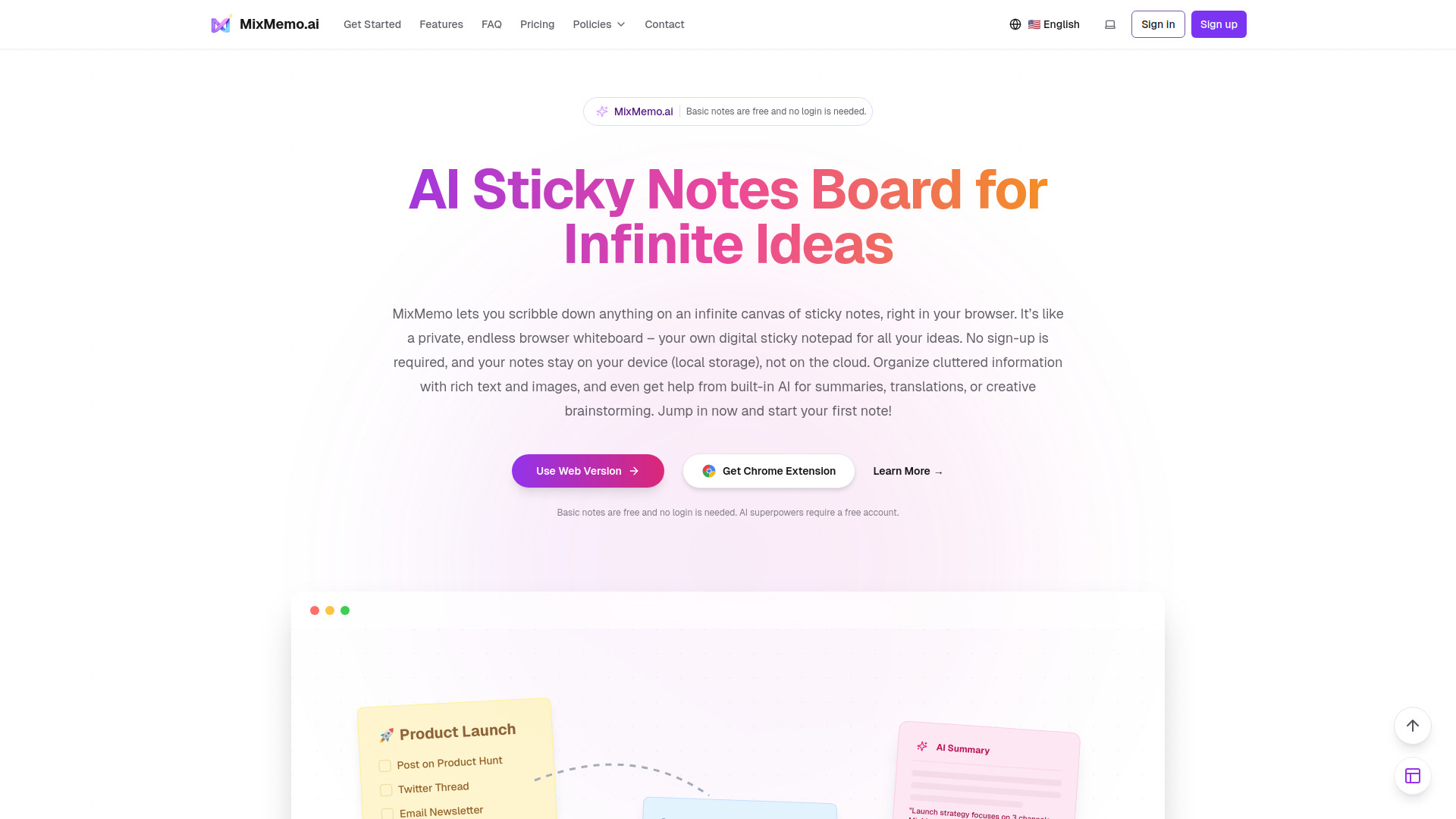
MixMemo - Visual AI Canvas

Turn PDFs, Excel, and images into AI summaries & flashcards on an infinite canvas (Get 100 Free AI Credits!).

Source rating 5.0 (60) 0 views 0 saves Freemium
More categories (4)

Free + from $9.99 / / monthly

Verdict

A quick read before you dig into the full page.

Best if
Turn PDFs, Excel, and images into AI summaries & flashcards on an infinite canvas (Get 100 Free AI Credits!)
Skip if
You need enterprise SLAs or a fully managed team plan right away
Pick this when
Freemium · Free + from $9.99 / / monthly

Overview

Experience Spatial Document Analysis! Unlike traditional AI chats, MixMemo turns your browser into an intelligent visual workspace. 🎁【WELCOME BONUS】Sign in with Google to instantly receive 100 Free AI Credits! 🚀【AHA! MOMENTS】① Visual PDF Analysis: Drag a PDF onto the canvas, let AI summarize it, and place insights right next to the original text. ② Instant Flashcards: Highlight lecture notes and let AI generate interactive Quiz sticky notes. ③ Visual Data Extraction: Paste an Excel file or image, and watch AI extract data spatially. 🔒【PRIVACY FIRST】Basic notes are saved locally in your browser (IndexedDB). Data only touches the cloud when using AI features. 💎【PRICING】Freemium (100 Free Credits on Sign-up).

MixMemo - Visual AI Canvas screenshot

Access & connections

Where you can use MixMemo - Visual AI Canvas, and what it plugs into.

Platforms

Web

Integrations

Capabilities

What this tool accepts, produces, and is strongest at.

Highlights

  • Frictionless Whiteboard UI: Click anywhere to type, paste anything, and drag to pan. It functions exactly like a boundless physical desk.
  • Spatial Document Analysis: Analyze PDFs and Excel files side-by-side on an infinite canvas, rather than in a restricted chat box.
  • Instant AI Flashcards: Turn long articles or lecture notes into interactive study flashcards in one click.
  • Zero-Friction OCR: Paste any screenshot or image onto the board and instantly extract editable text.
  • Local-First Privacy: All your basic notes and canvas layouts are saved locally in your browser (IndexedDB) for ultimate privacy.

FAQ 5

What is MixMemo - Visual AI Canvas?
Experience Spatial Document Analysis! Unlike traditional AI chats, MixMemo turns your browser into an intelligent visual workspace. 🎁【WELCOME BONUS】Sign in with Google to instantly receive 100 Free AI Credits! 🚀【AHA! MOMENTS】① Visual PDF Analysis: Drag a PDF onto the canvas, let AI summarize it, and place insights right next to the original text. ② Instant Flashcards: Highlight lecture notes and let AI generate interactive Quiz sticky notes. ③ Visual Data Extraction: Paste an Excel file or image, and watch AI extract data spatially. 🔒【PRIVACY FIRST】Basic notes are saved locally in your browser (IndexedDB). Data only touches the cloud when using AI features. 💎【PRICING】Freemium (100 Free Credits on Sign-up).
How to use MixMemo - Visual AI Canvas?
🖱️【STEP 1: NAVIGATE】Open the site (no sign-up needed). Scroll or drag your mouse to pan the boundless canvas. ✍️【STEP 2: CAPTURE INSTANTLY】Click anywhere to type, or simply paste text, images, and files directly. Drag the top edge of any sticky note to organize them visually. ✨【STEP 3: UNLOCK AI】Sign in with Google to claim 100 Free AI Credits. Select your content, click the AI button, and instantly generate summaries, flashcards, or data extraction right next to your files!
Do I need to create an account to start using MixMemo?
No! You can open the canvas, click anywhere to type, or paste images and files immediately without any login. You only need to sign in with Google when you want to use the advanced AI features and claim your free credits.
Is my data safe and private?
Yes. MixMemo is built on a local-first architecture. By default, all your notes and attachments are saved locally on your device's browser. Data is only sent to the cloud when you actively click to use an AI feature.
What can I do with the 100 Free AI Credits?
You can use your free credits to test all our premium AI superpowers, including summarizing long PDFs, extracting data from Excel/images, and generating interactive study flashcards right on your canvas.
MixMemo - Visual AI Canvas Free + from $9.99 / / monthly