
Midjourney for Slack
Midjourney in Slack for team AI image generation.
Source rating 5.0
(60)
64 views
64/mo traffic
0 saves
Unknown
Verdict
A quick read before you dig into the full page.
- Best if
- Midjourney in Slack for team AI image generation
- Pick this when
- Midjourney in Slack for team AI image generation
Overview
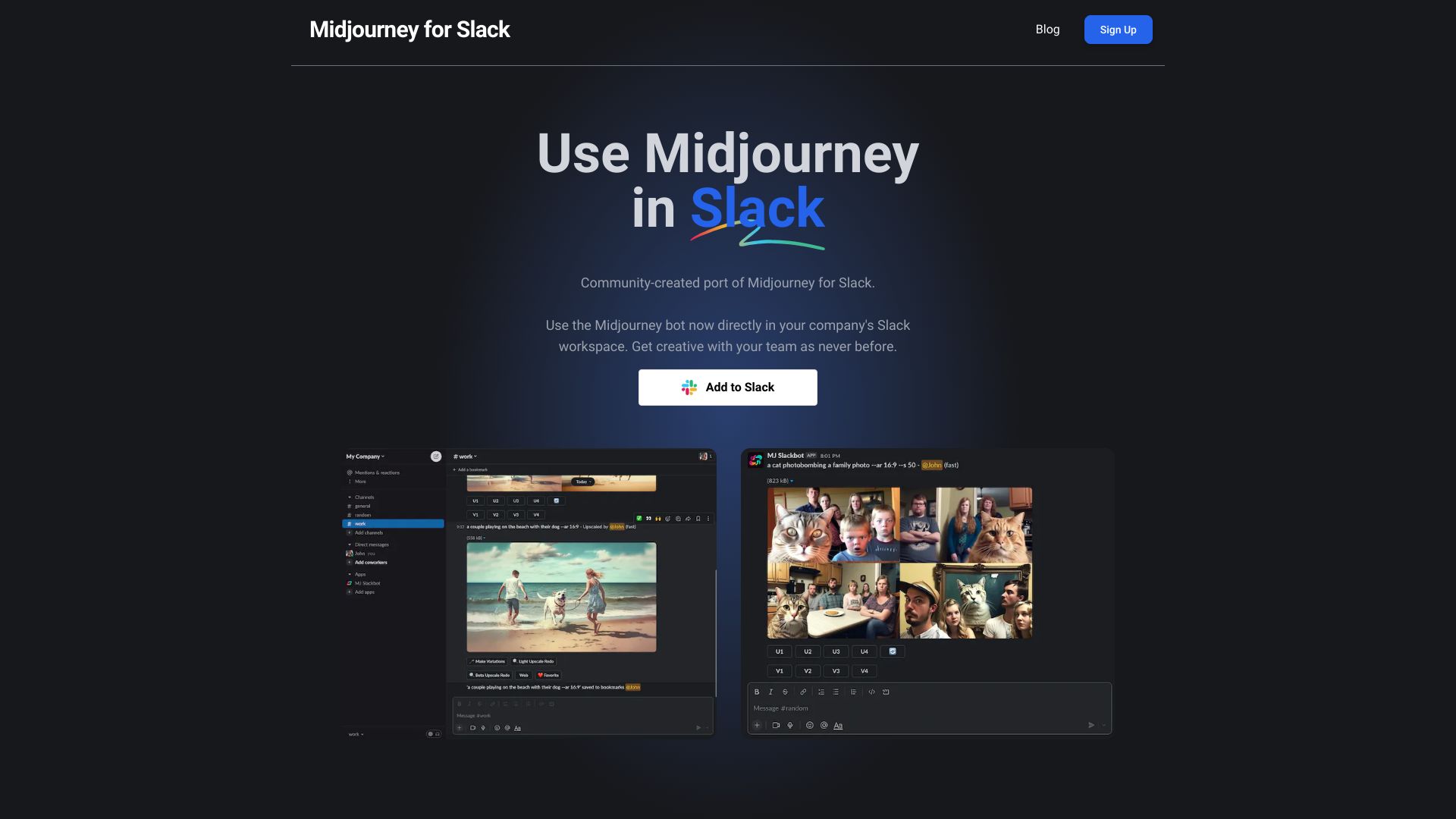
MJ Slack Bot is a community-created port of the popular AI image generation bot Midjourney for Slack. It allows users to create stunning AI images directly within their Slack workspace, fostering collaboration and creativity among colleagues. This unofficial port enables teams to leverage Midjourney's capabilities without leaving the Slack environment.
Access & connections
Where you can use Midjourney for Slack, and what it plugs into.
Platforms
Integrations
Capabilities
What this tool accepts, produces, and is strongest at.
Highlights
- AI image generation within Slack
- Team collaboration on image creation
- Familiar Midjourney commands
- Streamlined workflow without app switching
FAQ 6
What is MJ Slack Bot?
MJ Slack Bot is a community-created port of the popular AI image generation bot Midjourney for Slack. It allows users to create stunning AI images directly within their Slack workspace, fostering collaboration and creativity among colleagues. This unofficial port enables teams to leverage Midjourney's capabilities without leaving the Slack environment.
How to use MJ Slack Bot?
1. Add the bot to your Slack workspace using the 'Add to Slack' button. 2. Type /info in any channel to get started and ensure the bot is set up correctly. 3. Use the /imagine command followed by a description of the desired image (e.g., /imagine a dog at the beach).
How do I add MJ Slack Bot to my Slack workspace?
Click the 'Add to Slack' button on the website.
How do I start creating images?
Type /imagine followed by a description of the image you want to create in any Slack channel.
Are there any free image generations?
Yes, the first 5 image generations are free.
What happens after I use the free image generations?
You will need to upgrade to a paid plan to continue using the bot.
Related tools
Recommended




Midjourney for Slack