
MenuPhotoAI ✓
Transform food photos to studio quality in 30 seconds.
Trial; then from $27/mo
Verdict
A quick read before you dig into the full page.
- Best if
- Transform food photos to studio quality in 30 seconds
- Skip if
- Subscription-based pricing
- Pick this when
- Transforms food photos quickly
Considering PlatePose instead? Compare side by side
Overview
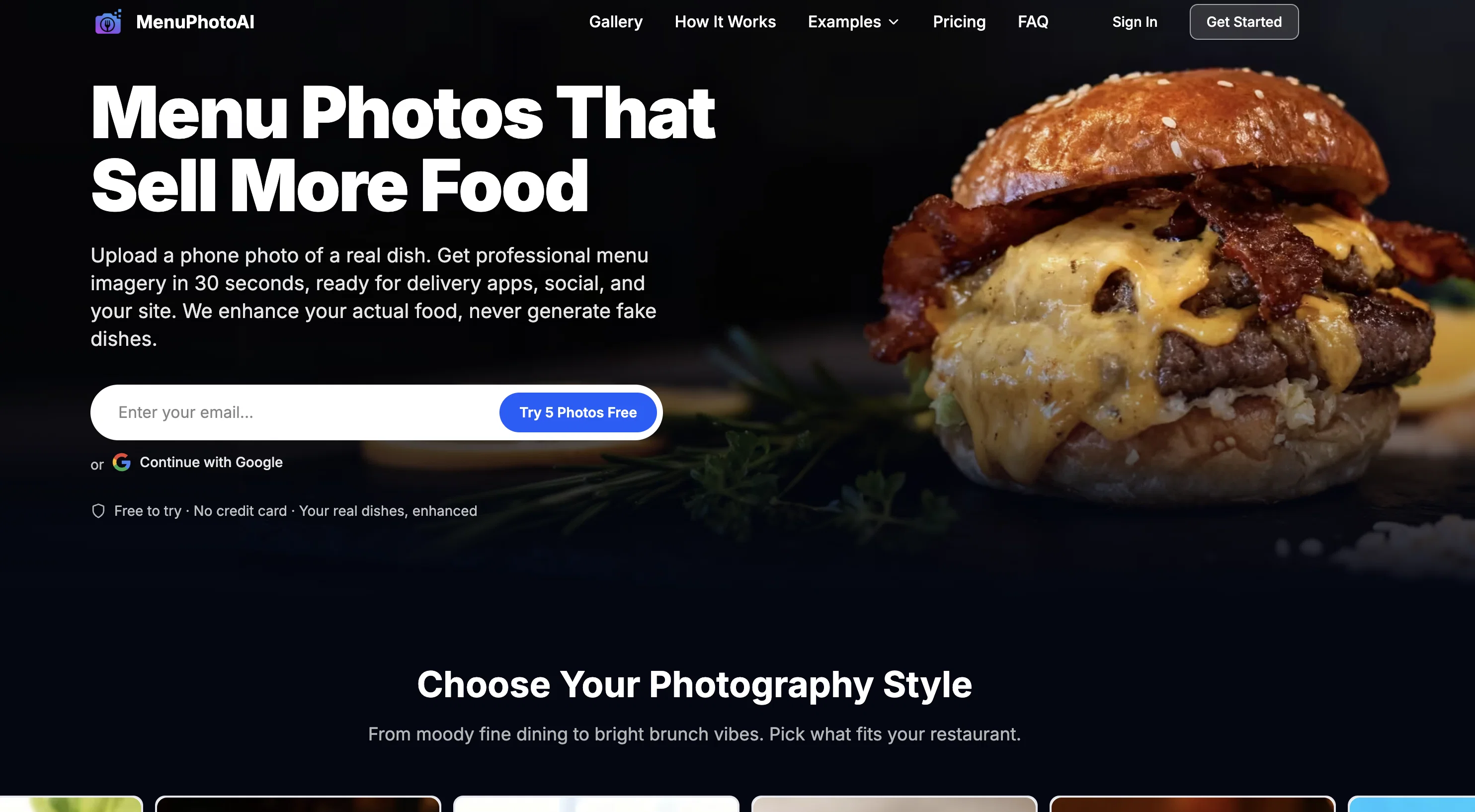
MenuPhotoAI is a professional artificial intelligence tool designed for enhancing real food photos to studio quality. It's primarily used by restaurants, bloggers, recipe creators, and photographers to improve the appeal of their food-related images in a remarkably short period approximately 30 seconds.
The tool focuses on heightening the detail of each image, whilst maintaining authenticity by not altering the appearance of the food itself. Rather, it significantly improves aspects such as lighting and background to provide a professional finish.
The application allows users to choose from a varied range of photography styles, giving them the flexibility to match the aesthetic to their particular needs.
These styles range from moody fine dining, to more natural, intimate variations, bold and vibrant styles, and even the creation of a bountiful feast presentation.
The tool is trusted by a broad user base worldwide, which includes restaurants, food trucks, and cafes. As a testament to the quality it delivers, user feedback suggests that improved images can lead to an increase in order volumes.
A trial of the software is available, offering a limited number of free professional food photo enhancements.
Access & connections
Where you can use MenuPhotoAI.
Platforms
Capabilities
What this tool accepts, produces, and is strongest at.
Input
- Image
Output
- Image
Supported features
- Image Edit
- Image Generation
- Styling
Pros & cons
Pros
- Transforms food photos quickly
- Improves real dish images
- Array of photography styles
- Doesn't generate fake food images
- Increases customer engagement
- Increases order volume
- Offers free trial
- Customizable to specific needs
Show 38 more
- Multiple styles like 'moody fine dining'
- Multiple styles like 'bright brunch vibes'
- Quality enhancement in 30 seconds
- Maintains food authenticity
- Improves lighting and background
- Users worldwide trust it
- Number of free trial credits
- Heightens image detail
- Varied range of photography styles
- Can match aesthetic needs
- Improves appeal of food-related images
- Offers different themed styling options
- Targets different user base like restaurants, bloggers, etc.
- Has societal proof from user feedback
- Results in increased order volumes
- Removes irregular people in frame
- Fixes poor lighting in original photos
- Adjusts wrong colors in original photos
- Corrects blurry photos
- Fixes bad angles in original photos
- Cleans up messy backgrounds in original photos
- Allows batch uploads up to 100 photos
- Customization based on type of food
- Customization based on delivery platform
- Web-optimized JPG download format
- Platform-specific sizes for download
- Cheaper than a traditional photographer
- Boosted less-expensive plans with discount code
- Cancellable monthly subscriptions
- Commercial license provided
- Watermark-free downloads
- Reduces expenditure vs. photographers
- Large variety of food photography styles
- Delivers professional results fast
- Cheaper option for professional photos
- Solves issues of poor photos in the food industry
- Turns better photos into more orders
- Provides free credits for experimentation
Cons
- Only for food photos
- Limited trial credits
- No fake images creation
- Requires photography style selection
- Limited customers' scenarios
- Subscription-based pricing
- No mentioned API
- Requires photo upload
Show 2 more
- Processing time of 30s
- May result in over-stylization
Compare alternatives
Similar tools in the catalog — with a clear reason to open each one.
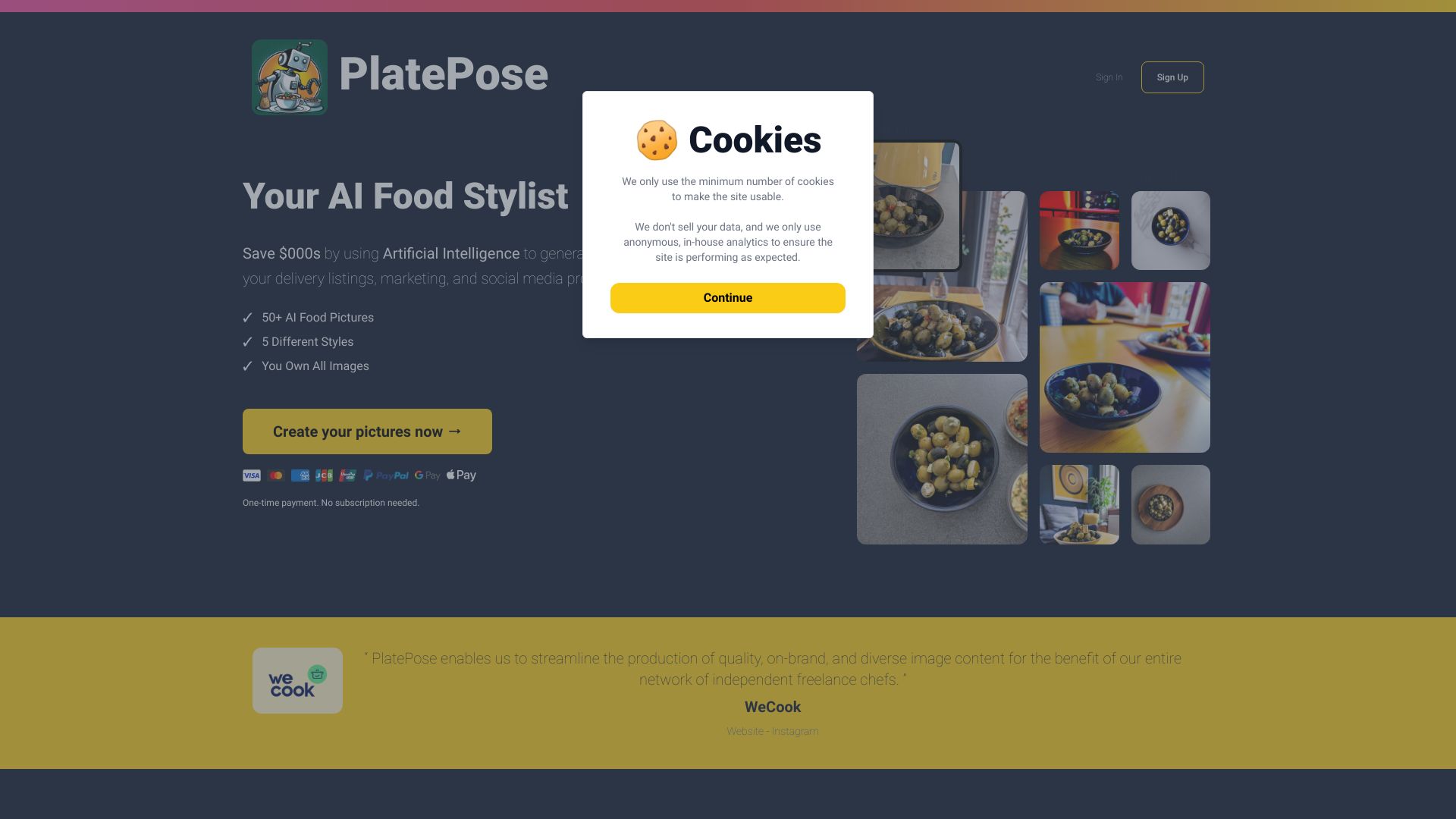
PlatePose
PaidAI-powered food photo generator for professional-quality images.
Why look Stronger for image work
Full comparison
FoodShot AI ✓
PaidTransform food photos into stunning visuals instantly.
Why look Typically cheaper
Full comparison
daisy | Dashify ✓
FreemiumInstantly Enhance Your Food Photos
Why look Typically cheaper
Full comparison
PlatePhoto ✓
Free TrialGenerate professional AI food photos in seconds.
Why look Typically cheaper
Full comparison