

Mediar ✓
AI agents that automate your Windows workflowsno APIs needed.
Verdict
A quick read before you dig into the full page.
- Best if
- AI agents that automate your Windows workflowsno APIs needed
- Skip if
- Limited to desktop applications
- Pick this when
- Automates desktop workflows
Considering SureThing.io - "OpenClaw" for Beginners instead? Compare side by side
Overview
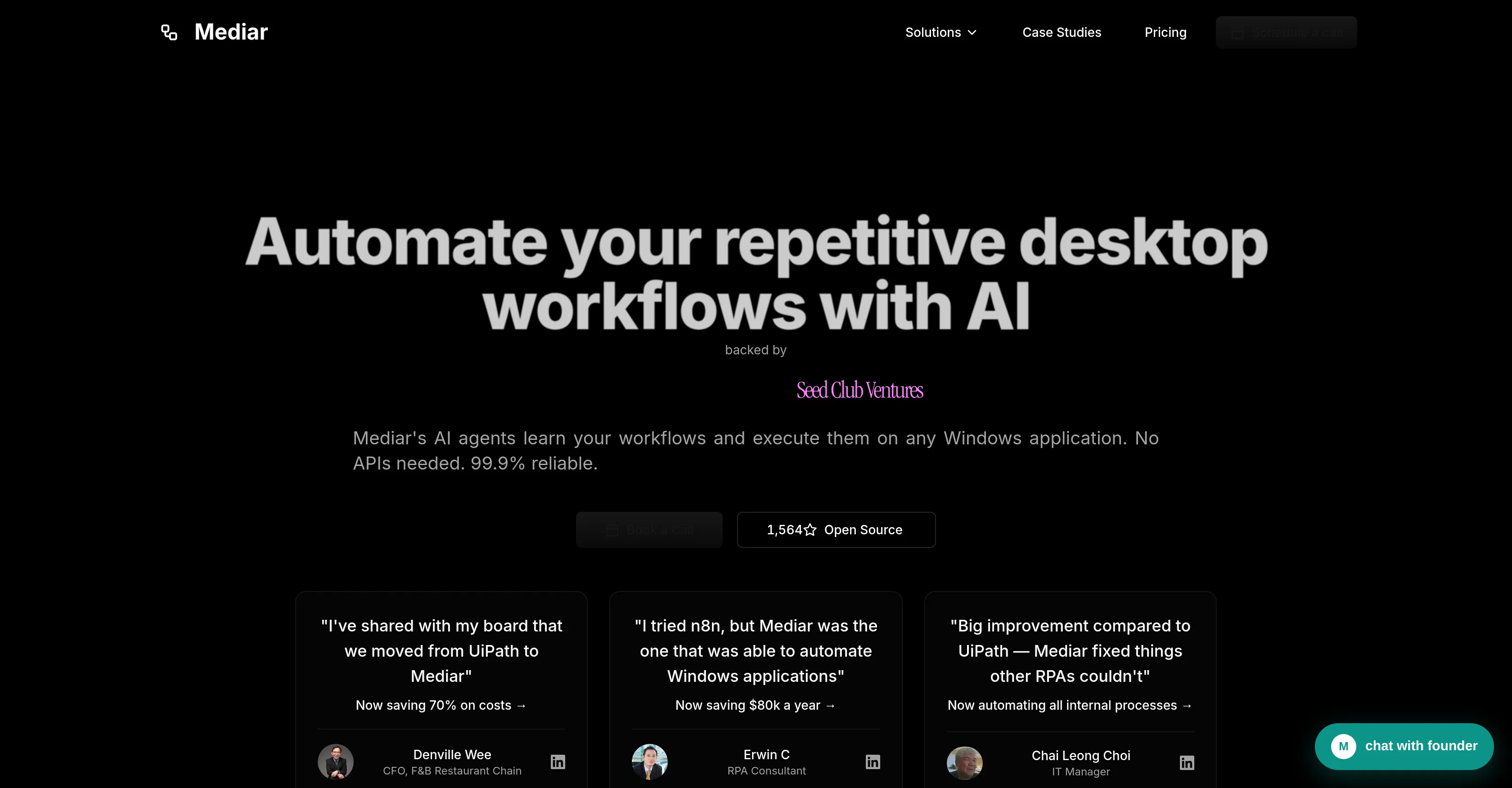
Mediar is an AI tool designed to automate repetitive desktop workflows, enabling users to create efficient and reliable processes across various Windows applications.
The tool's AI agents are capable of learning the user's existing workflows and replicating them, eliminating the need for APIs or any form of coding. Mediar is built to work seamlessly with a wide variety of applications, aiming to significantly reduce manual work and errors.
Capable of executing a broad range of tasks, including task recording, form filling, compliance forms processing, bulk PDF processing and more, it is designed to streamline operations and workflows.
Mediar introduces AI-Native automation through its 'record once, deploy anywhere' approach to workflow automation, significantly reducing deployment times.
Its self-healing architecture is crafted to be reliable, minimizing maintenance requirements. Further, this AI tool tracks performance metrics, accuracy rates, cost savings, and workflow efficiency in real-time through its dashboard.
In summary, Mediar is a tool that applies artificial intelligence to automate tasks, learn your workflows, and operate any Windows application with a high level of reliability.
Access & connections
Where you can use Mediar, and what it plugs into.
Platforms
Integrations
Pros & cons
Pros
- Automates desktop workflows
- No need for APIs
- No coding required
- Works with many applications
- Reduces manual work
- Mitigates errors
- Supports variety tasks
- Automates form filling
Show 38 more
- Handles bulk PDF processing
- 'Record once, deploy anywhere'
- Quick deployment times
- Self-healing architecture
- Real-time performance tracking
- Real-time error monitoring
- Real-time efficiency tracking
- Cost and time saving
- Operates any Windows application
- Reliable 99.9% uptime
- Streamlines operations, workflows
- Automates compliance form processing
- Less maintenance requirement
- High inter-application compatibility
- Learns existing workflows
- Real-time analytics dashboard
- Process optimization capabilities
- Live in 1 week
- Substantial ROI potential
- Requires no consultant team
- Reliable automation solution
- True horizontal scalability
- Self-healing minimizes maintenance
- Reduced setup cost
- Saves 70% on costs
- No UI changes breakage
- Accurate form execution
- Efficient task deployment
- Enhances workflow efficiency
- Saves hundreds hours weekly
- Wallet-friendly subscription options
- Up to 1-week deployment
- Claims processing automation
- Invoices to Google Sheets
- Gmail to Google Sheets
- Automate any task
- Book flights automation
- SAP B1 Reconciliation
Cons
- Windows only
- Potentially high cost
- Unknown scalability
- No API support
- Non-transferable automation knowledge
- Limited use-cases
- Reliance on 'self-healing' architecture
- Limited to desktop applications
Show 1 more
- No open source
Compare alternatives
Similar tools in the catalog — with a clear reason to open each one.

SureThing.io - "OpenClaw" for Beginners ✓
FreemiumFirst General AI Agency. Designed for long-horizon tasks.
Why look Offers a public API
Full comparison


Raccoon AI ✓
FreemiumThe AI Coworker for Apps, Research, Docs & Everything Else
Why look Offers a public API
Full comparison
Autopilots by Athena AI ✓
Free TrialAutonomous AI agents that execute tasks for you.
Why look Higher community rating
Full comparison
Releases 1
FAQ 12
What is Mediar?
How does Mediar automate desktop workflows?
Does Mediar require any form of coding or APIs?
Which applications can Mediar work with?
What types of tasks can Mediar execute?
What does 'record once, deploy anywhere' mean in the context of Mediar?
What role does AI play in Mediar's functionality?
How reliable is Mediar?
What metrics can Mediar track in real-time?
What is the self-healing architecture in Mediar?
How does Mediar's dashboard work?
Does Mediar help in processing compliance forms?
Related tools
Recommended

VenturusAI ✓
FreemiumBusiness idea analysis and reporting.

LearningStudioAI ✓
Free TrialAI-powered authoring tool for effortless online course creation.

Hyperis ✓
FreemiumOrganized task prioritization.

TutorAI ✓
FreemiumInstant knowledge on any topic

Stratup.ai ✓
FreemiumInnovative idea generation for businesses.

Business Idea Generator AI ✓
FreeGenerate innovative business ideas with AI