What is Mathpix?
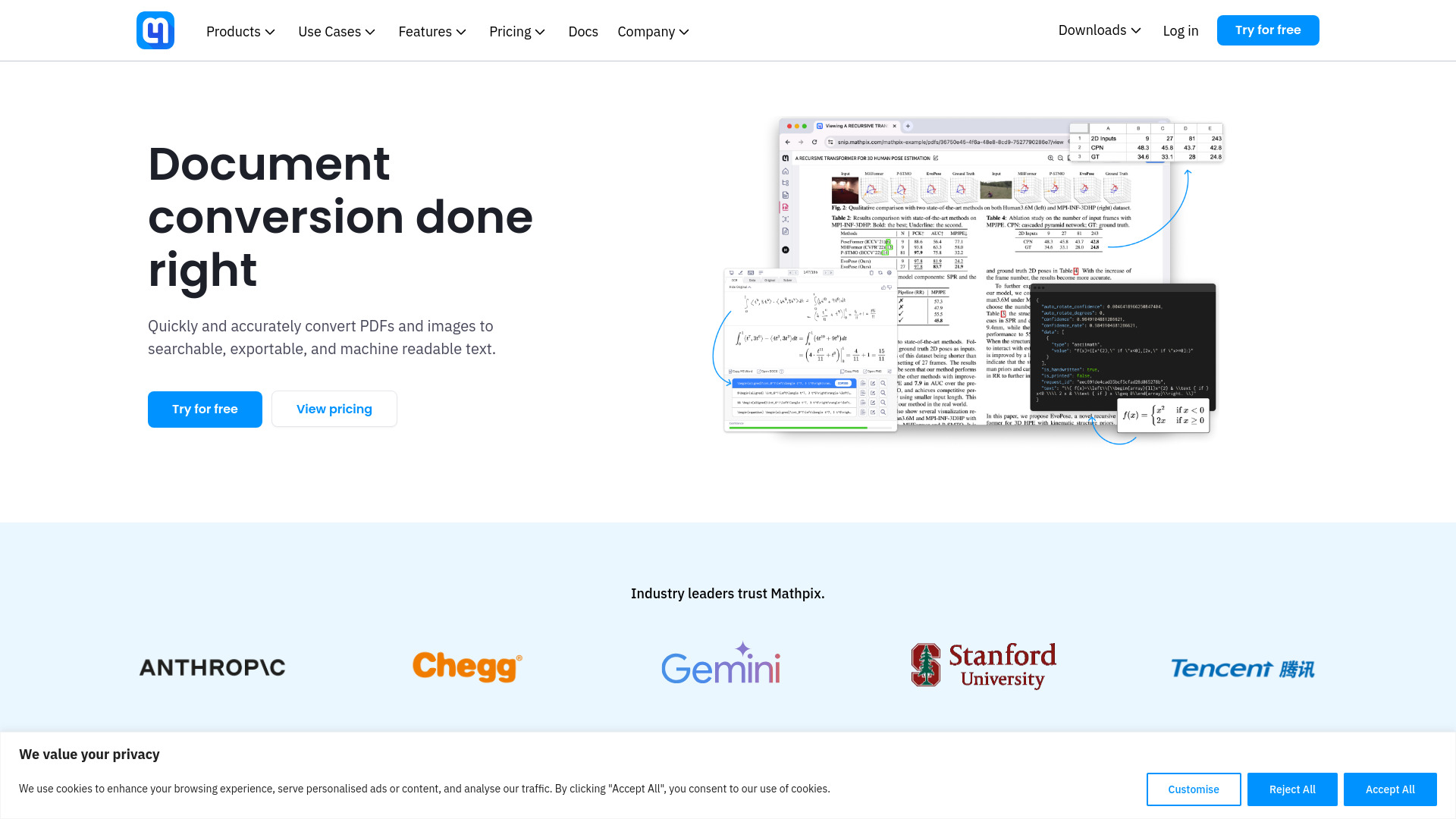
Mathpix is an AI-powered document conversion technology that converts images and PDFs to LaTeX, DOCX, Overleaf, Markdown, Excel, ChemDraw, and more. It offers tools for individuals, teams, enterprises, and developers, including Snip, Snipping Tool, Convert API, and Secure Conversion Service.
How to use Mathpix?
Users can convert documents by uploading images or PDFs to the Mathpix platform or using the Snip app, Snipping Tool, or Chrome extension. The AI then processes the document and converts it to the desired format.
How is Snips and PDFs usage shared in organizations?
In a Mathpix Snip organization, Snips and PDFs usage is 'pooled,' meaning all members of the organization share a single pool of available Snips and PDFs. This approach allows flexibility and efficiency in resource usage across teams.
Can I cancel the subscription in the middle of the month/year, so that I don’t forget to turn it off later?
Yes, you can cancel your Mathpix subscription at any time. Upon cancellation, your subscription will remain active until the end of the current billing cycle, whether it's monthly or yearly. After this period, your subscription will not renew, and you won't incur further charges.
I forgot to cancel my subscription and got charged. Can I get a refund?
According to our Terms of Use, subscriptions are non-refundable. If you forgot to cancel before your renewal date, the charge cannot be reversed, and the subscription will remain active until the end of the current billing cycle (monthly or yearly). You can cancel your subscription at any time to avoid future charges. To manage your subscription, go to the Billing section of your Mathpix account.
I’ve bought the one year Pro plan with my Alipay account, but my subscription has not been upgraded. What should I do?
If your subscription hasn’t been upgraded after paying via Alipay, here’s what you can do: Check Payment Status: Confirm that the payment was successfully processed in your Alipay account. Possible Payment Issue: Occasionally, Alipay payments might show as deducted, but the transfer to Mathpix could fail. If this happens, Alipay will automatically refund the payment within a few hours. Once refunded, you can try the payment again. Make sure to stay on the Alipay page until you are redirected back to accounts.mathpix.com to ensure the payment completes. Contact Support: If the payment was successful and you didn’t receive the subscription upgrade, please contact us at
[email protected] with: The email address linked to your Mathpix account. Proof of payment (e.g., a screenshot or transaction ID from Alipay).
I require more usage than available in the Pro plan. Can I increase my image and PDF limit?
Yes, if you've reached your Pro plan's monthly limit, you can enable Extra Usage to process additional Snips and PDFs beyond your plan's allowance. The current Extra Usage rates are: Snips: $0.002 per Snip, PDFs: $0.01 per PDF page. These charges will be added to your next billing cycle. To enable or disable Extra Usage: Log in to your Mathpix account. Navigate to the Billing section in your dashboard. Toggle the Extra Usage option on or off as needed.
I signed up with a .edu email but my usage limits stayed the same. What should I do?
Please contact our support team at
[email protected] with the .edu email address you used to sign up, and we’ll assist you in resolving this issue.