

Math AI ✓
Solve math instantly with AI-powered screenshots.
Verdict
A quick read before you dig into the full page.
- Best if
- Solve math instantly with AI-powered screenshots
- Skip if
- Limited subjects covered
- Pick this when
- Screenshot learning
Considering MathSolver.top instead? Compare side by side
Overview
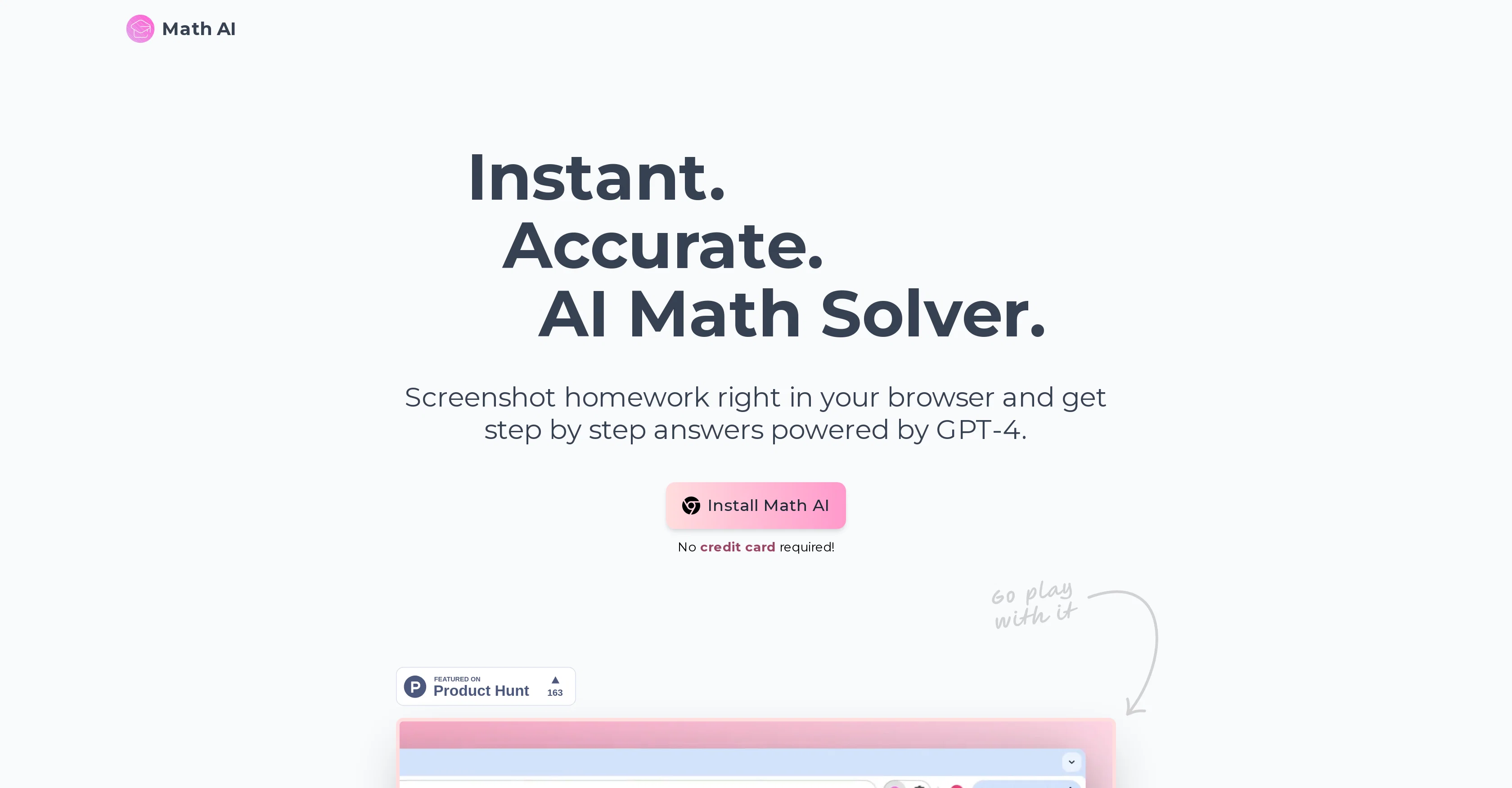
Math AI is a browser-based tool that aims to solve mathematics problems in an instant. It allows users to take screenshots of their homework and provides them with step-by-step answers, making use of the advanced AI technology, GPT-4.
The tool offers a unique and efficient approach to handling mathematics problems, making it easier for students and professionals alike to find solutions and understand the procedural steps involved.
In addition to math, Math AI has capabilities across other subjects like physics, chemistry, and biology, broadening its educational application scope.
A standout feature is its support for LaTeX, which ensures that mathematical formulas are formatted professionally and easily readable. The tool caters to an international audience, offering support for 21 different languages.
To enhance user experience, it offers an auto-adjusting light and dark mode, based on user preferences or system settings, and also provides shortcuts for quick operations.
Furthermore, Math AI offers different education modes for tailored assistance. These can vary from detailed steps for complex problems, quick answers for simpler equations or an interactive AI tutor for personalised guidance.
Best for
Short scenarios where Math AI tends to shine.
-
Solve math instantly with AI-powered screenshots.
Example outputs 1
Sample generations and before/after results for Math AI.
Access & connections
Where you can use Math AI.
Platforms
Capabilities
What this tool accepts, produces, and is strongest at.
Input
- Image
Output
- Text
Pros & cons
Pros
- Screenshot learning
- Step-by-step answers
- Multi-subject capabilities
- Supports LaTeX formatting
- 21 language support
- Auto-adjusting light and dark mode
- Quick operation shortcuts
- Tailored educational modes
Show 31 more
- No credit card required
- Easy browser installation
- Wide user approval
- Works well with online tests
- Improves math understanding
- Accurate problem solving
- User-friendly interface
- Comprehensive math solver
- Solves complex problems
- Quick answers for simple equations
- Accessible globally
- Supports professional mathematical formulas
- Browser-based tool
- Regular updates
- Support for physics, chemistry, biology
- Simplifies mathematical procedures
- Adaptable to user preferences
- Enhances learning experience
- GPT-4 advanced technology
- Efficient problem handling
- Solves over 100,000 tasks
- Eases homework stress
- User testimonials
- Helpful for both students and professionals
- Email and Discord support
- Comfortable viewing experience
- Free screenshots
- Saving time on homework
- Facilitates step by step learning
- Personalized guidance
- High extension rating
Cons
- Browser-based only
- No app version
- Dependent on quality of screenshot
- Inaccuracies in short answer mode
- Limited to 21 languages
- No offline usage
- Reliance on internet connection
- Possible confusion with multiple modes
Show 2 more
- LaTeX knowledge required for formatting
- Limited subjects covered
Compare alternatives
Similar tools in the catalog.

MathSolver.top ✓
Free TrialGet every math problem answer in 10s with 98%+ accuracy!
Free + from $7/mo
Full comparison
MathGPTPro ✓
Free TrialAI-powered mathematical problem-solving
Free + from $5.99/mo
Full comparison
Interactive Mathematics ✓
PaidInstant step-by-step math answers at your fingertips.
from $3.99/mo
Full comparison
AI Math Solver ✓
Free TrialAI-powered solution for any math problem.
Free + from $9.9/mo
Full comparisonPeople also view
Tools that often show up alongside Math AI in collections and comparisons.

Thinkercan ✓
FreemiumAI Reasoning. Engine Precision. The Perfect Math Tutor.
MathSolver.top ✓
Free TrialGet every math problem answer in 10s with 98%+ accuracy!

Mathly ✓
UnknownAI-powered math tutor in your pocket.
MathGPTPro ✓
Free TrialAI-powered mathematical problem-solving
Interactive Mathematics ✓
PaidInstant step-by-step math answers at your fingertips.
AI Math Solver ✓
Free TrialAI-powered solution for any math problem.

Odyssey ✓
Free TrialRun, build, and share AI-powered workflows

MathBuddy.ai ✓
FreeMath help that actually teaches.
Releases 1
Imported reviews 1
It just kept giving me all the wrong answers like wtf.
might work for u but its not for me.. imma stick to gauth math instead
FAQ 12
What is Math AI?
How does Math AI work?
What kind of problems can Math AI solve?
How does Math AI provide step-by-step solutions for problems?
What AI technology does Math AI use?
Can Math AI handle subjects other than math?
What is LaTeX support in Math AI?
Which languages does Math AI support?
What is the dark/light mode feature of Math AI?
How can I use the shortcuts in Math AI?
What are the different education modes in Math AI?
How do I use the screenshot feature of Math AI?
Related tools
Recommended

BarGPT
FreemiumAI bartender creating unique cocktails

GPTTeams ✓
FreemiumCentralize AI models to boost productivity and streamline workflows.

Scisummary ✓
Free TrialCutting-edge scientific articles summarization.

Imagetocaption.ai ✓
Free TrialGenerated captions for social media images

Scholarcy ✓
FreemiumConvert long articles into summary flashcards.

Free Text-To-Speech ✓
FreeText transformed into customizable spoken output.