
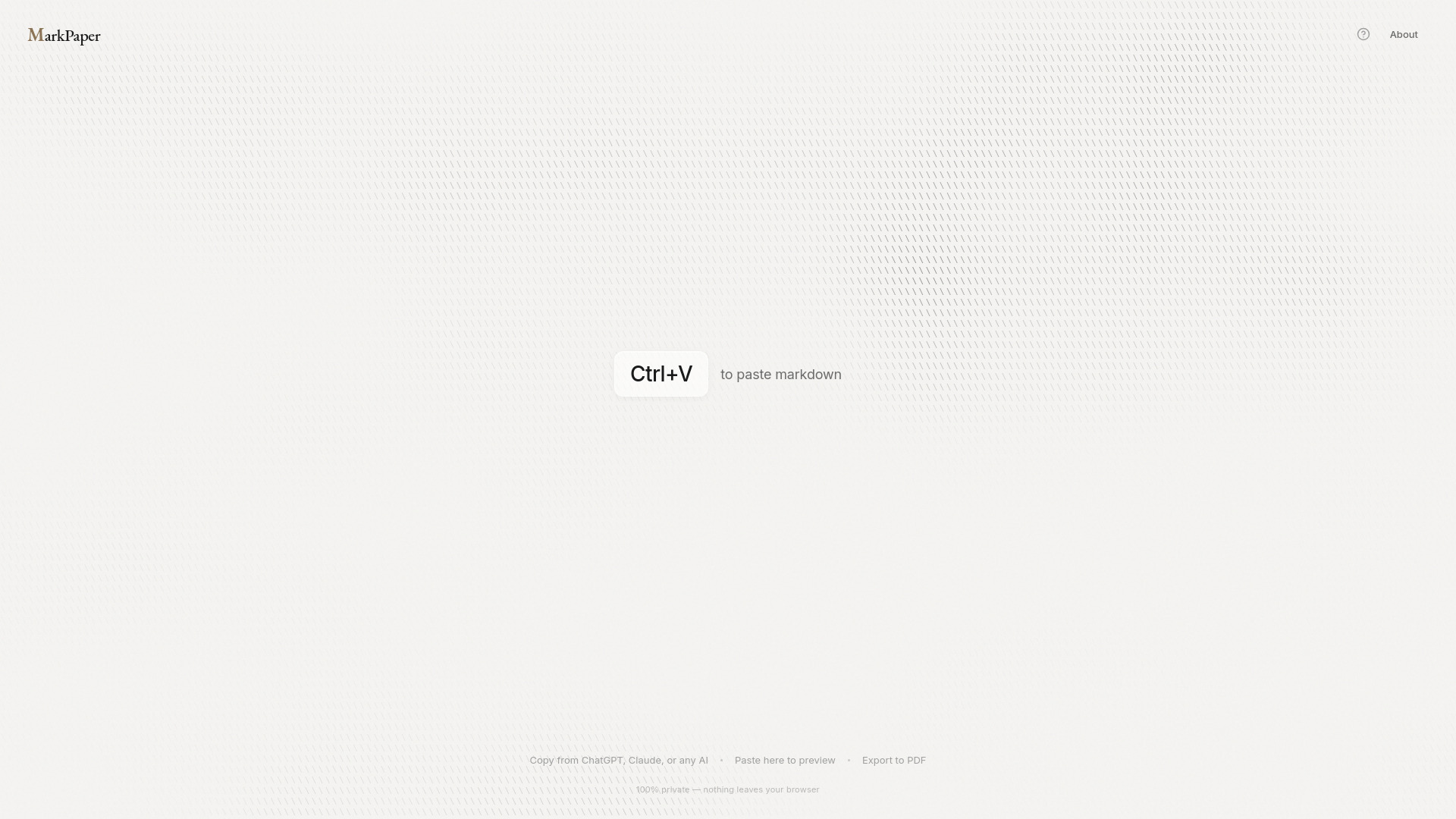
Markpaper.app
Fast, private, browser-based Markdown to PDF converter with zero installation and professional themes.
Source rating 5.0
(73)
0 views
0 saves
Unknown
Verdict
A quick read before you dig into the full page.
- Best if
- Fast, private, browser-based Markdown to PDF converter with zero installation and professional themes
- Pick this when
- Fast, private, browser-based Markdown to PDF converter with zero installation and professional themes
Overview
MarkPaper is a fast, browser-based Markdown to PDF renderer/converter. It allows users to paste Markdown content (from sources like ChatGPT, Claude, or GitHub) and instantly render it into beautiful, professional PDFs with features like code highlighting and theme options (Academic, Modern, Editorial). Crucially, it requires zero installation (no pandoc, no LaTeX) and is 100% private, as rendering occurs entirely in the user's browser, ensuring nothing is uploaded or stored.
Access & connections
Where you can use Markpaper.app, and what it plugs into.
Platforms
Integrations
Capabilities
What this tool accepts, produces, and is strongest at.
Highlights
- 100% Private (browser-based rendering)
- Zero Install (works in any browser)
- Instant Markdown Rendering
- Beautiful PDF Output with Professional Themes
- Code Highlighting and Table Support
FAQ 6
What is MarkPaper?
MarkPaper is a fast, browser-based Markdown to PDF renderer/converter. It allows users to paste Markdown content (from sources like ChatGPT, Claude, or GitHub) and instantly render it into beautiful, professional PDFs with features like code highlighting and theme options (Academic, Modern, Editorial). Crucially, it requires zero installation (no pandoc, no LaTeX) and is 100% private, as rendering occurs entirely in the user's browser, ensuring nothing is uploaded or stored.
How to use MarkPaper?
To use MarkPaper, copy your Markdown content from any source (e.g., ChatGPT, GitHub). Paste it into the MarkPaper web app. Optionally, pick a professional theme. Finally, click the print button and select your browser's 'Save as PDF' option to render the document.
How do I render markdown to PDF?
Paste your markdown into MarkPaper, click 'Print / PDF', and then select 'Save as PDF' in your browser's print dialog.
Is my markdown content private when rendering?
Yes, 100%. MarkPaper renders markdown to PDF entirely in your browser. Nothing is uploaded anywhere.
Do I need to install anything to render markdown?
No. MarkPaper is a web app that works on Mac, Windows, Linux, and mobile devices without requiring any installation.
Why is this markdown renderer free?
MarkPaper runs entirely in your browser, so there is nothing to monetize. It is free because it costs nothing to run.
Related tools
Recommended




Markpaper.app