
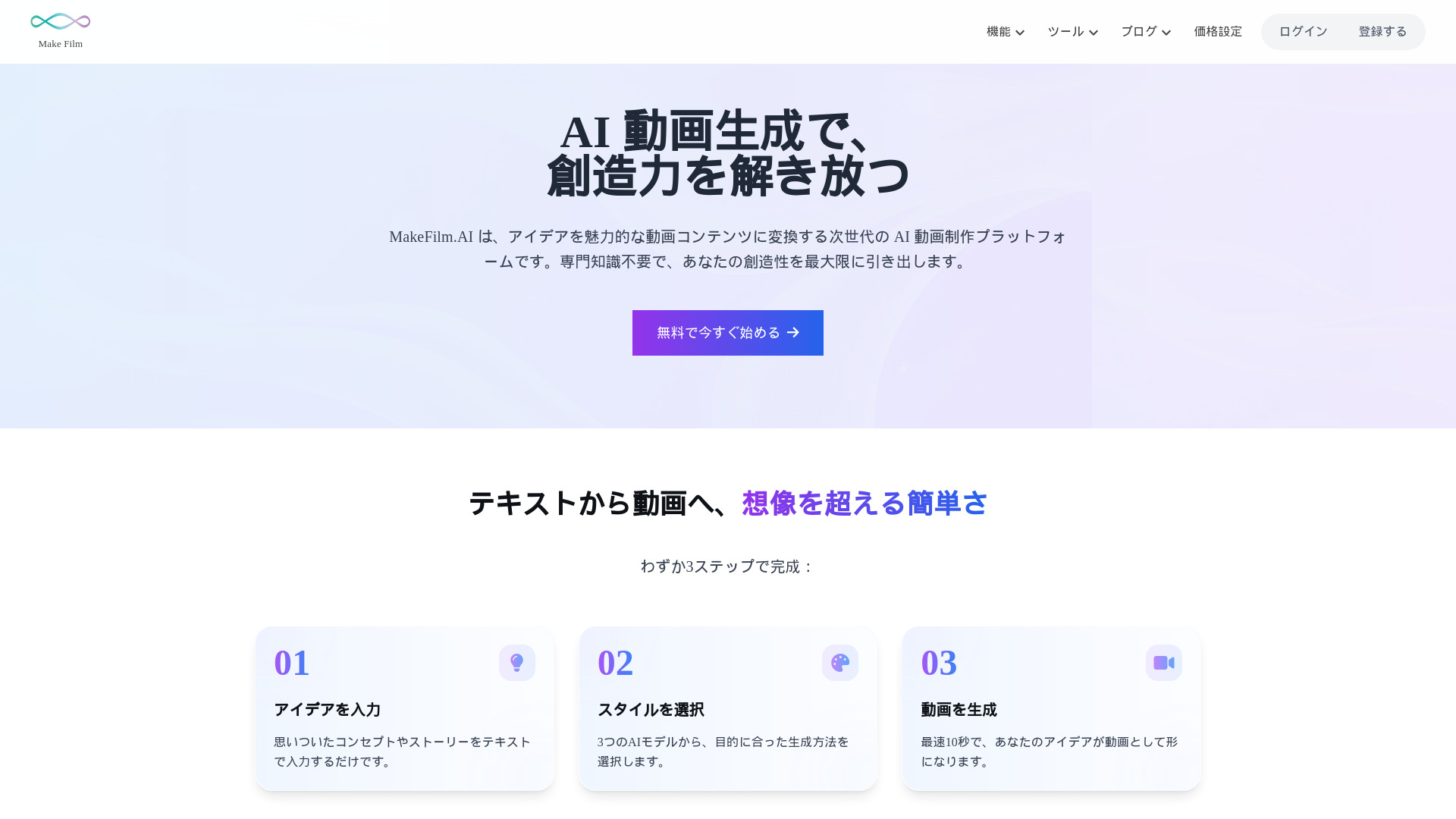
makefilm.jp
Ultimate all-in-one AI video platform for easy creation, editing, and summarization.
Source rating 5.0
(51)
245 views
245/mo traffic
0 saves
Freemium
Free + from $9.9 USD / mo
Verdict
A quick read before you dig into the full page.
- Best if
- Ultimate all-in-one AI video platform for easy creation, editing, and summarization
- Skip if
- You need enterprise SLAs or a fully managed team plan right away
- Pick this when
- Freemium · Free + from $9.9 USD / mo
Overview
MakeFilm.AI is the ultimate all-in-one AI video platform that transforms the conventional approach to video production. It enables users to easily create, edit, and summarize videos. This next-generation AI video production platform converts ideas into captivating video content without requiring specialized expertise, maximizing creativity. Beyond video, it also offers AI-driven manga creation, image generation, and various media tools like YouTube downloaders and audio converters.
Access & connections
Where you can use makefilm.jp.
Platforms
Capabilities
What this tool accepts, produces, and is strongest at.
Highlights
- AI Video Generation (Text-to-Video, Image-to-Video)
- AI Manga Creation (Text-to-Manga, AI Manga Artist)
- AI Image Generation
- AI Voice Generator
- Subtitle Generator & Remover
- Online Video Downloader & Converter
FAQ 12
What is makefilm.jp?
MakeFilm.AI is the ultimate all-in-one AI video platform that transforms the conventional approach to video production. It enables users to easily create, edit, and summarize videos. This next-generation AI video production platform converts ideas into captivating video content without requiring specialized expertise, maximizing creativity. Beyond video, it also offers AI-driven manga creation, image generation, and various media tools like YouTube downloaders and audio converters.
How to use makefilm.jp?
Using MakeFilm.AI is a simple 3-step process:
1. **Input Idea**: Enter your concept or story as text.
2. **Select Style**: Choose one of three AI models (V2, V3, V4) that best suits your purpose.
3. **Generate Video**: Your idea will be transformed into a video in as fast as 10 seconds.
1. **Input Idea**: Enter your concept or story as text.
2. **Select Style**: Choose one of three AI models (V2, V3, V4) that best suits your purpose.
3. **Generate Video**: Your idea will be transformed into a video in as fast as 10 seconds.
Is MakeFilm.AI suitable for beginners?
Yes, MakeFilm.AI has a very gentle learning curve. With an intuitive interface, even users who have never created videos can easily produce professional-quality videos. It also provides numerous tutorials and templates.
What video formats can be created?
MakeFilm.AI supports all popular formats like MP4, MOV, and WebM. Videos can also be produced for specific uses like SNS, YouTube, and other needs.
Can MakeFilm.AI be used for business purposes?
Yes, commercial use is permitted. There are no copyright concerns, and all videos created with MakeFilm.AI can be used. For any questions, contact customer support.
Is Japanese support available?
Full Japanese support is provided, including the interface, documentation, and customer support.
What if I run out of credits on my plan?
You can upgrade to a higher plan by clicking "Upgrade" or going to "Manage Subscriptions" in your account settings. Credits will be added immediately upon upgrade. If you have a recurring subscription, credits will automatically renew at the start of the next billing cycle. A special discount applies for the first month after upgrading.
Can I purchase additional credits without upgrading my plan, or make a one-time credit purchase?
Unfortunately, no. Currently, credit adjustments are only supported through plan upgrades or downgrades. One-time credit purchases are not available.
Will upgrading my plan result in multiple subscriptions?
No, only one active subscription is allowed at any time. Upgrading or downgrading immediately replaces your previous subscription with the new plan.
Will unused credits from my current plan carry over when I upgrade?
Yes! Unused credits will be added to your new plan's credit balance. Additionally, a prorated discount will be applied for the first month after upgrading.
Can I cancel my subscription?
Yes, you can cancel anytime by going to "Manage Subscriptions" in your account settings and selecting "Downgrade to Free Plan."
Can I delete my account?
Yes, you can delete your account by scrolling to the bottom of the "Manage Subscriptions" page and selecting "Delete Account." Refer to the Terms of Service and Privacy Policy for more details.
Related tools
Recommended


makefilm.jp
Free + from $9.9 USD / mo