

Mailmaker by Mailscribe ✓
Create beautiful emails in a snap!
Free + from $39/mo
Verdict
A quick read before you dig into the full page.
- Best if
- Create beautiful emails in a snap!
- Skip if
- Limited template customization
- Pick this when
- Automated personalized email marketing
Considering Mailteorite instead? Compare side by side
Overview
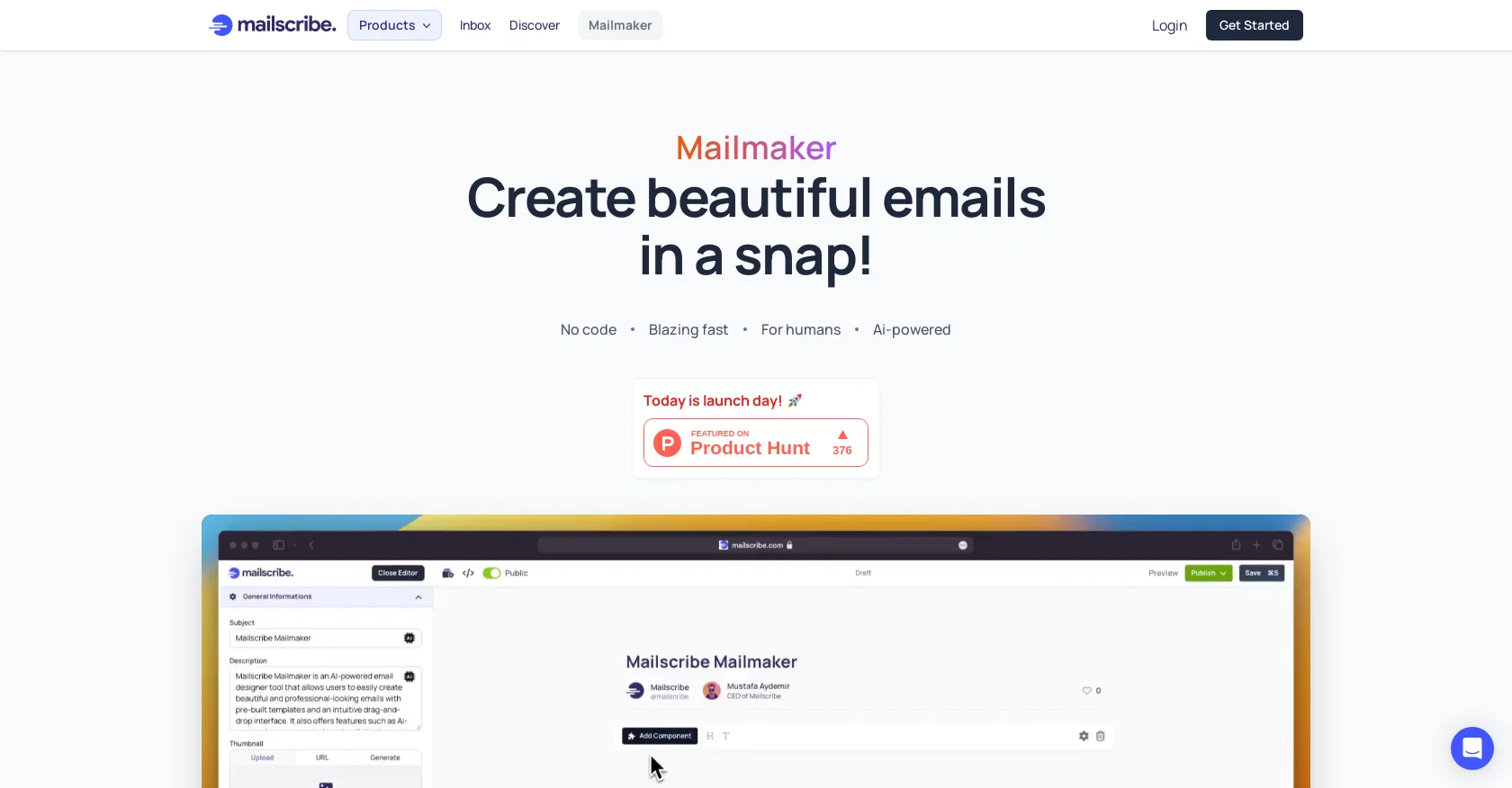
Mailmaker is an AI-powered email marketing tool that allows users to create professional and visually stunning emails in just a few clicks. The tool comes with built-in components such as headers, footers, text blocks, buttons, and images, allowing users to drag and drop these elements into their email designs, saving them time and effort.
Mailmaker's AI Assistant analyzes past email campaigns and audience engagement to provide personalized suggestions on optimizing subject lines, content, and send times for maximum engagement and conversions.
It also helps fix grammar errors and translates emails into any language accurately. With Mailmaker's Compose feature, users can create any type of content within seconds and change the tone, style, or length of the content with just one click, while the AI-Powered User Experience suggests design elements that best fit the message.
Mailmaker offers a wide range of modern and customizable email templates suitable for any brand, preference, or message, and advanced analytics and reporting allow users to track the success of their email campaigns.
Mailmaker's AI-powered tools streamline the email marketing process and enables users to achieve better results in less time, reducing email marketing expenses while still delivering optimal results.
The pricing model of the tool is not mentioned on their website, and users can get started with Mailmaker by signing up and registering for a free account.
Access & connections
Where you can use Mailmaker by Mailscribe.
Platforms
Capabilities
What this tool accepts, produces, and is strongest at.
Input
- Text
- Image
- Tabular
Output
- Text
- Image
- API
Supported features
- Newsletter
Pros & cons
Pros
- Automated personalized email marketing
- Built-in email components
- Customizable email design
- Drag and drop interface
- Content analysis for engagement
- Grammar correction feature
- Accurate email translation
- Compose feature for quick content
Show 14 more
- Modern, customizable templates
- Advanced analytics and reporting
- Campaign cost reduction
- Flexible pricing model
- Collaboration for teams
- Public newsletter profiles
- Subscriber list management
- Real-time email stats
- Activity log for campaigns
- Custom domains coming soon
- Versatile text tone adjustment
- Sentiment tracking in content
- Supports international marketing
- Real-time campaign optimization
Cons
- No split testing feature
- Limited template customization
- Unspecified domain compatibility
- AQB score not provided
- Lack of direct integrations
- Inconclusive delivery rate data
- No built-in form creation
- No direct e-commerce integration
Show 1 more
- Lacks sender reputation management
Compare alternatives
Similar tools in the catalog — with a clear reason to open each one.

Mailteorite ✓
FreemiumCreate perfect emails template with AI in seconds
Why look Typically cheaper
Full comparison
TinyEinstein ✓
Free TrialAI marketing manager to 10x your Shopify store growth.
Why look Typically cheaper
Full comparison
Grotto Slice - Automated Email Slicer ✓
Free TrialGrotto Slice – Your Shortcut from Image to Klaviyo
Why look Stronger for image work
Full comparison
Tented ✓
FreemiumAgentic Marketing Automation: Email, Pages, CRM & Forms
Why look Typically cheaper
Full comparison

Hoppy Copy ✓
Free TrialAI-powered email copywriting for marketers.
Why look Typically cheaper
Full comparisonReleases 1
FAQ 12
What is Mailmaker?
How does Mailmaker's AI Assistant work?
What are the built-in components offered by Mailmaker?
How does Mailmaker's Compose feature work?
How can I fix grammar errors in Mailmaker?
Can Mailmaker translate my emails into another language?
What is the AI Painter feature in Mailmaker?
How does Mailmaker help reduce email marketing expenses?
What design elements does Mailmaker suggest with its AI-powered user experience?
What types of email templates does Mailmaker offer?
What analytics and reporting features does Mailmaker provide?
Can I customize my own pricing plans with Mailmaker?
Related tools
Recommended

VenturusAI ✓
FreemiumBusiness idea analysis and reporting.

Stratup.ai ✓
FreemiumInnovative idea generation for businesses.

LearningStudioAI ✓
Free TrialAI-powered authoring tool for effortless online course creation.

Mails.ai ✓
FreemiumAI-powered cold email automation for lead generation.

PostPerfect ✓
FreemiumAutomated social media posts.

Business Idea Generator AI ✓
FreeGenerate innovative business ideas with AI