
MailEcho
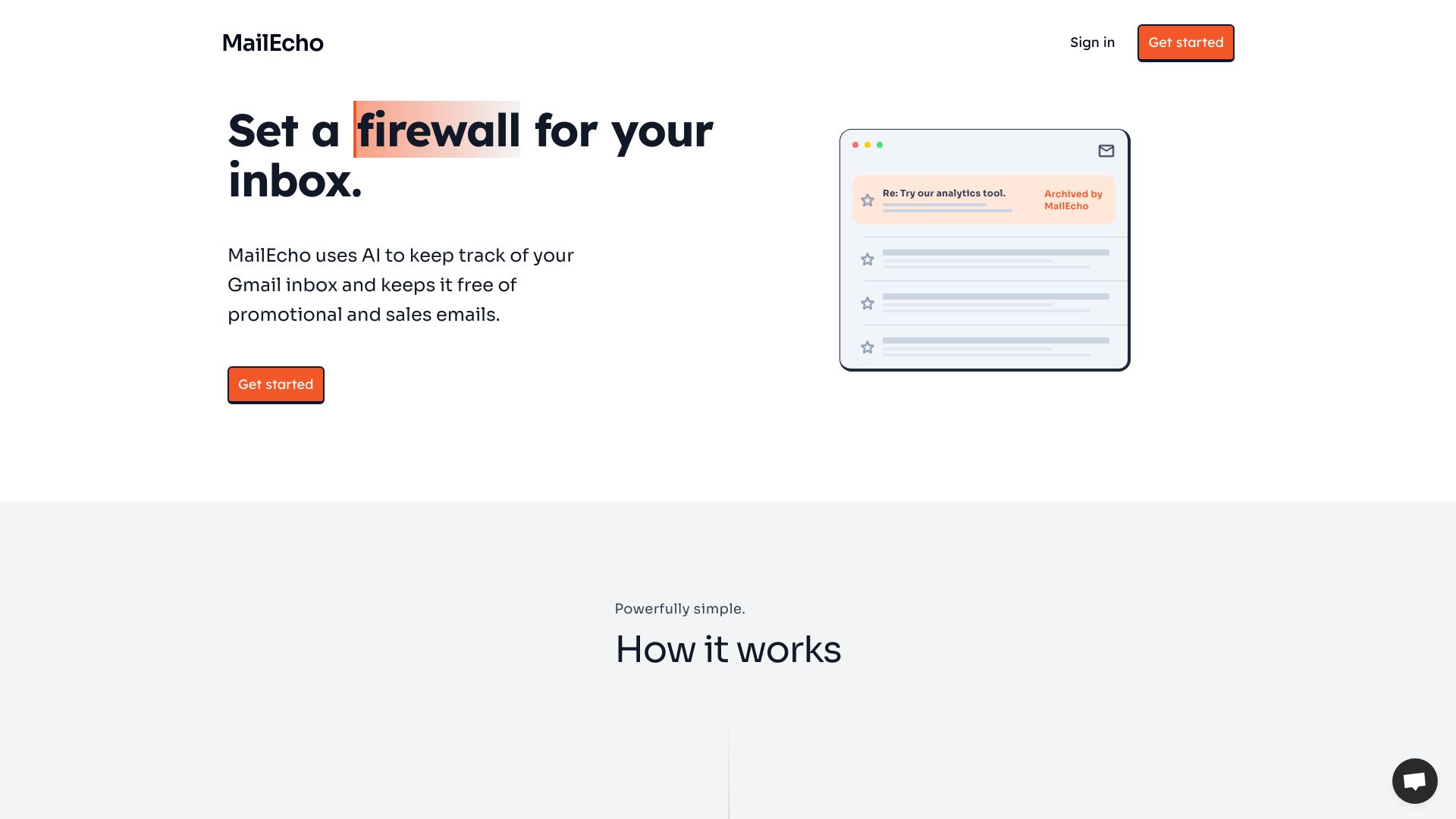
MailEcho uses AI to filter and archive promotional emails in Gmail.
Source rating 5.0
(54)
0 views
0 saves
Paid
From $3 per month
Verdict
A quick read before you dig into the full page.
- Best if
- MailEcho uses AI to filter and archive promotional emails in Gmail
- Skip if
- You need a free plan with no credit card
- Pick this when
- Paid · From $3 per month
Overview
MailEcho is a tool for your Gmail inbox that automatically archives and labels any inbound sales or promotional emails to keep your inbox free of clutter. It uses AI to keep track of your Gmail inbox and keeps it free of promotional and sales emails. It helps you stop sifting through junk mail sent by cold outbound tools and focus on what matters.
Access & connections
Where you can use MailEcho, and what it plugs into.
Platforms
Integrations
Capabilities
What this tool accepts, produces, and is strongest at.
Highlights
- Automatic archiving and labeling of promotional emails
- AI-powered email inbox filtering
- Customizable filters based on topics, senders, or keywords
- Real-time junk mail detection
FAQ 8
What is MailEcho?
MailEcho is a tool for your Gmail inbox that automatically archives and labels any inbound sales or promotional emails to keep your inbox free of clutter. It uses AI to keep track of your Gmail inbox and keeps it free of promotional and sales emails. It helps you stop sifting through junk mail sent by cold outbound tools and focus on what matters.
How to use MailEcho?
1. Connect your inbox using the secure Oauth2 protocol. 2. Configure your preferences by setting up custom filters based on topics, senders, or keywords. 3. Set and forget, MailEcho will work in real-time to label and archive sales, marketing, and promotional junk mail.
How does MailEcho work?
MailEcho uses AI to monitor your email inbox and automatically archives all promotional and sales emails. This keeps your inbox clean and ensures you never miss an important email.
Does MailEcho store my emails?
No, MailEcho never stores or logs your emails.
How do I get started?
To get started, simply click the "Get started" button at the top of this page. You will be prompted to sign in with your Google account and then you can configure your inboxes.
How long does the setup take?
The setup process is quick and easy, and takes no longer than 2 minutes!
Does MailEcho work with my email provider?
MailEcho currently only works with Gmail. We actively expanding to other email providers in the future.
What does MailEcho do differently than Gmail's built-in anti-spam filters?
Gmail (and other mail providers) are great at filtering out phishing emails and spam. However, MailEcho is specifically designed to filter out cold-inbound sales and promotional emails.
Related tools
Recommended

MailEcho
From $3 per month