
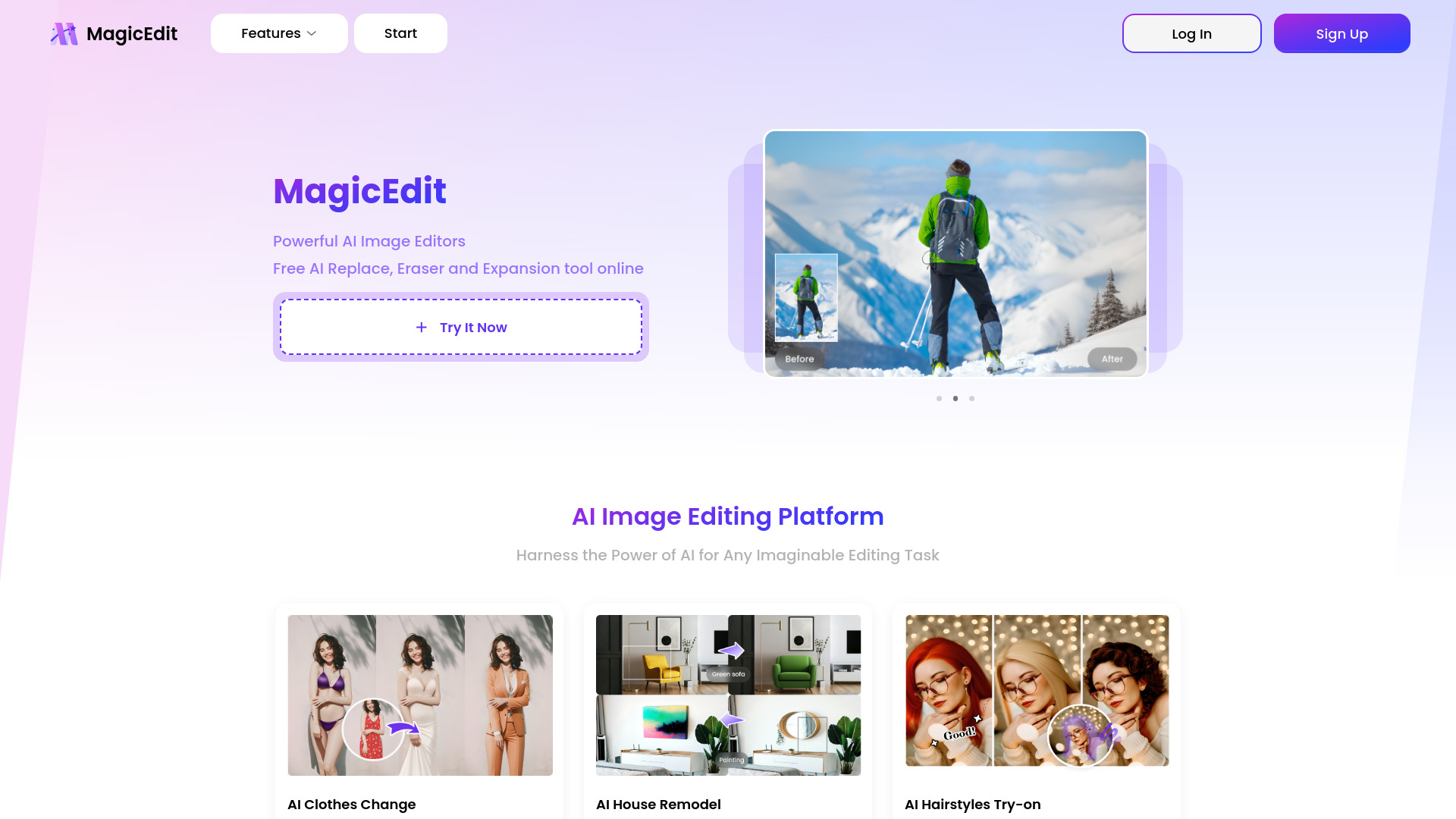
MagicEdit
All-in-one AI image editing toolbox for creative image enhancement and manipulation.
Verdict
A quick read before you dig into the full page.
- Best if
- You are artists and need: Remove unwanted objects or people from photos
- Pick this when
- All-in-one AI image editing toolbox for creative image enhancement and manipulation
Overview
MagicEdit is an all-in-one AI image generating toolbox that makes your images stand out with just a few simple steps. It offers endless creativity for artists, photography enthusiasts, and anyone who loves editing. It provides tools like object remover, image replacer, and image extender.
Best for
Short scenarios where MagicEdit tends to shine.
-
Remove unwanted objects or people from photos.
Best for Artists
-
Replace clothing styles in images.
Best for Photography enthusiasts
-
Extend image backgrounds to fit specific aspect ratios.
Best for Realtors
-
Remodel houses virtually by replacing furniture.
Best for Social media users
-
Try on different hairstyles virtually.
Best for Content creators
-
Remove watermarks or logos from images.
Best for Marketing professionals
-
Create panoramic images with extended horizons.
Best for Artists
Example outputs 1
Sample generations and before/after results for MagicEdit.
Access & connections
Where you can use MagicEdit.
Platforms
Capabilities
What this tool accepts, produces, and is strongest at.
Highlights
- AI Object Remover
- AI Image Replacer
- AI Image Extender
- AI Clothes Changer
- AI Background Replace
- AI Hairstyles Try-on
People also view
Tools that often show up alongside MagicEdit in collections and comparisons.


