
Magicam
Real-time face swap tool for live streaming and video conferencing.
Free + from $ 8.99 / month
Verdict
A quick read before you dig into the full page.
- Best if
- You are content creators and need: Injecting magic into live videos
- Skip if
- You need enterprise SLAs or a fully managed team plan right away
- Pick this when
- Freemium · Free + from $ 8.99 / month
Overview
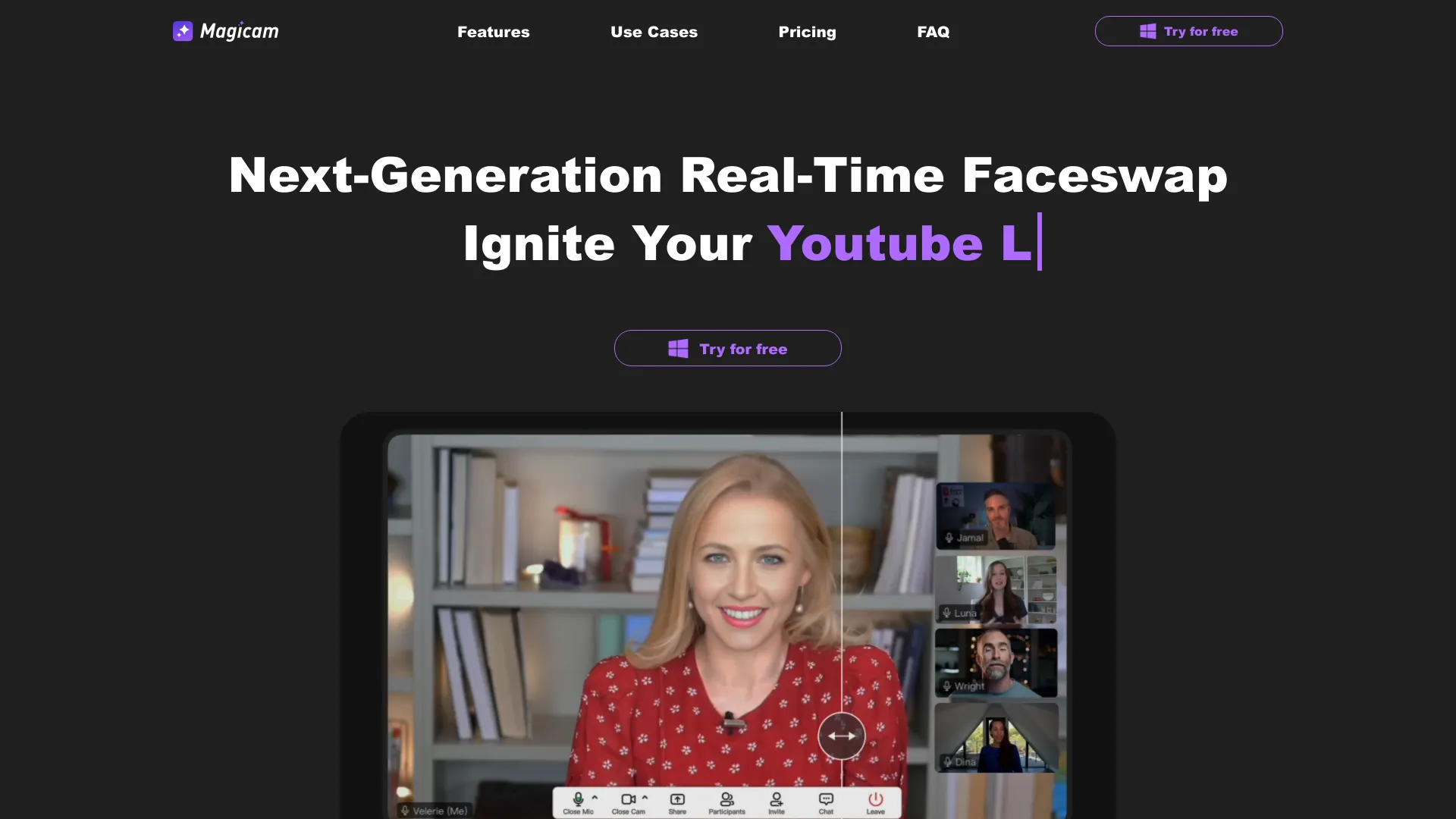
Magicam is a real-time face swap solution designed for live streaming, video conferencing, and video recording. It allows users to seamlessly swap faces in high-quality live streams using just a single photo. Magicam features a brand-new UI, making it simple and intuitive to use. With continuous updates and no credit limits, it aims to elevate content creation and unlock endless creative possibilities.
Best for
Short scenarios where Magicam tends to shine.
-
Injecting magic into live videos
Best for Content creators
-
Fostering a playful atmosphere in conferences
Best for Live streamers
-
Igniting team creativity
Best for Video conference participants
-
Enhancing entertainment and creative live streams
Best for Entertainers
Example outputs 1
Sample generations and before/after results for Magicam.
Access & connections
Where you can use Magicam.
Platforms
Capabilities
What this tool accepts, produces, and is strongest at.
Highlights
- Real-time face swapping
- Single photo face swap
- Virtual camera output
- Sleek UI and user-friendly interface
People also view
Tools that often show up alongside Magicam in collections and comparisons.

Vidmage ✓
FreeSwap faces in your photos, videos, and GIFs in seconds with AI detection. Enjoy simultaneous swapping of mult…

KiloClaw ✓
PaidHosted OpenClaw AI agent with zero DevOps required.

Articos ✓
PaidRun synthetic user interviews and validate messaging, landing pages, and product ideas

AI Hairstyle Changer - 1
UnknownVirtually try on 100+ AI hairstyles and hair colors from your photo — results in seconds, no sign-up needed.
FAQ 5
What is Magicam?
How to use Magicam?
What sets Magicam apart from other face swapping products?
Are there any privacy concerns?
What are the computer requirements for using Magicam?
Related tools
Recommended
Vidmage ✓
FreeSwap faces in your photos, videos, and GIFs in seconds with AI detection. Enjoy simultaneous swapping of mult…
Articos ✓
PaidRun synthetic user interviews and validate messaging, landing pages, and product ideas
KiloClaw ✓
PaidHosted OpenClaw AI agent with zero DevOps required.
AI Hairstyle Changer - 1
UnknownVirtually try on 100+ AI hairstyles and hair colors from your photo — results in seconds, no sign-up needed.