

Magic Studio ✓
Create stunning product photos instantly with AI
Free + from $24.99/mo
Verdict
A quick read before you dig into the full page.
- Best if
- Create stunning product photos instantly with AI
- Skip if
- Limited output formats
- Pick this when
- Supports multiple file formats
Considering SellerPic instead? Compare side by side
Overview
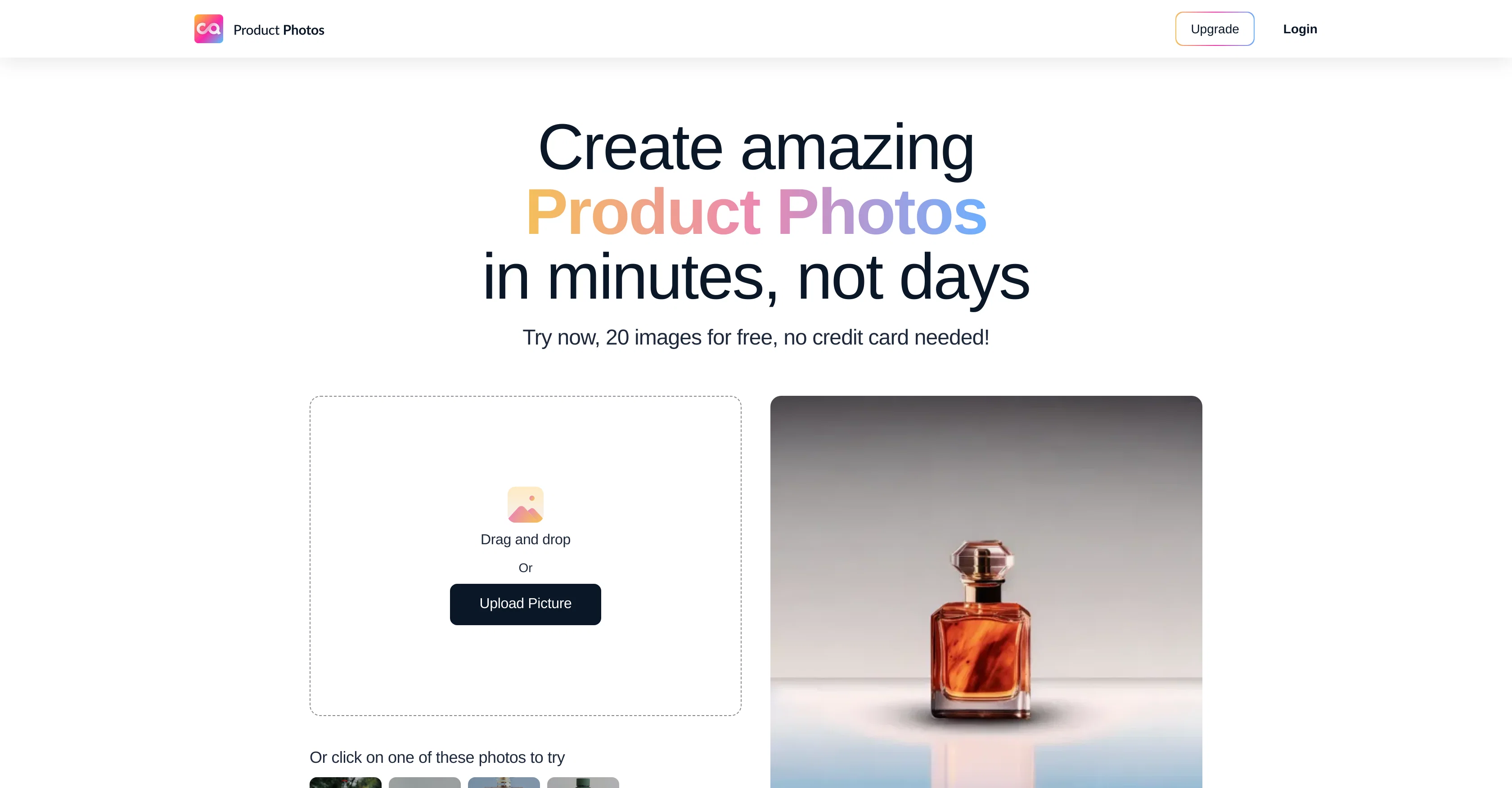
Magic Studio is an AI-driven tool designed to enhance and streamline the process of creating product photos. This application allows users to upload an existing product image, from which it across different file formats, including JPG, JPEG, PNG, HEIC, WEBP, and TIFF without any resolution limit.
The AI technology is capable of extracting the product image from the uploaded photo, removing the background, and refining the selection as per user preference, using an AI-assisted option.
Subsequently, a theme can be selected out of the many available ones, designed especially for product photos. Users can position and size the product image on the chosen theme.
They can also describe the scene for enhanced customization. Multiple images are generated for each run, offering different picture options to choose from.
They can be downloaded in a format appropriate for the edits made and can be converted into desired formats as well. Overall, Magic Studio allows users to experiment with different themes, keeping their product photos fresh and apt to their respective themes, thus, potentiality boosting sales.
Access & connections
Where you can use Magic Studio.
Platforms
Capabilities
What this tool accepts, produces, and is strongest at.
Input
- Image
Output
- Image
Pros & cons
Pros
- Supports multiple file formats
- No resolution limit
- Background removal feature
- Refines selection as per user
- Offers numerous themes
- Scene description for customization
- Generates multiple image options
- Image format conversion
Show 25 more
- Allows image resizing
- Aids product marketing
- Product image positioning
- Produces images instantly
- Doesn't require credit card for trial
- Free trial for 20 images
- Creates social media posts
- Edits for Ad creatives
- Preferred by professionals
- High resolution downloads in paid version
- No ads in paid version
- Frequently asked questions section
- Privacy and data safety prioritized
- Community for inspiration and guidance
- Unlimited product photos in paid version
- Extracts multiple products from single image
- Text input tweak for desired results
- Can repeat generation for variations
- User-specified scene generation
- Boosts sales with fresh themes
- Compatibility with marketing emails
- Appropriate for digital marketing
- Refund policy for dissatisfaction
- Easily contactable support team
- Saves time and money
Cons
- Limited to product photos
- Requires multiple runs
- Manual resizing necessary
- Single theme per run
- Description for customization
- Limited output formats
- No advanced editing
- No batch processing
Show 2 more
- No Free Plan after 20 images
- Visible Magic Studio logo in free version
Compare alternatives
Similar tools in the catalog — with a clear reason to open each one.

SellerPic ✓
FreemiumSupercharge photos with AI, boost sales in minutes.
Free + from $29/mo
Full comparison
SellShots ✓
Free TrialTurn one photo into high-converting product images
Why look Typically cheaper
Full comparison
Merchant Floor | Product Images ✓
Free TrialCreate product listings 10x faster with AI.
Why look Typically cheaper
Full comparison

Zawa AI | Brand Kit Generator & Editor ✓
FreemiumCreate logos, videos, and brand assets instantly.
Free + from $4.17 / month
Full comparison
ProductViews ✓
PaidGenerate product images from different angles with one upload.
Why look Typically cheaper
Full comparisonReleases 1
FAQ 12
What is Magic Studio?
How does Magic Studio use AI to enhance product photos?
Can I upload images of any resolution on Magic Studio?
What file formats are supported by Magic Studio?
Can Magic Studio remove the background of my product photo?
How do I customize my product photo using Magic Studio?
Can I choose different themes for my product photo in Magic Studio?
What are the different picture options offered by Magic Studio?
In what format can I download the edited images from Magic Studio?
Can Magic Studio convert the downloaded images into other formats?
How does Magic Studio boost sales through product photos?
What is AI-assisted selection feature in Magic Studio?
Related tools
Recommended

Flowpoint ✓
FreemiumWebsite Analytics Reports with AI Agents

Macky ✓
FreemiumAI-executed, consultant-certified engagements for SMEs.

Splutter AI ✓
FreemiumWebsite Chatbot & Voicebot w/ Hotswappable Models, Databases, & Tools!

FileAI ✓
FreemiumAutomate document analysis and data extraction

Remade ✓
Free TrialAI-powered product photoshoots in any scene

VenturusAI ✓
FreemiumBusiness idea analysis and reporting.