

MagenticLite ✓
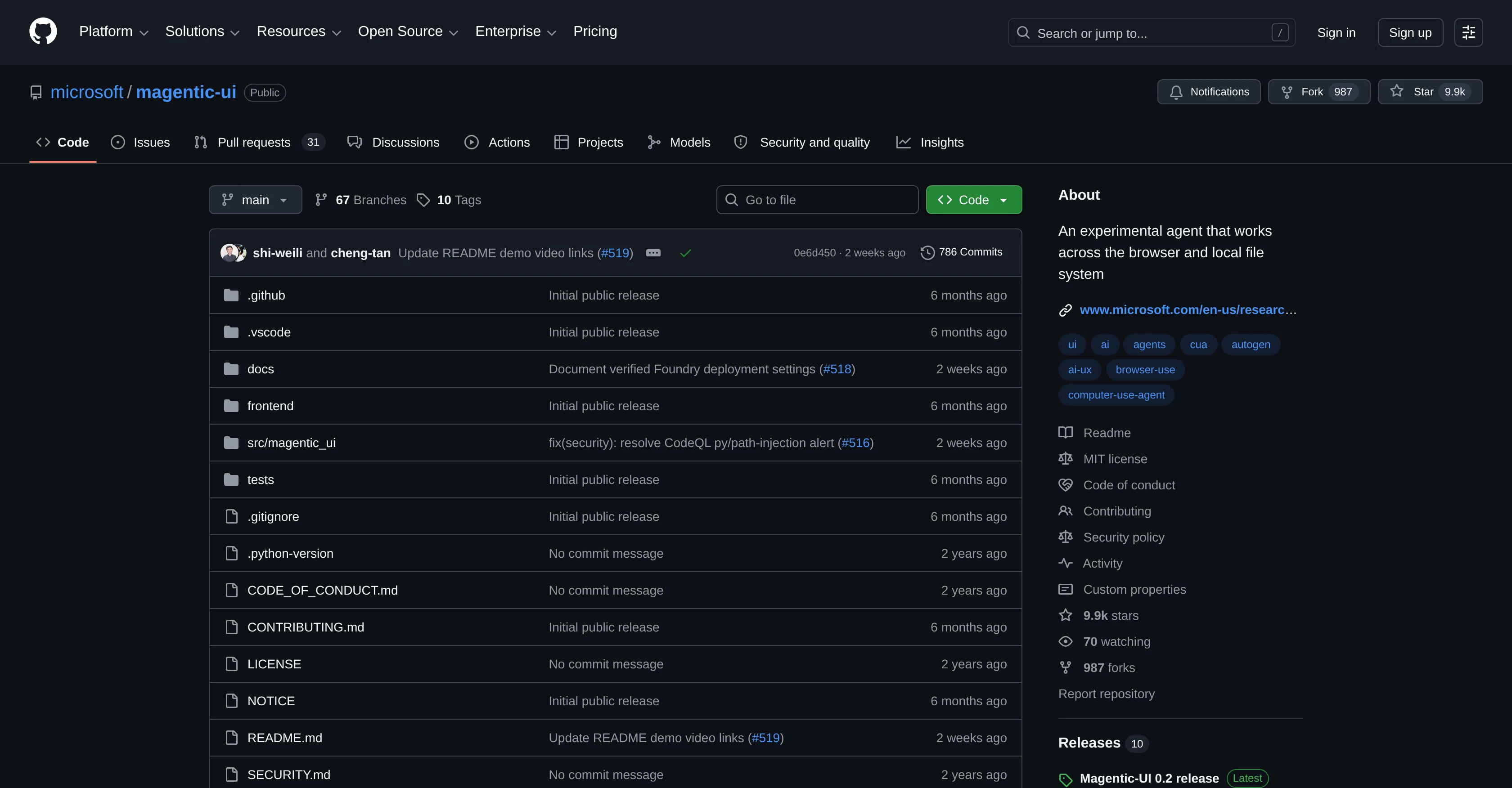
An experimental agent that works across browser and files.
Verdict
A quick read before you dig into the full page.
- Best if
- An experimental agent that works across browser and files
- Skip if
- Relatively high learning curve
- Pick this when
- Automates various workloads
Considering Younet instead? Compare side by side
Overview
Magentic-ui is an experimental product from Microsoft AI Frontiers, designed to help automate various workloads. It functions across both browser environments and local file systems, assisting with tasks like web research, form filling, and file management in one workflow, providing a seamless experience.
Magentic-ui is built with an on-device-friendly orchestrator model known as MagenticBrain and a specialized browser-use model called Fara. At any point in a process, users retain the ability to steer, approve, or take over, ensuring control over crucial actions.
The application features an innovative design that pairs strong performance with efficiency, eliminating the need for heavy computational resources. Furthermore, it prioritizes safetybrowser sessions operate within a lightweight virtual machine sandbox named Quicksand, preventing the agent from accessing the rest of the user's machine without explicit permission.
Access & connections
Where you can use MagenticLite.
Platforms
Capabilities
What this tool accepts, produces, and is strongest at.
Input
- Tabular
- Text
Output
- Text
Pros & cons
Pros
- Automates various workloads
- Works in browser environments
- Integrates with local file systems
- Assists with web research
- Facilitates form filling
- Manages files
- Unified workflow management
- User control retention
Show 42 more
- Performance and efficiency balance
- Minimal computational resources usage
- Safety prioritized
- Runs on virtual machine sandbox
- Guards machine access without permission
- MagenticBrain orchestrator
- Fara for specialized browser-use
- Efficient workflow
- High data privacy
- Resource efficient
- Works in variable environments
- Flexible and adaptable
- Lightweight VM sandbox: Quicksand
- Stops for critical actions
- User intervention for critical actions
- Redesigned for better performance
- Efficiency in design
- Can automate real work
- Strong agentic performance
- Keeps user in loop
- Safety-first design
- Real tasks handling capability
- Sandbox for agent isolation
- Easy-to-follow installation guide
- Model endpoint integration
- Runs with small model sizes
- GitHub support and collaboration
- One-click browser-local file interaction
- Versatile use scenarios
- Strong computational performance
- Browser integration for automation
- Optimized for limited computational resources
- In-built user-controlled checkpoints
- Lightweight application design
- User agency prioritized
- Flexible user control
- Allows user guidance at any stage
- Interactive tasks performance capability
- Minimal machine access
- Buttoned-up data security
- Efficient error prevention
- Works across different platforms
Cons
- Experimental product
- Requires user intervention
- Possible compatibility issues
- Incomplete sandbox isolation
- May lack extensive support
- Limited to Microsoft Ecosystem
- Unclear error handling
- No mobile version
Show 2 more
- Potential processing delays
- Relatively high learning curve
Compare alternatives
Similar tools in the catalog — with a clear reason to open each one.

Younet ✓
Free TrialAI Agent Orchestration and Automation. Build your agentic business.
Why look Offers a public API
Full comparison
Agents by Athena AI ✓
Free TrialCreate AI agents for any task
Why look Offers a public API
Full comparison
Rumora ✓
PaidAI agents will find and mention your brand in viral videos comments
Why look Higher community rating
Full comparison
Watermelon ✓
FreemiumHandle up to 96% of your support automatically
Why look Offers a public API
Full comparison

ChatNode ✓
Free TrialAI Agents for customer service that feel human
Why look Offers a public API
Full comparisonReleases 1
FAQ 12
What is Magentic-ui?
What capabilities does Magentic-ui offer for workload automation?
What are the main components of Magentic-ui and how do they work?
Does Magentic-ui require a lot of computational resources?
Can Magentic-ui access the rest of my machine?
What is MagenticBrain in the context of Magentic-ui?
What is the role of Fara model in Magentic-ui?
How can I retain control over Magentic-ui during a process?
Can Magentic-ui assist with web research?
Does Magentic-ui integrate with browsers and local file systems?
What tasks can Magentic-ui automate in a workflow?
What makes Magentic-ui efficient?
Related tools
Recommended

DeepSeek ✓
FreeUnravel the mystery of AGI with curiosity

Archie ✓
FreemiumThe platform to architect, build, and run production-grade applications.

PrompTessor ✓
FreemiumAI Prompt Workspace for Better AI Results

Cursor ✓
FreemiumAI-powered IDE for faster coding

Lovable ✓
Free TrialBuild software products using chat

Serno ✓
FreemiumCustom AI experts that map what one AI can't