
Macroscope
AI agent for codebase analysis, summaries, bug detection, and PR review.
From $30 /developer / month
Verdict
A quick read before you dig into the full page.
- Best if
- You are engineering Leaders and need: Understanding product changes and how engineering time is allocated
- Skip if
- You need a free plan with no credit card
- Pick this when
- Paid · From $30 /developer / month
Overview
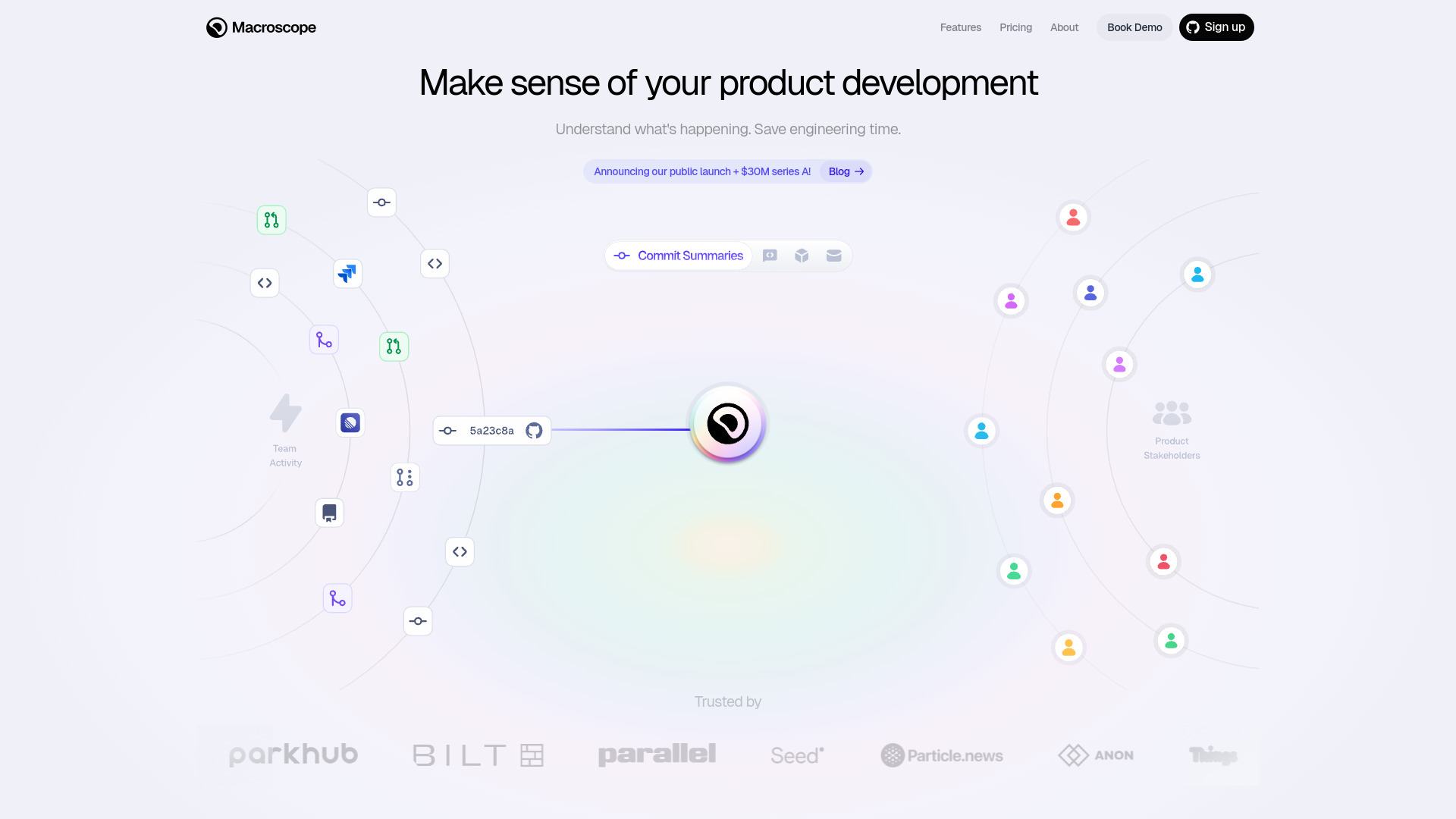
Macroscope is an AI agent designed to understand your codebase, summarize activity, catch bugs, answer questions about product development, and automatically review Pull Requests (PRs). It provides automatic analysis of product development, helping engineering teams gain actionable insights, save time, and enhance productivity. Macroscope generates accurate commit summaries, schedules custom team summaries, offers real-time project overviews, and performs high-signal bug detection and fixing through Abstract Syntax Tree (AST) analysis. It integrates seamlessly with GitHub, Jira/Linear, and Slack to provide comprehensive insights and support across the development workflow.
Best for
Short scenarios where Macroscope tends to shine.
-
Understanding product changes and how engineering time is allocated.
Best for Engineering Leaders
-
Providing leaders with actionable insights into development progress.
Best for CTOs
-
Enabling engineers to focus more on building and less on reporting.
Best for CEOs
-
Reducing time-to-root-cause in troubleshooting.
Best for SVP of Product Development
-
Organizing project plans and release artifacts.
Best for Product Leads
-
Illuminating areas that lack clear documentation.
Best for Engineers
-
Helping product leads stay informed on engineering progress and developer productivity.
Best for Developers
-
Generating release notes automatically.
Best for Project Managers
Example outputs 1
Sample generations and before/after results for Macroscope.
Access & connections
Where you can use Macroscope, and what it plugs into.
Platforms
Capabilities
What this tool accepts, produces, and is strongest at.
Highlights
- Automatic commit summaries
- Automatic PR descriptions and reviews
- High-signal bug detection and fixing in PRs
- Real-time project summaries
- Scheduled engineering standup summaries
- Q&A with your codebase and git log (Ask Macroscope Anything)
- Team productivity statistics
- Codebase activity summarization
People also view
Tools that often show up alongside Macroscope in collections and comparisons.



FAQ 8
What is Macroscope?
How to use Macroscope?
1. **Connect GitHub**: Install the GitHub app to automatically start summarizing commits and pull requests, identifying projects, providing productivity statistics, and performing code review on PRs.
2. **Connect Jira / Linear**: Integrate with your ticketing system (Jira or Linear) to enrich Macroscope's understanding of why work is happening and what tasks remain. This step is optional.
3. **Connect Slack**: Ask any questions directly in Slack to receive answers grounded in your codebase, git log, PRs, and issue tracking system.