
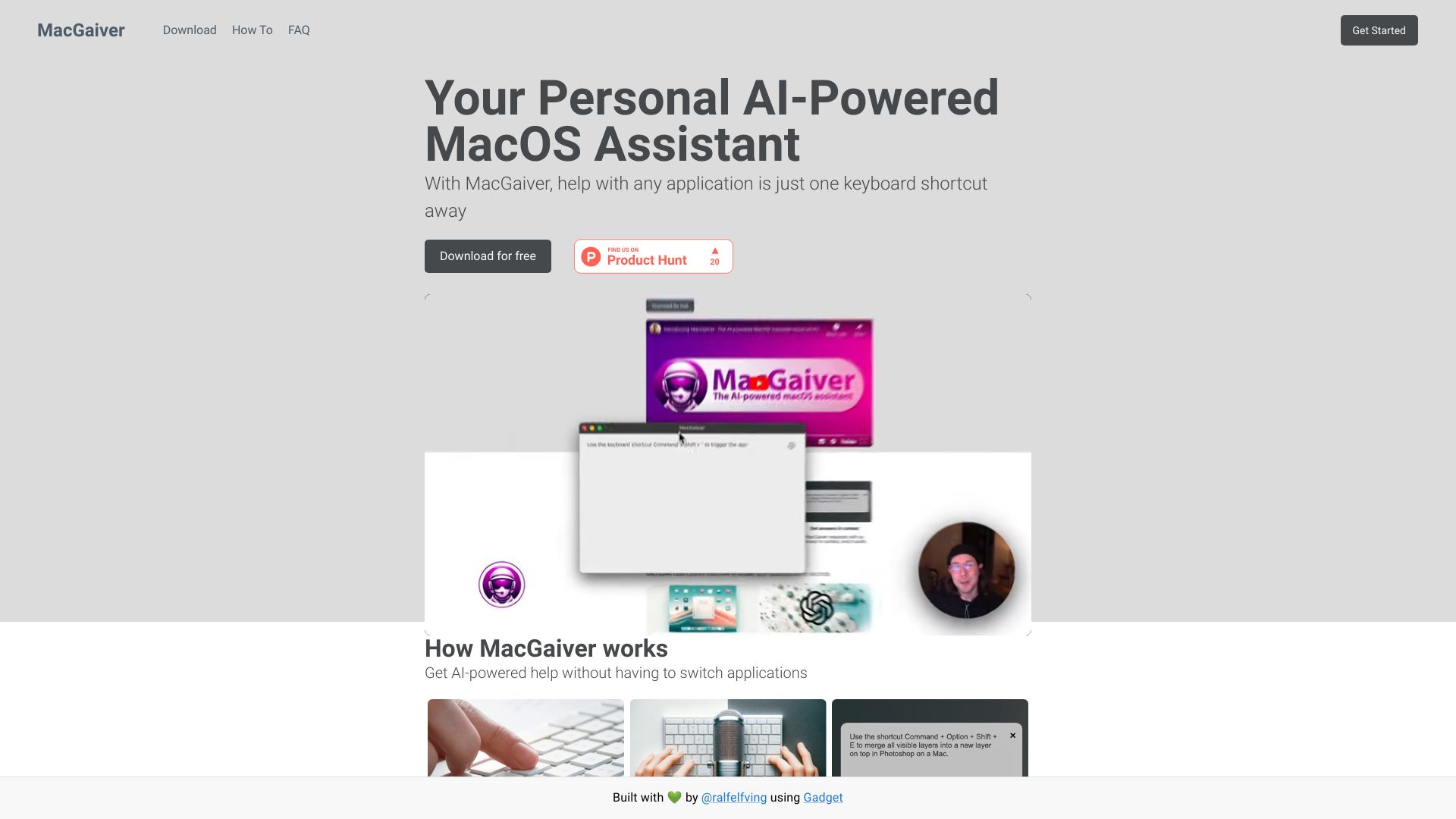
MacGaiver
AI-powered macOS assistant that answers questions about any application using computer vision.
Source rating 5.0
(76)
0 views
0 saves
Unknown
Verdict
A quick read before you dig into the full page.
- Best if
- AI-powered macOS assistant that answers questions about any application using computer vision
- Pick this when
- AI-powered macOS assistant that answers questions about any application using computer vision
Overview
MacGaiver is an AI-powered macOS assistant that answers your questions about any application using computer vision. It allows you to get help without leaving your current window by pressing a keyboard shortcut and asking your question. MacGaiver uses OpenAI Vision API to provide answers in context.
Access & connections
Where you can use MacGaiver.
Platforms
macOS
Capabilities
What this tool accepts, produces, and is strongest at.
Highlights
- AI-powered assistance within any macOS application
- Contextual answers using computer vision
- Keyboard shortcut activation
- Integration with OpenAI Vision API
FAQ 5
What is MacGaiver?
MacGaiver is an AI-powered macOS assistant that answers your questions about any application using computer vision. It allows you to get help without leaving your current window by pressing a keyboard shortcut and asking your question. MacGaiver uses OpenAI Vision API to provide answers in context.
How to use MacGaiver?
Activate MacGaiver with a keyboard shortcut in any app, ask your question (speak or type), and MacGaiver responds with an answer in context, using OpenAI GPT-V.
How does MacGaiver work?
MacGaiver captures a screenshot of the active window and records your question. The screenshot and question are sent to OpenAI's Vision API, and the answer is returned to you in context.
What is MacGaiver powered by?
MacGaiver is powered by OpenAI GPT-V and uses the OpenAI Vision API.
How do I activate MacGaiver?
You can activate MacGaiver with a keyboard shortcut in any app.
Related tools
Recommended



MacGaiver