

Livestorm AI ✓
AI-powered webinars with smart engagement features.
Trial; then from $2.50
Verdict
A quick read before you dig into the full page.
- Best if
- AI-powered webinars with smart engagement features
- Skip if
- Preset workflows limit flexibility
- Pick this when
- Transcription feature
Considering Mingloft instead? Compare side by side
Overview
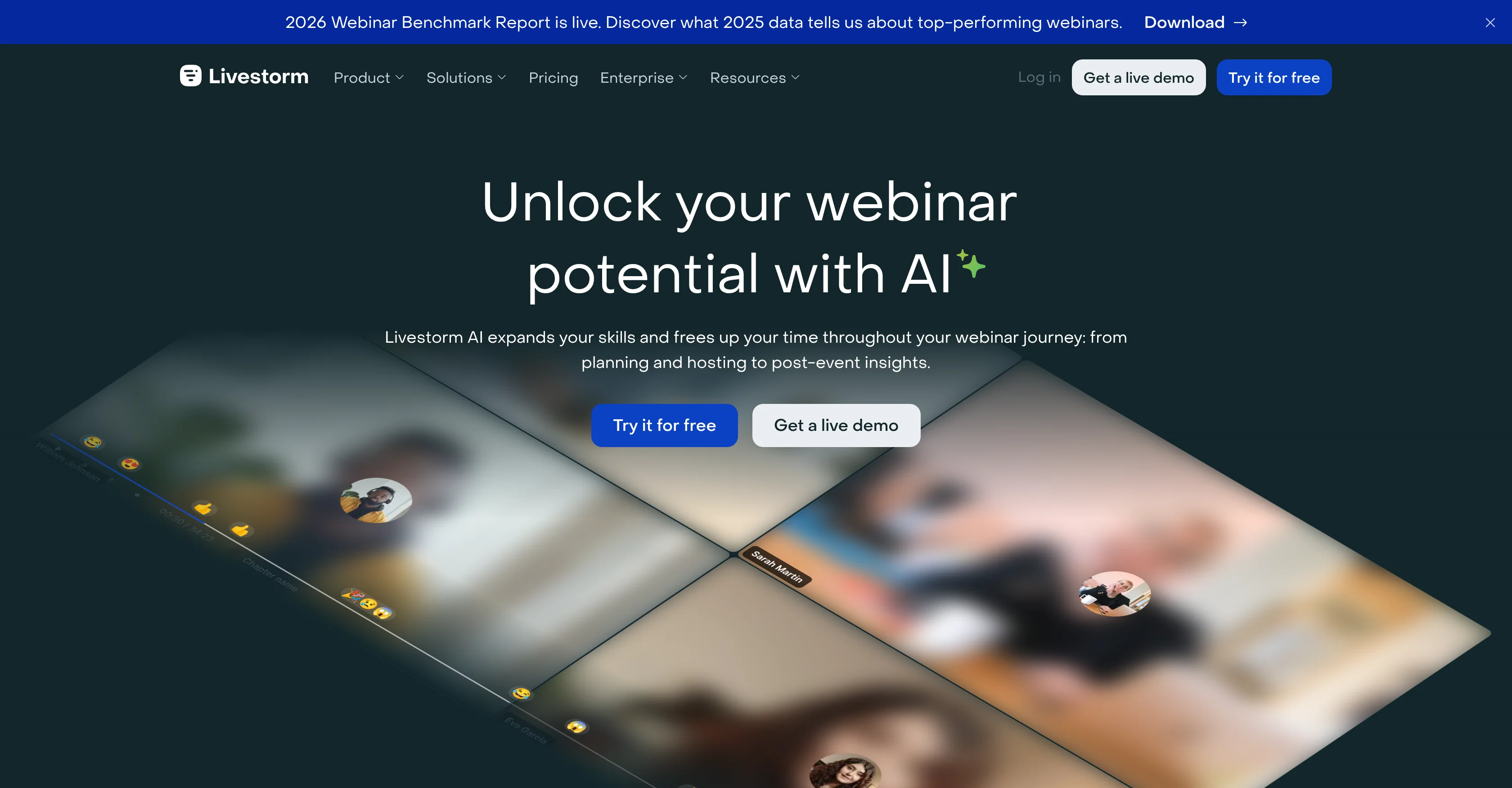
Livestorm AI-Powered Webinars is a revolutionary tool designed to enhance the quality and engagement of online events. Building on the power of AI, it provides a range of innovative features including transcription, automated summaries, and content repurposing.
It enables hosts to conduct compelling webinars with a rich set of engagement options, on-demand webinars, fully automated webinars, and large-scale internal and external virtual events.
The platform also offers restreaming capabilities, allowing simultaneous streaming of your events to multiple platforms. One of its unique features is AI-based content repurposing that transforms event recordings into a suite of ready-to-use content such as summaries, blog posts, and social media posts.
For better accessibility, it provides closed captions for webinars in over 100 languages. Moreover, its AI-driven analytics offer deep insights derived from downloadable replay transcripts and an interactive replay search feature.
Its other notable AI functionalities include webinar title and outline generator and video script generator. With a strong commitment to AI ethics, Livestorm prioritizes responsible AI use.
The platform's features and advances positively impact a wide range of industries such as healthcare, finance, technology, government, and education.
Access & connections
Where you can use Livestorm AI.
Platforms
Capabilities
What this tool accepts, produces, and is strongest at.
Input
- Video
Output
- Text
Pros & cons
Pros
- Transcription feature
- Automated summaries
- Content repurposing
- On-demand webinars
- Fully automated webinars
- Large-scale virtual events
- Restreaming capabilities
- Simultaneous streaming
Show 19 more
- Closed captions for webinars
- Supports over 100 languages
- Downloadable replay transcripts
- Interactive replay search
- Webinar title generator
- Video script generator
- Helpful for multiple industries: healthcare, finance, technology, government, education
- Smart engagement features
- Webinar potential unlocking
- Preset workflows: Automated Webinars
- Thousands of integrations
- Solutions for various teams: Marketing, Sales, Customer Success, Human Resources
- Security commitment
- Data privacy commitment
- Advanced customization
- MP4 to MP3 feature
- Webcam Test feature
- Microphone Test feature
- Webinar ROI Calculator
Cons
- No mobile app
- Unspecified streaming limitations
- No integrated participant registration
- Limited third-party integrations
- Unclear data privacy policy
- Feature variability (beta testing)
- No explicit user customization
- Bloated with too many features
Show 1 more
- Preset workflows limit flexibility
Compare alternatives
Similar tools in the catalog — with a clear reason to open each one.


Releases 1
FAQ 12
What is Livestorm AI-Powered Webinars?
What are the main features of Livestorm?
How does the AI-based content repurposing work in Livestorm?
Does Livestorm allow on-demand webinars?
Can I restream my webinars using Livestorm?
How does the AI-driven analytics in Livestorm help gain insights?
What is the webinar title and outline generator in Livestorm?
Does Livestorm provide a video script generator?
How does Livestorm prioritize AI ethics and responsible AI use?
In which languages does Livestorm provide closed captions for webinars?
Does Livestorm support simultaneous streaming to multiple platforms?
How does Livestorm's AI-powered webinars impact industries like healthcare, finance, and education?
Related tools
Recommended

Talo ✓
Free TrialBreak language barriers in video calls with real-time AI translation.

Visme ✓
FreemiumCreate professional presentations, infographics, designs, and videos.

Graphite Note ✓
Free TrialNo-code AI for data analysts to create ML models instantly

WeWeb ✓
FreemiumBuild Web-Apps 10x Faster with AI & No-Code

Whisper Web ✓
FreemiumFree audio to text transcription with speaker labels.

WebZum ✓
Free TrialSite, Google ad, and a 15-second video ad. Five minutes.