

Trial; then from $59/mo
Verdict
A quick read before you dig into the full page.
- Best if
- AI CRM that remembers everything and does the work for you
- Skip if
- No upfront configuration
- Pick this when
- Simplifies complex CRM tasks
Considering Delegate instead? Compare side by side
Overview
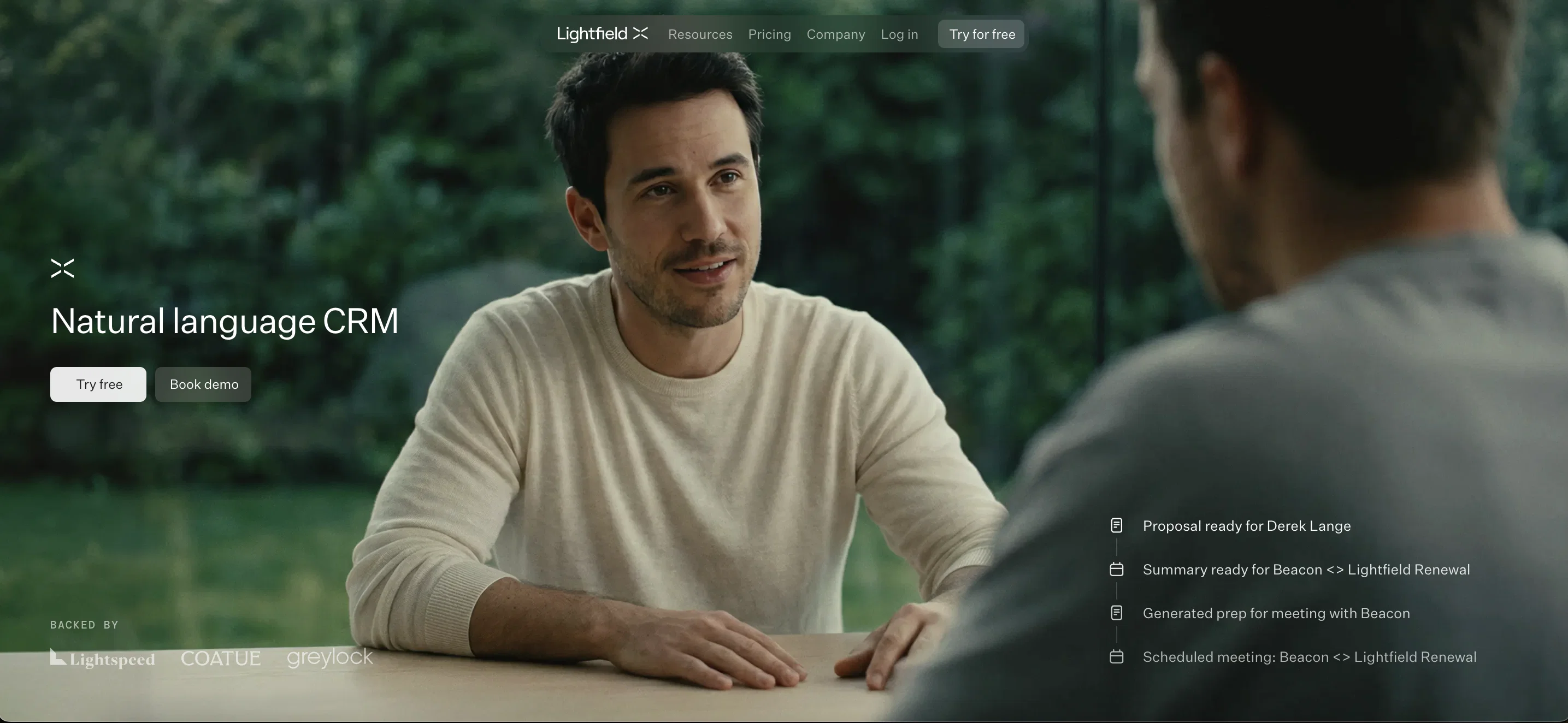
Lightfield is an AI-native CRM that captures every conversation from day one and builds your CRM for you in 5 minutes. No fields to define. No pipeline to configure. It reads your emails, meeting transcripts, and calls to build a complete picture of every customer relationship. Ask it to do anything in plain English: draft emails to prospects, build account plans, customer reports and dashboards. Just full customer context, and the work is already done.
It builds a continuous memory of every customer relationship — stitching together emails, meeting transcripts, and notes into a single, searchable history per account. Then it works on that data: updating CRM fields after every meeting, extracting action items, drafting personalized follow-up emails that reference exact words from the conversation, and surfacing deals that have gone quiet.
Lightfield handles meeting prep, post-call summaries, bulk personalized outreach, pipeline updates, dormant deal revival, and cross-team customer context so engineers and product teams can see what customers actually said, not a filtered summary. No configuration required to start. Your data model evolves as your business does.
Ask the agent any question about your business — which objections keep coming up in demos, what your best customers have in common, who requested a feature you just shipped — and get answers grounded in real conversations, with citations.
Built for high-growth teams running 10+ customer conversations a week who've outgrown spreadsheets and want an AI-native CRM that does work for them instead of adding more work.
- Ai Agents
- Lead Management
- Sales Pipeline
Best for
Short scenarios where Lightfield tends to shine.
-
AI CRM that remembers everything and does the work for you.
Example outputs 1
Sample generations and before/after results for Lightfield.
Access & connections
Where you can use Lightfield, and what it plugs into.
Platforms
Integrations
Capabilities
What this tool accepts, produces, and is strongest at.
Input
- API
- Tabular
- Text
Output
- Tabular
- API
- Text
Highlights
- Agents
- API
- MCP
- Use code TAAFT
- 90 DAYS FREE TRIAL
Supported features
- Agents
- API
- Assistant
- Automation
- Meeting Intelligence
- Outreach
- MCP
- Memory
- SOC 2 Compliance
Show 1 more
- Integrations
Pros & cons
Pros
- Simplifies complex CRM tasks
- Automates standard CRM tasks
- Logs customer interactions
- Drives next steps
- Provides business operation answers
- Analyses emails and meeting transcripts
- No upfront configuration needed
- Allows data model evolution
Show 41 more
- Enables personalized emails at scale
- Provides insights for product development
- Updates CRM data based on conversations
- Revives stale deals
- Fills in missing CRM data
- Gives holistic view of customers
- Performs meeting preparation
- Captures and summarizes meetings
- Allows bulk pipeline editing
- Suggests personalized customer outreach
- Provides comprehensive customer history
- Offers contextual understanding
- Serves as a smart assistant
- Helps proactive customer engagement
- Assists in product development
- Manages pipelines based on actual conversations
- Improves work efficiency
- Fast access to crucial customer information
- Understands full customer context
- Automated meeting updates
- Captures conversation records shared
- Understands company, product, market context
- Performs business-related questions answering
- Enables bulk personalized emails
- Provides stronger customer insights to engineers
- Revives dormant deals
- Enriches accounts or contacts data
- Offers built-in call recorder
- Furnishes answers with original conversations citations
- Sends personalized outreach based on discussed content
- Performs mass updates based on spoken conversations
- Automates tailoring revival emails
- Structured fields and unstructured data contextual query
- Supports mass record exports
- Improved workflow triggers
- Enhanced LifeField record data pushing
- MS Outlook integration
- Supports International phone numbers
- Improved global search reliability
- Improved tasks and record updates suggestions
- Customizable meeting recorder appearance
Cons
- No upfront configuration
- Dependent on data quality
- Requires JavaScript
- Lack of explicit privacy measures
- Not suitable for established companies
- Possible misinterpretation of customer interactions
- Possibility of overlooking stale deals
Compare alternatives
Similar tools in the catalog — with a clear reason to open each one.

Delegate ✓
Free TrialAI Agents driving Net Revenue Retention increases in B2B Companies
Free + from $699/mo
Full comparison
ClienTask ✓
Free TrialProfessional client management made simple.
Why look Typically cheaper
Full comparison
CRM Chat ✓
FreemiumManage your CRM through chat and voice.
Why look Typically cheaper
Full comparison
Leadchee ✓
Free TrialThe agentic CRM that maintains itself.
Why look Typically cheaper
Full comparisonPeople also view
Tools that often show up alongside Lightfield in collections and comparisons.
Delegate ✓
Free TrialAI Agents driving Net Revenue Retention increases in B2B Companies
ClienTask ✓
Free TrialProfessional client management made simple.
Ushur
UnknownAI-powered customer experience automation for regulated industries.

Streak AI ✓
FreemiumAI-powered CRM co-pilot for Gmail
Leadchee ✓
Free TrialThe agentic CRM that maintains itself.
CRM Chat ✓
FreemiumManage your CRM through chat and voice.

TextAlley ✓
PaidSend real iMessages from your CRM.

SuperIntern ✓
FreemiumYour always-on AI assistant that runs your admin so you can focus.
Releases 1
Imported reviews 5
An AI CRM that actually does AI things really well.
Fantastic AI tools
Love this CRM. No fields to configure or pipeline to define, it just does everything for you.
The only CRM I've actually stuck to. Its AI does everything.
I really like it, but it's just short of clawd."reviving stale deals by identifying prospects " - that's something i'm deffinetly trying haha
FAQ 12
What is the main function of Lightfield CRM?
How does Lightfield integrate AI into its features?
How does Lightfield handle email automation?
What is the data model evolution feature in Lightfield?
Can Lightfield help with reviving stale deals and how?
How does Lightfield AI facilitate data analysis?
Can Lightfield help with understanding the target market?
How does Lightfield ensure personalized marketing?
Is there a free trial offered for Lightfield?
How can Lightfield help with business automation?
What is the functionality of Lightfield's startup tools feature?
How does Lightfield aid in effective customer interaction management?
Related tools
Recommended

TheLibrarian.io ✓
Free TrialYour WhatsApp AI assistant for instant productivity.

EchoWrite ✓
FreemiumDon't type text anymore, just speak

PACT | Free Compliance Audit ✓
Free100% Free AI-powered website compliance audits in minutes.

Chatbit ✓
FreemiumTrain custom AI Chatbot from your data, add to website.

Polymer Runtime Data Security ✓
Free TrialPrevent AI data breaches with real-time risk management.

Notis ✓
Free TrialThe first WhatsApp assistant that runs on your ChatGPT and Claude subscriptions
More from this creator

FireTexts ✓
FreemiumGenerate text messages for flirting, rizz, or talking, sexting, and dating
PACT | Free Compliance Audit ✓
Free100% Free AI-powered website compliance audits in minutes.

Creative Arena by Contra ✓
UnknownCompare. Vote. Advance Creative AI.

Trayo AI ✓
Free TrialCatch buying signals before your competitors do.