
Lensa AI: photo & video editor ✓
Lensa AI: Transforming your photos & videos
Verdict
A quick read before you dig into the full page.
- Best if
- You are individuals seeking AI companionship and need: Emotional Support: Finding a comforting companion to talk to anytime, anywhere
- Skip if
- Limited editing options
- Pick this when
- Unique selfie editing approach
Considering Real Fake Photos instead? Compare side by side
Overview
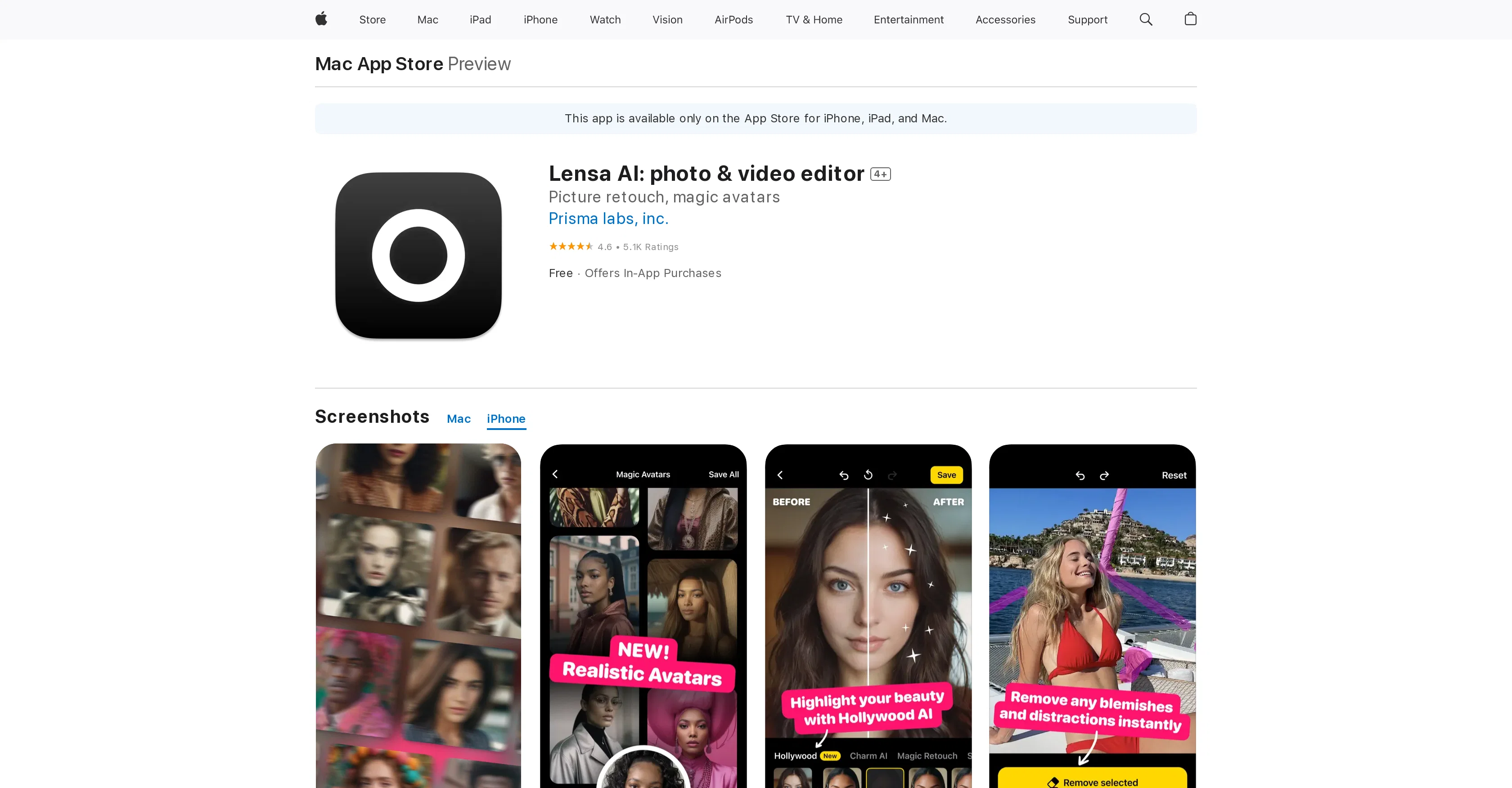
Developed by Prisma Labs, Lensa AI is an intuitive photo and video editing tool, designed specifically for perfecting selfies. The tool is available for iOS as well as MacOS, granting users a simple, yet effective way of beautifying their images.
Capabilities of the app include facial retouching, skin smoothing, face highlighting, and background blurring to focus more on the subject. It offers an impeccable eyes feature to eliminate eye bags and enhance eyebrows and eyes for a more distinguished look.
The app is also equipped to adjust the background blur and depth to complement the subject and add dynamics to selfies. Extra perks include an Auto Adjust feature for users short on time and various elements related to altering exposure, color intensity, saturation, sharpness, fade effects, and temperature for creating mood-specific and personalized selfies.
The Lensa AI tool does have Premium Subscriptions for additional features and functionalities. Users can refine their selfies to their preference with this app, although the app's automatic detection of features including faces, foreground, and background may be limited in certain scenarios.
Best for
Short scenarios where Lensa AI: photo & video editor tends to shine.
-
Emotional Support: Finding a comforting companion to talk to anytime, anywhere.
Best for Individuals seeking AI companionship
-
Creative Storytelling: Exploring fantasy worlds and complex roleplay scenarios.
Best for Users interested in AI roleplay
-
Social Simulation: Practicing conversations and building confidence in a safe space.
Best for People looking for a private and judgment-free conversational AI
Example outputs 1
Sample generations and before/after results for Lensa AI: photo & video editor.
Access & connections
Where you can use Lensa AI: photo & video editor, and what it plugs into.
Platforms
Integrations
Capabilities
What this tool accepts, produces, and is strongest at.
Input
- Image
Output
- Image
Pros & cons
Pros
- Unique selfie editing approach
- Auto Adjust feature
- Advanced skin adjustments
- Sophisticated eye enhancements
- Individual element exposure control
- Personalize via color intensity
- Sharpness altering ability
- Add fade effects
Show 19 more
- Alter image temperature
- Annual and monthly subscriptions
- Premium features access
- Background adjustment options
- Eliminates face blemishes
- Precise facial highlight control
- Available on iPhone, iPad, iPod Touch, and Mac OS X
- High customer ratings
- Removal of eye bags
- Contrast addition to eyes
- Eyebrow thickening
- Background blur control
- Background motion dynamics
- Petzval lens effect
- Individual element exposure modification
- Saturation tinkering
- Image mood adjustment
- Adjustable tints
- Subscriptions with extra features
Cons
- Only available on iOS
- Premium Subscription required
- Limited editing options
- Face detection not always accurate
- Filters are generic
- Potential for application crashes
- Possibility of phone lockup
- High cost for additional uploads
Show 2 more
- Can't manually select face
- Not entirely intuitive UI
Compare alternatives
Similar tools in the catalog — with a clear reason to open each one.
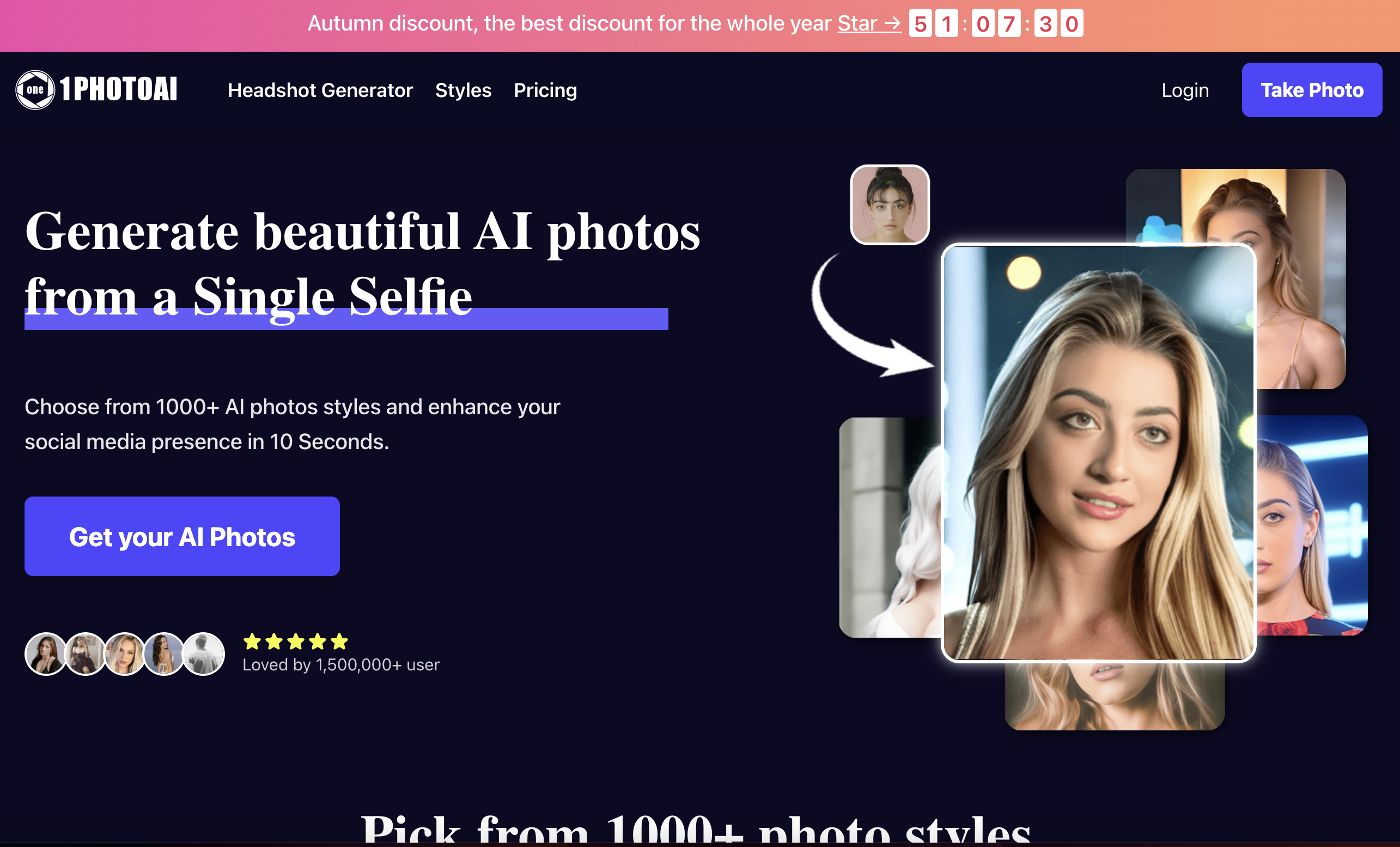
1photoai
PaidAI photo generator for professional headshots, avatars, and image enhancement.
Why look Stronger for image work
Full comparison
daisy | Labubufy ✓
FreeTurn anyone into a Labubu in seconds! 🎁
Why look Fully free option
Full comparisonPeople also view
Tools that often show up alongside Lensa AI: photo & video editor in collections and comparisons.

Real Fake Photos ✓
PaidTurn your selfies into professional headshots

ProfilePicture.ai ✓
PaidGenerate perfect AI profile pictures that capture you.
daisy | Labubufy ✓
FreeTurn anyone into a Labubu in seconds! 🎁

Artguru ✓
FreemiumCreate unique AI avatars in trendy styles
1photoai
PaidAI photo generator for professional headshots, avatars, and image enhancement.
SpatialReal ✓
FreemiumReal-time photorealistic digital humans with sub-300ms latency
SellerTwin ✓
FreemiumBehind every lost sale is a conversation you never had.

SayAgain - AI Avatars of Loved Ones ✓
PaidBuilt from their letters, emails, and journals.
Releases 1
FAQ 12
What is Lensa AI?
What are the key features of Lensa AI?
How does Lensa AI's Auto Adjust feature work?
What devices is Lensa AI compatible with?
Can I edit videos with Lensa AI?
Does Lensa AI offer a premium subscription?
What does Lensa AI's Premium Subscription offer?
What makes Lensa AI different from other photo editing apps?
Can I manually adjust exposure, saturation, sharpness, and temperature with Lensa AI?
Is there an option to correct facial features with Lensa AI?
Can I blur the background of my photos with Lensa AI?
Is Lensa AI available on the App Store?
Related tools
Recommended

Lucidpic ✓
FreemiumAI-generated stock photos of non-existent people.

Aragon ✓
PaidGet professional AI headshots in minutes.
Instant Portrait ✓
FreeAI-generated portrait paintings from selfies

Photo AI ✓
PaidCreate beautiful AI photos and videos of real people

Eightify
UnknownAI-powered YouTube video summarizer extracting key ideas for quick content assessment.

VenturusAI ✓
FreemiumBusiness idea analysis and reporting.