Speech to text

LazyTyper

Free, fast, accurate, multilingual voice typing app with 12 AI models.

Source rating 5.0 (70) 5.4k views 5.4k/mo traffic 0 saves Unknown
More categories (10)

Verdict

A quick read before you dig into the full page.

Best if
You are students and need: Writing emails, documents, notes, and chat
Pick this when
Free, fast, accurate, multilingual voice typing app with 12 AI models

Overview

LazyTyper is a free, super-fast, and highly accurate voice typing application powered by Whisper and other advanced AI speech models. It offers 12 professional speech models, including 5 fully local (on-device) options, enabling users to convert speech to text 3 times faster than manual typing with 90% accuracy. The app supports multilingual dictation, handles accents and technical terms, and is designed to be lightweight, working efficiently on Windows, macOS, and Linux. It is completely free, without ads, and prioritizes user privacy by sending voice data directly to chosen API providers without storing it on LazyTyper's servers.

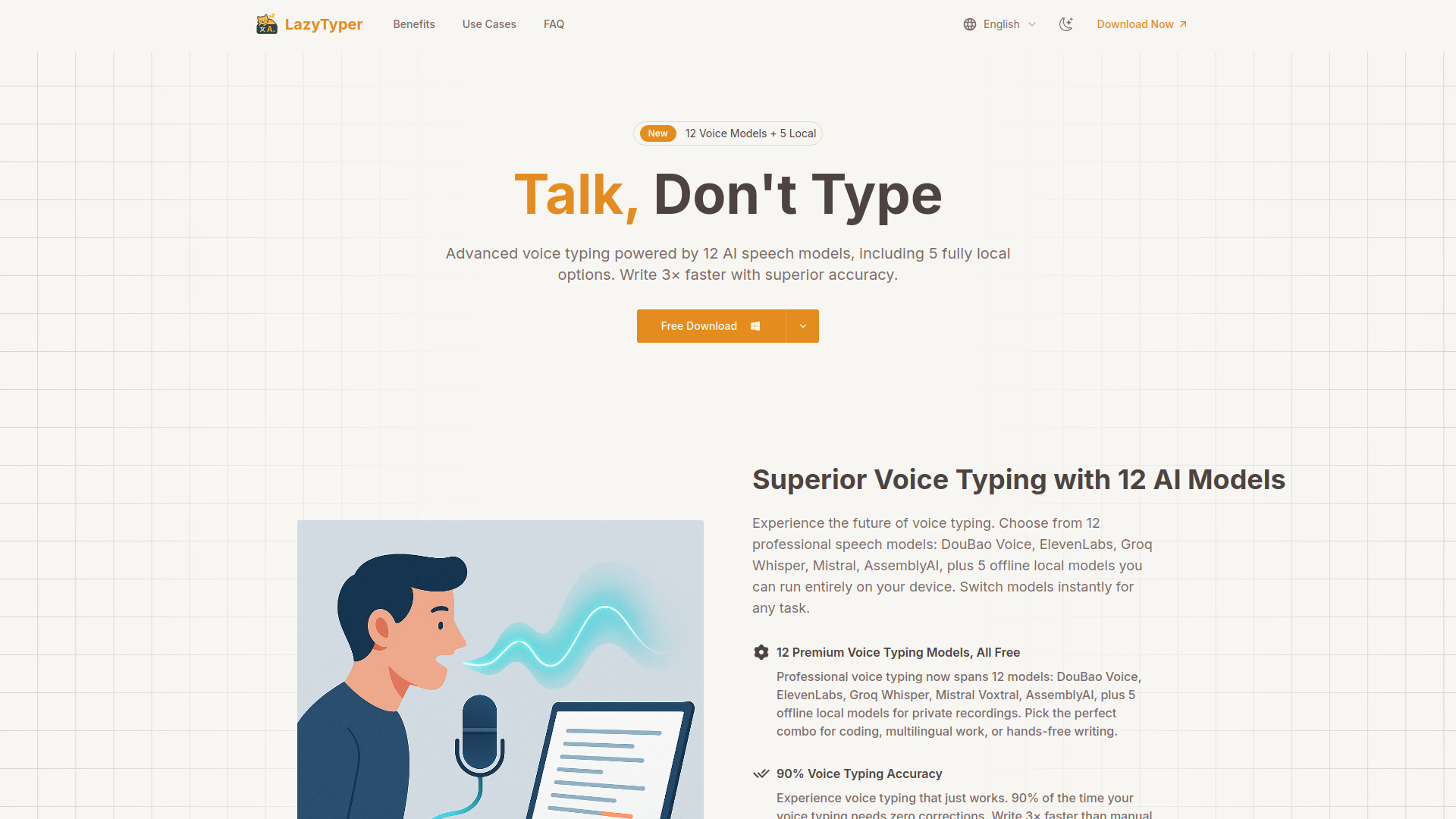
LazyTyper screenshot

Best for

Short scenarios where LazyTyper tends to shine.

  • Writing emails, documents, notes, and chat

    Best for Students

  • Coding documentation and variable name formatting

    Best for Writers

  • Taking research notes for academic work

    Best for Developers

  • Transcribing interview transcripts

    Best for Professionals

  • Multilingual work, including mixed-language dictation

    Best for Multilingual users

  • Hands-free writing and content creation

    Best for Content Creators

  • Private recordings using local models

    Best for Journalists

Example outputs 1

Sample generations and before/after results for LazyTyper.

Access & connections

Where you can use LazyTyper.

Platforms

macOS

Capabilities

What this tool accepts, produces, and is strongest at.

Highlights

  • 12 AI Speech Models (including 5 local/offline options)
  • 3x Faster Voice Typing Speed
  • 90% Voice Typing Accuracy
  • Multilingual Voice Typing Support
  • Lightweight Application
  • Always Free with No Ads
  • Privacy-focused data handling

People also view

Tools that often show up alongside LazyTyper in collections and comparisons.

FAQ 12

What is LazyTyper?
LazyTyper is a free, super-fast, and highly accurate voice typing application powered by Whisper and other advanced AI speech models. It offers 12 professional speech models, including 5 fully local (on-device) options, enabling users to convert speech to text 3 times faster than manual typing with 90% accuracy. The app supports multilingual dictation, handles accents and technical terms, and is designed to be lightweight, working efficiently on Windows, macOS, and Linux. It is completely free, without ads, and prioritizes user privacy by sending voice data directly to chosen API providers without storing it on LazyTyper's servers.
How to use LazyTyper?
Users simply speak their thoughts, and LazyTyper converts the speech to text in real-time using their chosen AI speech model. They can instantly switch between 12 different models, including 5 local ones, to optimize for various tasks like coding, multilingual work, or private recordings. The app allows dictation for emails, documents, code, and chat.
How much does LazyTyper cost?
LazyTyper is currently free to download and use, with no ads. You get full access to all its powerful voice typing features.
How accurate is the transcription?
LazyTyper achieves 90%+ accuracy, meaning 90% of the time you won't need to make any edits. With DouBao Voice for Chinese, accuracy is even higher. This is significantly better than standard system dictation tools.
Can I really mix different languages in one sentence?
Yes, absolutely! LazyTyper excels at mixed-language voice typing, seamlessly handling Chinese, English, and Japanese within the same dictation.
What makes LazyTyper different from other voice typing tools?
LazyTyper is the only free tool offering 12 premium speech models—including 5 fully local options—you can switch between instantly. Chinese input is 7× faster than pinyin typing. 90% accuracy means no editing needed. Local models keep sensitive work offline. Praised by thousands on V2EX forum as a '99/100 experience'.
Do I need an internet connection to use LazyTyper?
Yes, an active internet connection is required for real-time voice typing. LazyTyper securely sends your voice data to your chosen AI transcription provider (like Groq, OpenAI, etc.) to provide you with the fastest and most accurate real-time transcriptions available.
Is the application heavy or will it slow down my computer?
Not at all. LazyTyper is designed to be extremely lightweight, with a package size in the single-digit megabytes. It runs efficiently in the background without impacting your system's performance.
Is my data and privacy protected?
We prioritize your privacy. Voice recordings are sent directly to your chosen transcription API provider (never through our servers) and are not stored by LazyTyper. Optional analytics can be disabled anytime. All settings and API keys are stored locally on your device.
What platforms is LazyTyper available on?
LazyTyper supports Windows, macOS, and Linux.
Who is LazyTyper for?
LazyTyper is for anyone who wants to save time and increase productivity. It's perfect for students, writers, developers, professionals, and multilingual users tired of slow manual typing and inaccurate voice typing.
Which speech recognition engine should I choose?
LazyTyper now includes 12 models. DouBao Voice (best for Chinese with 90%+ accuracy), ElevenLabs (perfect for coding with excellent variable name formatting), Groq Whisper (fast and reliable), Mistral Voxtral and AssemblyAI (great cloud backups), plus 5 fully local Whisper-grade models for offline or private content. Switch anytime based on whether you're writing Chinese, coding, or transcribing meetings.
LazyTyper