
Label Studio
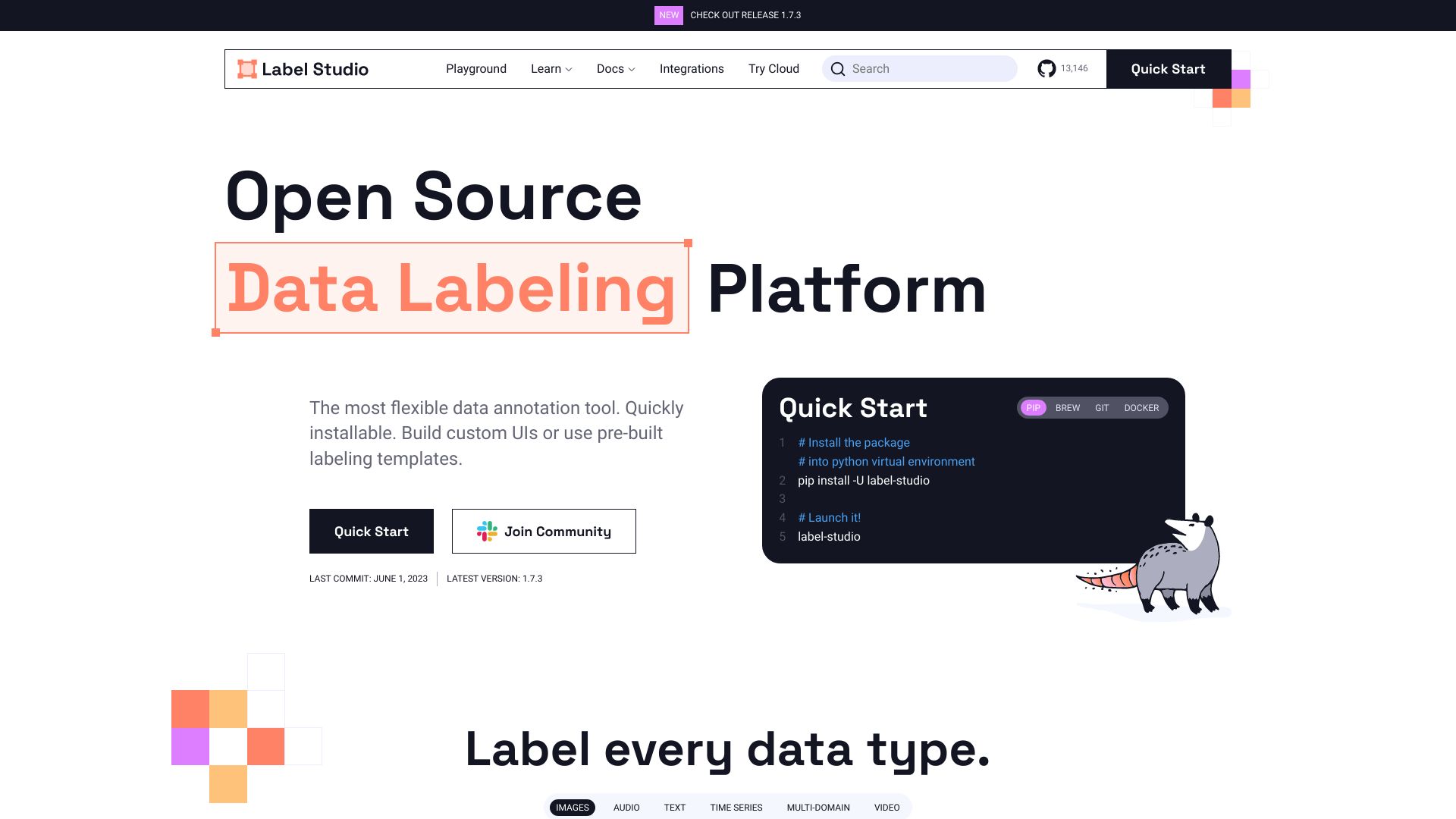
Open source data labeling tool for various data types and M/L integration.
Verdict
A quick read before you dig into the full page.
- Best if
- You are data Scientists and need: Computer Vision: Image classification, object detection, semantic segmentation
- Skip if
- You need a free plan with no credit card
- Pick this when
- Open source data labeling tool for various data types and M/L integration
Overview
Label Studio is an open source data labeling tool that supports multiple projects, users, and data types in one platform. It allows for different types of labeling with various data formats and integrates with M/L backends. It's a flexible platform for fine-tuning LLMs, preparing training data, or validating AI models.
Best for
Short scenarios where Label Studio tends to shine.
-
Computer Vision: Image classification, object detection, semantic segmentation
Best for Data Scientists
-
Audio & Speech Applications: Classification, speaker diarization, emotion recognition, audio transcription
Best for Machine Learning Engineers
-
NLP, Documents, Chatbots, Transcripts: Classification, named entity recognition, question answering, sentiment analysis
Best for AI Researchers
-
Robots, Sensors, IoT Devices: Classification, segmentation, event recognition
Best for Annotation Teams
-
Multi-Domain Applications: Dialogue processing, optical character recognition, time series with reference
Best for Data Scientists
-
Video: Classification, object tracking, assisted labeling
Best for Data Scientists
-
GenAI: LLM Fine-Tuning, LLM Evaluations, RAG Evaluation
Best for Data Scientists
How it works
Example outputs 1
Sample generations and before/after results for Label Studio.
Access & connections
Where you can use Label Studio, and what it plugs into.
Platforms
Integrations
Capabilities
What this tool accepts, produces, and is strongest at.
Highlights
- Support for multiple data types (images, audio, text, video, time series)
- Configurable layouts and templates
- Integration with ML/AI pipelines via Webhooks, Python SDK, and API
- ML-assisted labeling
- Connection to cloud storage (S3, GCP)
- Data Manager with advanced filters
- Multiple projects and users support
People also view
Tools that often show up alongside Label Studio in collections and comparisons.



In the news
Launch coverage and community mentions for Label Studio.