Agent

kuku

A native, local-first macOS Markdown editor with tool-calling AI and diff previews.

Source rating 5.0 (53) 626 views 626/mo traffic 0 saves Unknown
More categories (7)

Verdict

A quick read before you dig into the full page.

Best if
A native, local-first macOS Markdown editor with tool-calling AI and diff previews
Pick this when
A native, local-first macOS Markdown editor with tool-calling AI and diff previews

Overview

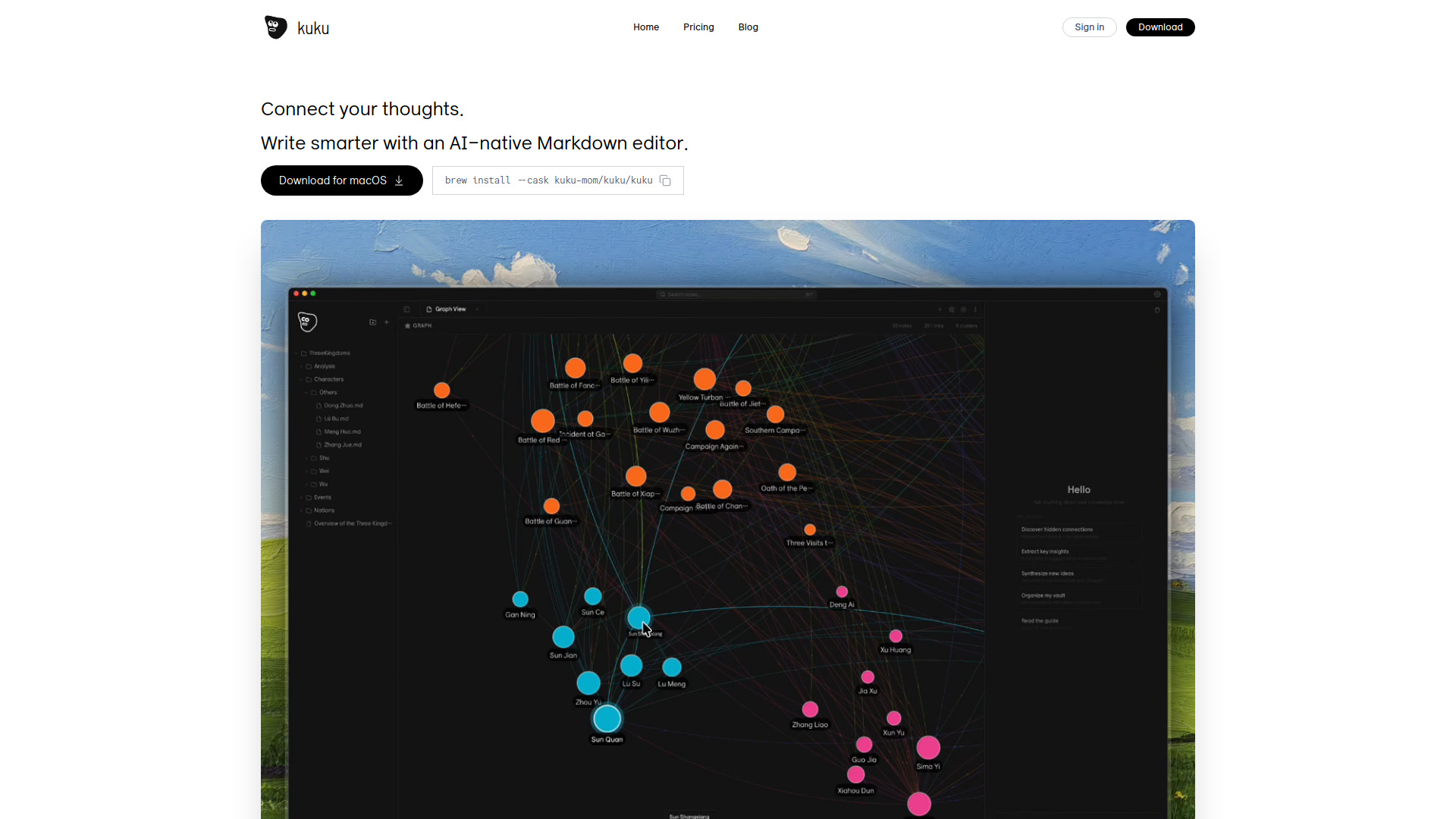
Kuku is a truly native, local-first markdown editor designed for macOS, built using Tauri for superior performance and minimal resource consumption compared to Electron applications. It adheres to an open format, storing notes as plain .md files with support for wikilinks, backlinks, and a graph view, ensuring data remains secure on the user's disk without cloud lock-in. Kuku features an advanced AI agent (powered by Gemini with tool calling) capable of searching vaults, reading files, and creating documents. All AI modifications are presented as Cursor-style diffs for user review and acceptance, enhancing control and trust. It also includes local, offline speech-to-text using Whisper and highly efficient full-text search.

kuku screenshot

Access & connections

Where you can use kuku.

Platforms

macOS

Capabilities

What this tool accepts, produces, and is strongest at.

Highlights

  • Native macOS App built with Tauri (fast and lightweight)
  • Local-first storage using Plain Markdown (.md files, no lock-in)
  • AI Agent (Gemini with tool calling) for vault search and content generation
  • Cursor-style Edit Preview showing AI changes as diffs
  • Bidirectional Links, Backlinks, and Graph View
  • Local Whisper STT for offline speech-to-text recognition

FAQ 6

What is Kuku?
Kuku is a truly native, local-first markdown editor designed for macOS, built using Tauri for superior performance and minimal resource consumption compared to Electron applications. It adheres to an open format, storing notes as plain .md files with support for wikilinks, backlinks, and a graph view, ensuring data remains secure on the user's disk without cloud lock-in. Kuku features an advanced AI agent (powered by Gemini with tool calling) capable of searching vaults, reading files, and creating documents. All AI modifications are presented as Cursor-style diffs for user review and acceptance, enhancing control and trust. It also includes local, offline speech-to-text using Whisper and highly efficient full-text search.
How to use Kuku?
Users must download and install Kuku for macOS (either via the website or using Homebrew). Notes are written in standard Markdown format. Users utilize bidirectional links by typing [[ for navigation and structure. The AI Agent is activated via prompts to perform complex tasks like searching the vault, summarizing documents, or creating new files, with suggested changes displayed as reviewable diffs.
Can I use my existing Obsidian vault?
Yes. Just open the same folder. [[wikilink]] syntax is fully compatible.
Does the AI learn from my documents?
No. Only context needed for the current conversation is sent to Gemini API, and per Google's ToS, it's not used for training.
Can I use it offline?
Everything except AI chat works offline. Voice recognition uses local Whisper, so it works without internet.
Why Tauri instead of Electron?
Electron bundles entire Chromium, but Tauri uses system WebView. This results in 1/10 bundle size, 1/3 memory, and Safari-level performance on macOS.
