
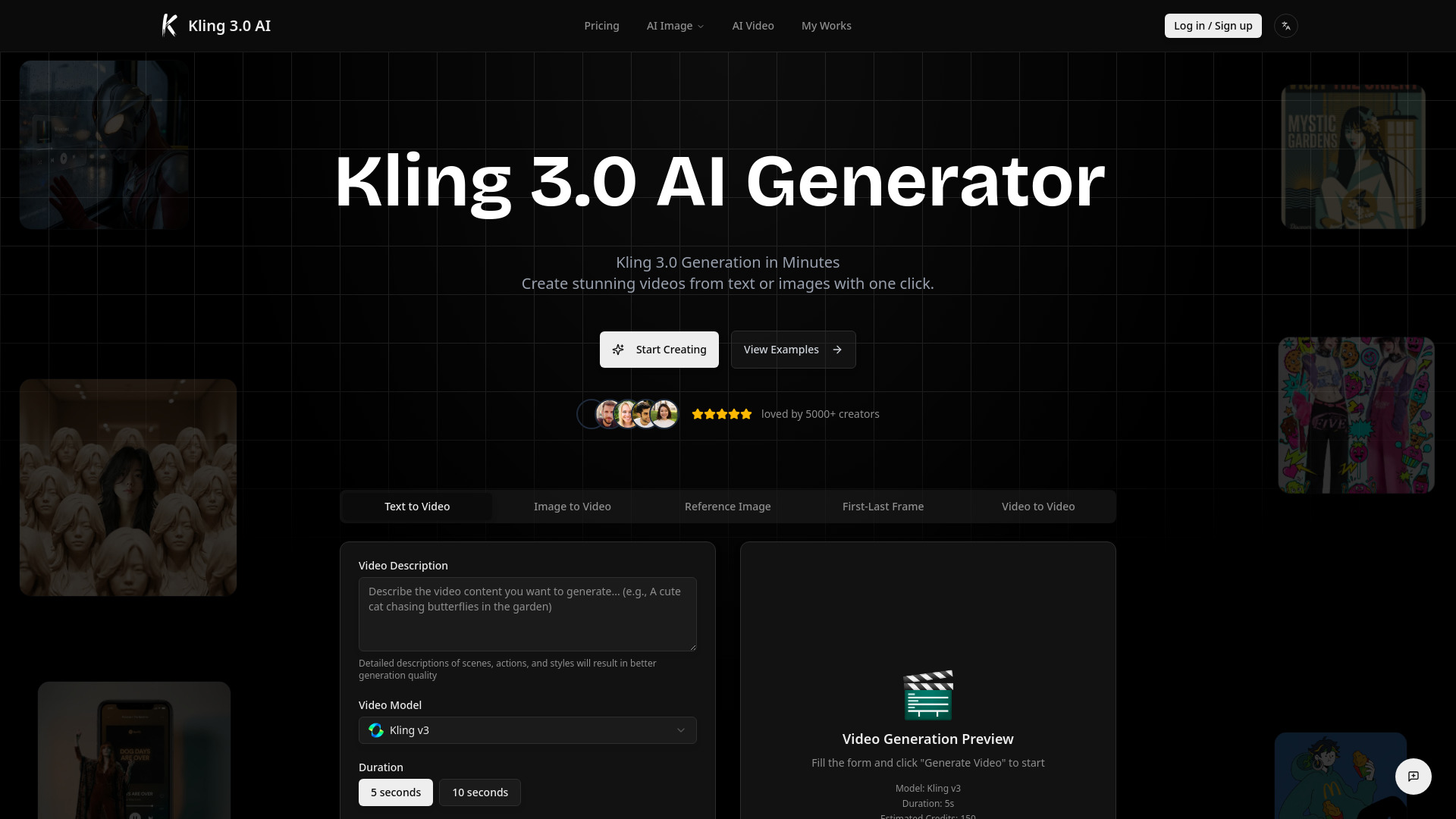
Kling 3.0 AI-
Built around Kling 3.0, our API-powered platform helps you generate cinematic AI videos with multi-shot storyboarding, optional native audio, and stronger subject consistency — plus a full image suite with 10 frontier image models (Flux 2 family, Nano Banana, Seedream, GPT-4o, Z-Image). Generate multiple outputs per prompt, use up to 8 reference images on supported models, and pay with a transparent fixed credit system for images (2–6 credits per generation).
From $16.99 / month
Verdict
A quick read before you dig into the full page.
- Best if
- Built around Kling 3.0, our API-powered platform helps you generate cinematic AI videos with multi-shot storyboarding, optional native audio, and stronger…
- Skip if
- You need a free plan with no credit card
- Pick this when
- Paid · From $16.99 / month
Overview
Kling 3.0 AI is our flagship video generation model for creators who want fast, controllable results — not just demos. Use Kling 3.0 for Text-to-Video, Image-to-Video, Reference Image guidance, First-Last Frame control, and Video-to-Video stylization to produce ad hooks, short promos, storyboards, and product demos with rapid iteration. Beyond Kling 3.0, our platform also includes a multi-model image studio (10 models) with batch outputs, reference images (up to 8 on Flux 2 / Flux 2 Pro), 4K options on selected models, and transparent fixed credits for images.
Access & connections
Where you can use Kling 3.0 AI-.
Platforms
Capabilities
What this tool accepts, produces, and is strongest at.
Highlights
- AI Video Generation - 14+ leading models (Kling, Runway, MiniMax, Doubao, Veo3, etc.)
- Text-to-Video (T2V) - Generate videos from text descriptions
- Image-to-Video (I2V) - Create dynamic videos from uploaded images
- Video-to-Video (V2V) - Style transfer or extend existing videos
- AI Image Generation - 10+ models (Flux, Gemini, GPT-4o, Seedream, etc.)
- Text-to-Image (T2I) - Generate high-quality images from text prompts
- Image-to-Image (I2I) - Transform or edit uploaded images
- Flexible Video Duration - Support 5s to 10s video generation
FAQ 12
What is Kling 3.0 AI?
How to use Kling 3.0 AI?
Step 2: Choose Kling 3.0 for video generation (T2V or I2V), or select an image model for T2I / I2I.
Step 3: Write a Kling 3.0 prompt in shots: subject → action → camera → lighting → style → duration.
Step 4: Set output count if you want batch outputs (multiple variations).
Step 5: Generate, review, refine, and regenerate variations.
Step 6: Download and use your results in ads, social posts, product pages, or storyboards.

