
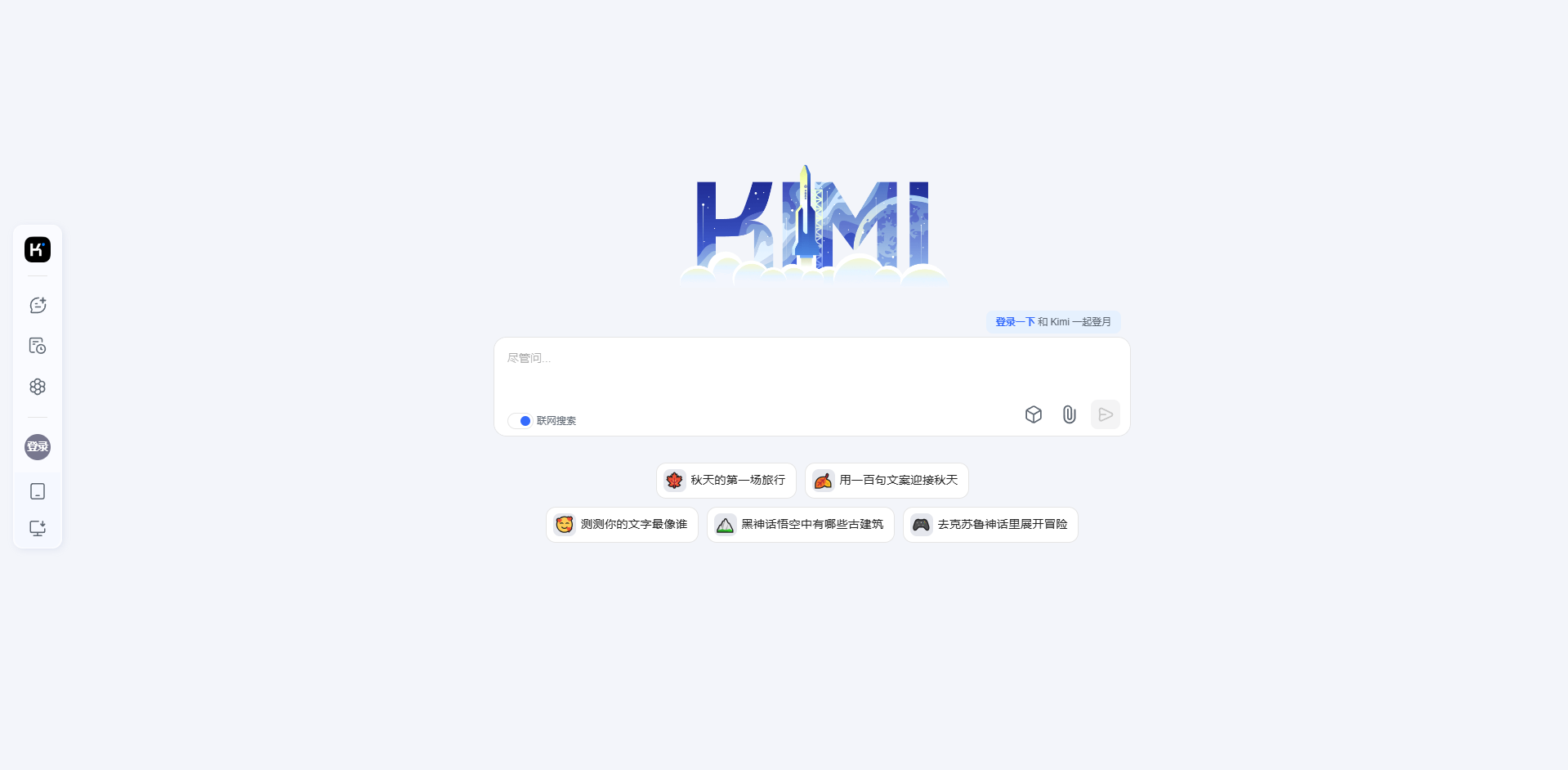
Kimi Chat
Kimi is an AI assistant for productivity, helping with research, coding, and creative tasks.
Verdict
A quick read before you dig into the full page.
- Best if
- You are students and need: Interpreting research papers
- Pick this when
- Kimi is an AI assistant for productivity, helping with research, coding, and creative tasks
Overview
Kimi is an AI assistant developed by Moonshot AI designed to help students and professionals with tasks such as interpreting papers, writing code, debugging, planning projects, creating novels, and translating languages. It aims to be a new quality productivity tool that can solve user problems with a single question.
Best for
Short scenarios where Kimi Chat tends to shine.
-
Interpreting research papers
Best for Students
-
Writing and debugging code
Best for Researchers
-
Planning projects
Best for Software developers
-
Creating novels
Best for Writers
-
Multi-language translation
Best for Project managers
Example outputs 1
Sample generations and before/after results for Kimi Chat.
Access & connections
Where you can use Kimi Chat.
Platforms
Capabilities
What this tool accepts, produces, and is strongest at.
Highlights
- AI-powered reasoning and analysis
- Deep thinking capabilities
- Contextual understanding
- Long context window
- Multi-language translation
- Code debugging
- Content creation
People also view
Tools that often show up alongside Kimi Chat in collections and comparisons.

Runable ✓
FreemiumThe Best Way to Work with AI

Raccoon AI ✓
FreemiumThe AI Coworker for Apps, Research, Docs & Everything Else

PaioClaw ✓
Free TrialMost Secure and Easiest OpenClaw Ever. Live in 60 seconds.

iDox.ai Guardrail ✓
Free TrialStop sensitive data leaks to AI tools.

Flowith AI ✓
FreemiumUnleash deep work with AI-powered flow.
FAQ 4
What is Kimi?
How to use Kimi?
What can Kimi do?
How do I start a new conversation?
Related tools
Recommended
Runable ✓
FreemiumThe Best Way to Work with AI
Flowith AI ✓
FreemiumUnleash deep work with AI-powered flow.
Raccoon AI ✓
FreemiumThe AI Coworker for Apps, Research, Docs & Everything Else
PaioClaw ✓
Free TrialMost Secure and Easiest OpenClaw Ever. Live in 60 seconds.
iDox.ai Guardrail ✓
Free TrialStop sensitive data leaks to AI tools.