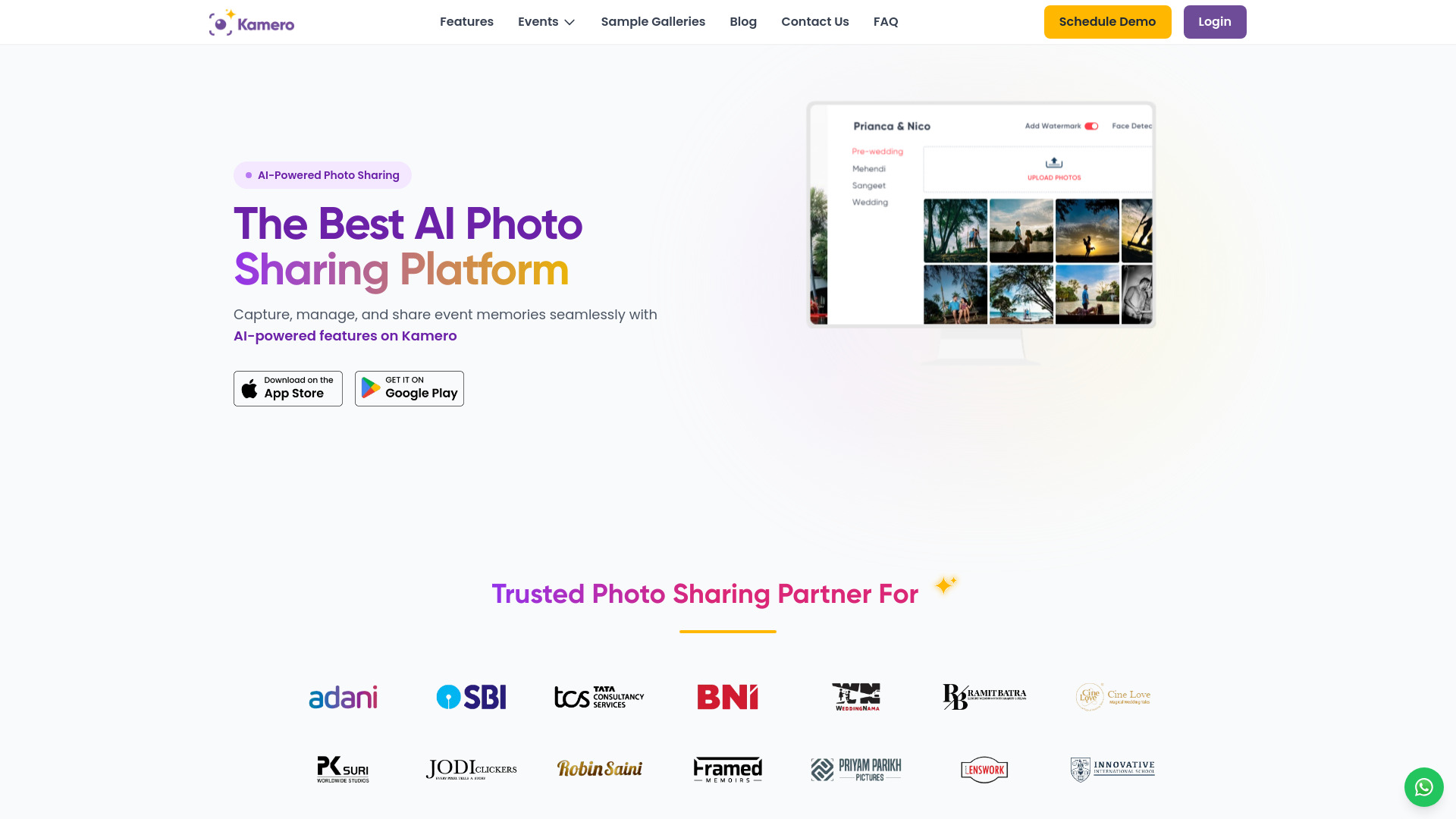
What is Kamero?
Kamero is an AI-powered photo sharing platform that revolutionizes the way you capture, enhance, and share your memories. It empowers Photographers, Event Organizers and Institutions with AI-powered photo sharing, face recognition, and lead generation tools. Kamero offers a seamless, AI-powered photo-sharing experience tailored for photographers, event organizers, and guests. Whether you're an individual or a business, our platform delivers the best-in-class event management & branding tools—with no hidden costs or complicated restrictions.
How to use Kamero?
1. Sign-up on kamero.ai from a Web or Mobile browser. 2. Create an event and Upload your photo. 3. Enable Face AI Recognition. 4. Share the link or QR Code with Guests.
How do I create an account on Kamero?
Signing up is simple! Visit login.Kamero.ai and click the 'Sign-Up' button. Enter your email address, and we’ll send you a verification email with an OTP. Enter the OTP on the website, and your account will be ready to go.
What is AI Face Recognition on Kamero, and how does it work?
Kamero’s AI Face Recognition groups photos by the faces it detects automatically. This makes it easy for guests to find photos of themselves by simply uploading a selfie, saving you time and effort.
How does Kamero simplify the photo selection process for clients and photographers?
Kamero streamlines photo selection for both you and your clients: • Clients can shortlist their favorite photos directly on the Kamero app or Web-link. • You'll receive an email with the shortlisted photo names and a link to download the Kamero Favourites Extractor tool. • Install the tool, copy-paste the photo names, and it will automatically download the high-resolution JPEG and RAW files. This saves time, ensures accuracy, and simplifies your workflow.
How can I organize my memories better with Kamero?
Kamero allows you to create dedicated albums for different events (e.g., Ceremony, Reception) and easily upload photos. You can organize photos either by click-time to relive the event flow or by file-name for custom sorting.
How do I find photos of myself from an event?
Kamero's AI Face Recognition groups photos by the faces it detects automatically. This makes it easy for guests to find photos of themselves by simply uploading a selfie, saving you time and effort.
How does Kamero ensure the privacy and security of my photos?
Kamero provides robust protection for your event photos: • Multi-level privacy access: Admins control who can view the photos. • End-to-End Encryption: All photos and user data are encrypted, ensuring maximum security. • Admin controls: Only approved guests can be granted Admin permissions for the event.