
jpgHi.com Magic Image Upscale
AI-powered image upscaling and enhancement tool.
Source rating 5.0
(57)
281 views
281/mo traffic
0 saves
Freemium
Free + from ¥36
Verdict
A quick read before you dig into the full page.
- Best if
- AI-powered image upscaling and enhancement tool
- Skip if
- You need enterprise SLAs or a fully managed team plan right away
- Pick this when
- Freemium · Free + from ¥36
Overview
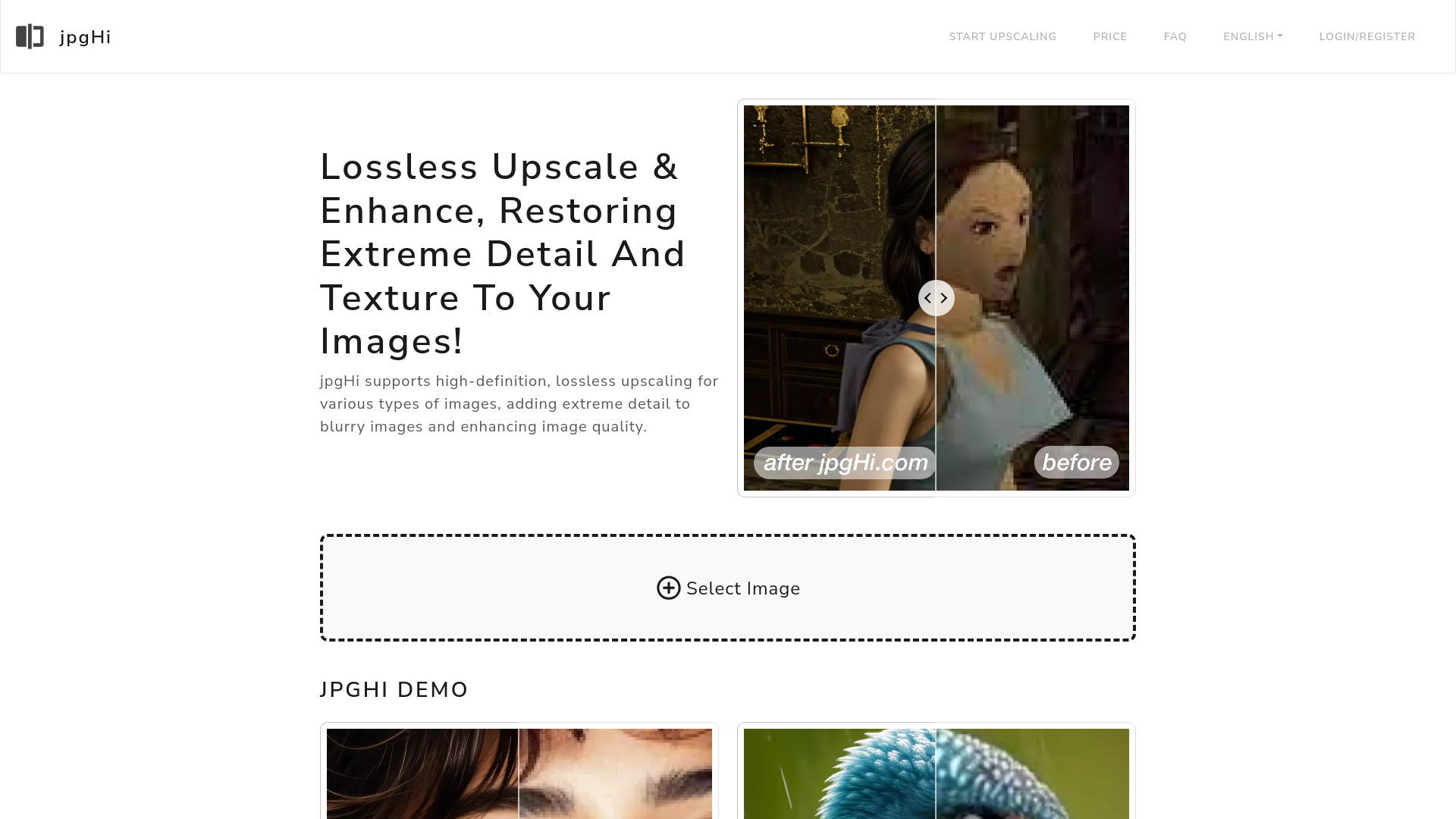
jpgHi is an AI-powered tool designed for high-definition, lossless image enlargement and detail enhancement. It supports various image types, adding extreme detail to blurry images and enhancing overall image quality. The platform utilizes the latest AI models and cloud GPU servers to upscale images up to 16x while restoring detail and texture.
Access & connections
Where you can use jpgHi.com Magic Image Upscale.
Platforms
Capabilities
What this tool accepts, produces, and is strongest at.
Highlights
- Lossless image upscaling
- Detail and texture restoration
- AI-powered enhancement
- Support for various image types (photos and artwork)
FAQ 12
What is jpgHi?
jpgHi is an AI-powered tool designed for high-definition, lossless image enlargement and detail enhancement. It supports various image types, adding extreme detail to blurry images and enhancing overall image quality. The platform utilizes the latest AI models and cloud GPU servers to upscale images up to 16x while restoring detail and texture.
How to use jpgHi?
To use jpgHi, select an image, choose whether it is a photo or artwork, select the upscaling factor, and click Start to upscale.
What is the principle of jpgHi.com?
Using the latest AI model of the year and cloud GPU servers, we upscale your images to up to 16x in high definition and lossless quality while adding details and texture.
How to use?
Select an image you want to upscale, choose whether it is a photo or a cartoon, then select the upscaling factor, and finally click Start to upscale.
How to get the best result?
The higher the upscaling factor is not always better. Higher factors may introduce more AI imagined details, and the processing speed will also be slower.
Why does my upscale results with the demo images on your website not good?
The demo images shown on the website are 8x upscaled. The original images are stretched screenshots to align with the result images. If you want to test with the demo images, you can <a href="/htdocs/demo.zip">download them here</a>.
Processing speed?
The time required depends on the size of the original image and the upscaling factor. Generally, 2x takes 1-2 minutes, 4x takes 5-6 minutes, 6x takes 8-9 minutes, and 16x may take 30-60 minutes.
Why charge a fee?
Each image requires expensive GPU server resources. To maintain the server costs of this tool, we offer both free and premium services. We appreciate your support.
How to charge?
The required tokens vary depending on the type of image and the upscaling factor. You can check the specific requirements by selecting different factors.
Can I get a refund?
You can experience it for free before purchasing. Due to the high cost of our GPU servers and the fact that the service cannot be canceled once started, we cannot fulfill your refund request.
What about privacy?
Your data will be deleted immediately after processing and will not be saved anywhere. You don't need to worry about privacy leaks.
Why does it show upload failed?
It may be due to network or server issues. Just refresh and retry. Or try using the browser in incognito mode.
Related tools
Recommended



jpgHi.com Magic Image Upscale
Free + from ¥36