

Journey ✓
Turn pitch decks into compelling stories that close deals.
Verdict
A quick read before you dig into the full page.
- Best if
- Turn pitch decks into compelling stories that close deals
- Skip if
- Limited personalization options
- Pick this when
- Video recording capability
Considering Burndecks instead? Compare side by side
Overview
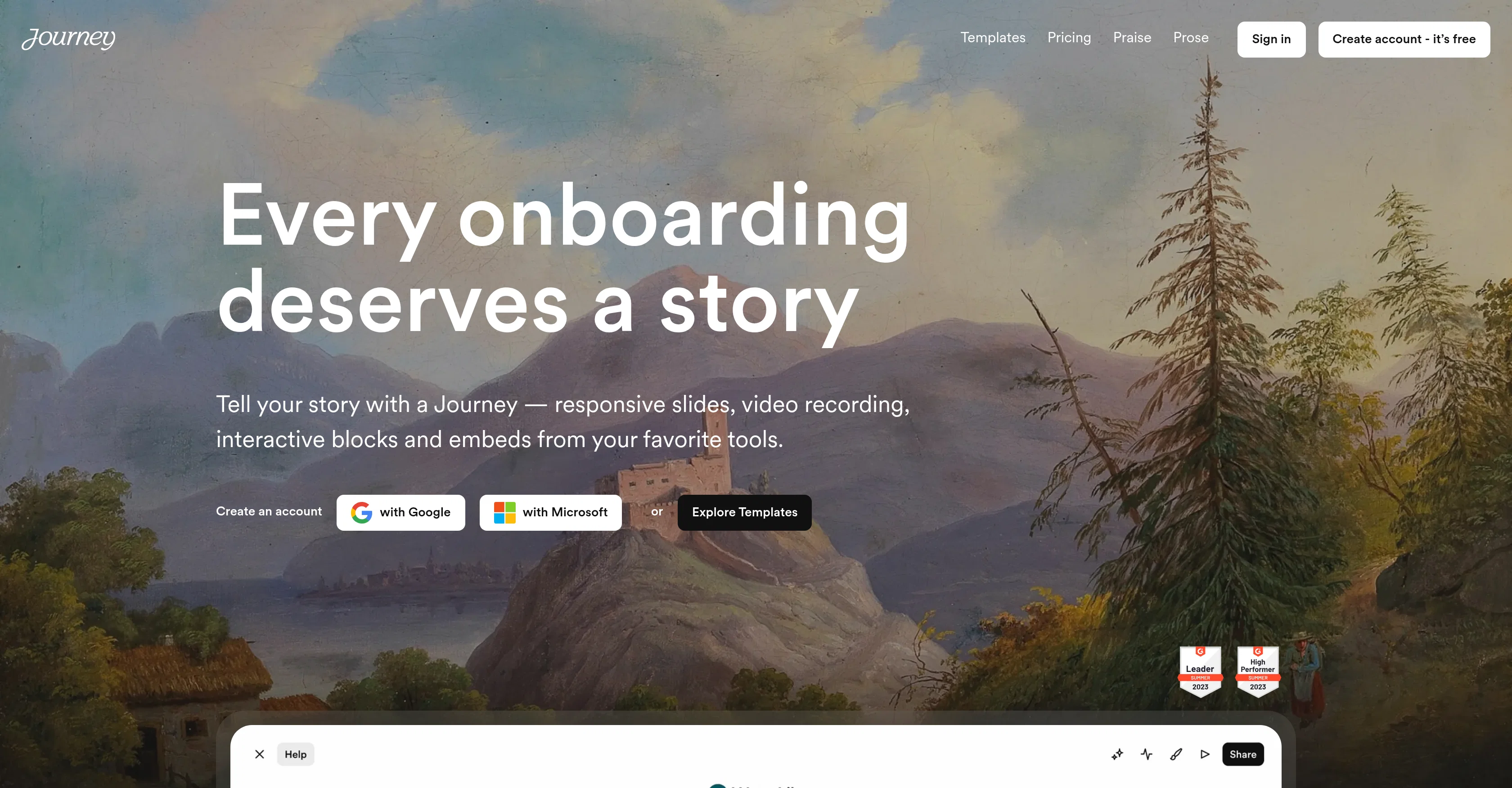
Journey is an AI-powered platform designed to engage, close, and onboard customers. Oriented towards businesses of all sizes, it offers a holistic, interactive experience that allows users to share their stories through a variety of formats, including video, slides, and interactive embeds like calendars.
With a focus on the creation of 'Journeys' rather than traditional pitch decks, users can utilize responsive slides, video recording, and interactive blocks to craft a convincing narrative.
Journey aims to streamline the process of creation with AI features, providing users with a way to draft initial ideas automatically. It also includes features like personalized, scalable branding that can adapt to include a recipient's logo.
The platform includes a trove of blocks, each representing a different piece of content, for example, a PDF, a video, a chat bot, or other interactive elements.
This enables users to craft unique and engaging experiences based around their unique stories. Users also get the ability to record videos within the platform, leave voice notes with their content, and build data-collecting forms.
The platform also includes options to embed documents from Google Drive, share transcription-enabled videos, and build collaborative checklists. Additional upcoming features include a chatbot to enhance conversations within the Journey.
Moreover, Journeys are mobile-friendly and equipped with detailed insights to help users track their success effectively. With its broad and flexible suite of features, Journey aims to revolutionize the way businesses create and share their stories, making the process more efficient, engaging, and personalized.
Access & connections
Where you can use Journey, and what it plugs into.
Platforms
Integrations
Pros & cons
Pros
- Video recording capability
- Voice notes integration
- Data-collecting forms
- Google Drive integration
- Transcription-enabled videos
- Collaborative checklists
- Mobile-friendly journeys
- Detailed insights tracking
Show 32 more
- Personalized, scalable branding
- Recipient's logo adaptation
- Variety of content blocks
- Chatbot interactions
- Interactive calendars embeds
- Automatic initial ideas drafting
- Customer engagement focus
- Customer onboarding optimization
- Sales enablement tool
- Storytelling instead of pitches
- Responsive slides
- Interactive storytelling blocks
- Journeys instead of decks
- Converting journeys into stories
- QR codes integration
- Trusted by leading brands
- Automagical initial draft creation
- Automagic branding feature
- Blocks for every story
- Mobile tracking capability
- Journey theme personalization
- Automatic recipients' logo insertion
- Block-based content presentation
- Embed any link or website
- Share Gong videos
- Display various file types
- Dynamic table of contents
- Logo pull functionality
- Building collaborative plans
- Upcoming chatbot for Journey
- Button-based interactions
- Comments for recipient feedback
Cons
- Limited content block options
- Requires Microsoft account
- Dependent on internet connection
- No offline capabilities
- Lacks compatibility with some tools
- No native app
- Limited personalization options
- Cannot import from non-Google Drive
Show 2 more
- No recipient commenting feature
- Chatbot integration not available yet
Compare alternatives
Similar tools in the catalog.




Releases 1
FAQ 12
What is the main function of Journey?
Can I use Journey to create interactive presentations?
Does Journey have AI-powered features to speed up creation?
Can Journey personalize branding for different recipients?
What are the 'blocks' in Journey?
Is there a video recording function inside Journey?
How can Journey help users collect data?
Does Journey include Google Drive integration?
What capabilities does Journey provide for collaboration?
What kind of insights does Journey offer users?
How does Journey help enhance storytelling for businesses?
Do Journeys support mobile views?
Related tools
Recommended

LearningStudioAI ✓
Free TrialAI-powered authoring tool for effortless online course creation.

Stratup.ai ✓
FreemiumInnovative idea generation for businesses.

VenturusAI ✓
FreemiumBusiness idea analysis and reporting.

GPTinf ✓
PaidBypass AI detectors with one-click rephrasing.

Showspace ✓
FreeCreate an AI-powered portfolio to outshine top candidates

ImageUpscalerAi ✓
PaidFree AI image upscaler for photos and more.