
Inbox Narrator
Inbox Narrator summarizes Gmail emails into a morning podcast using AI.
Source rating 5.0
(92)
594 views
594/mo traffic
0 saves
Paid
From $5 per month
Verdict
A quick read before you dig into the full page.
- Best if
- Inbox Narrator summarizes Gmail emails into a morning podcast using AI
- Skip if
- You need a free plan with no credit card
- Pick this when
- Paid · From $5 per month
Overview
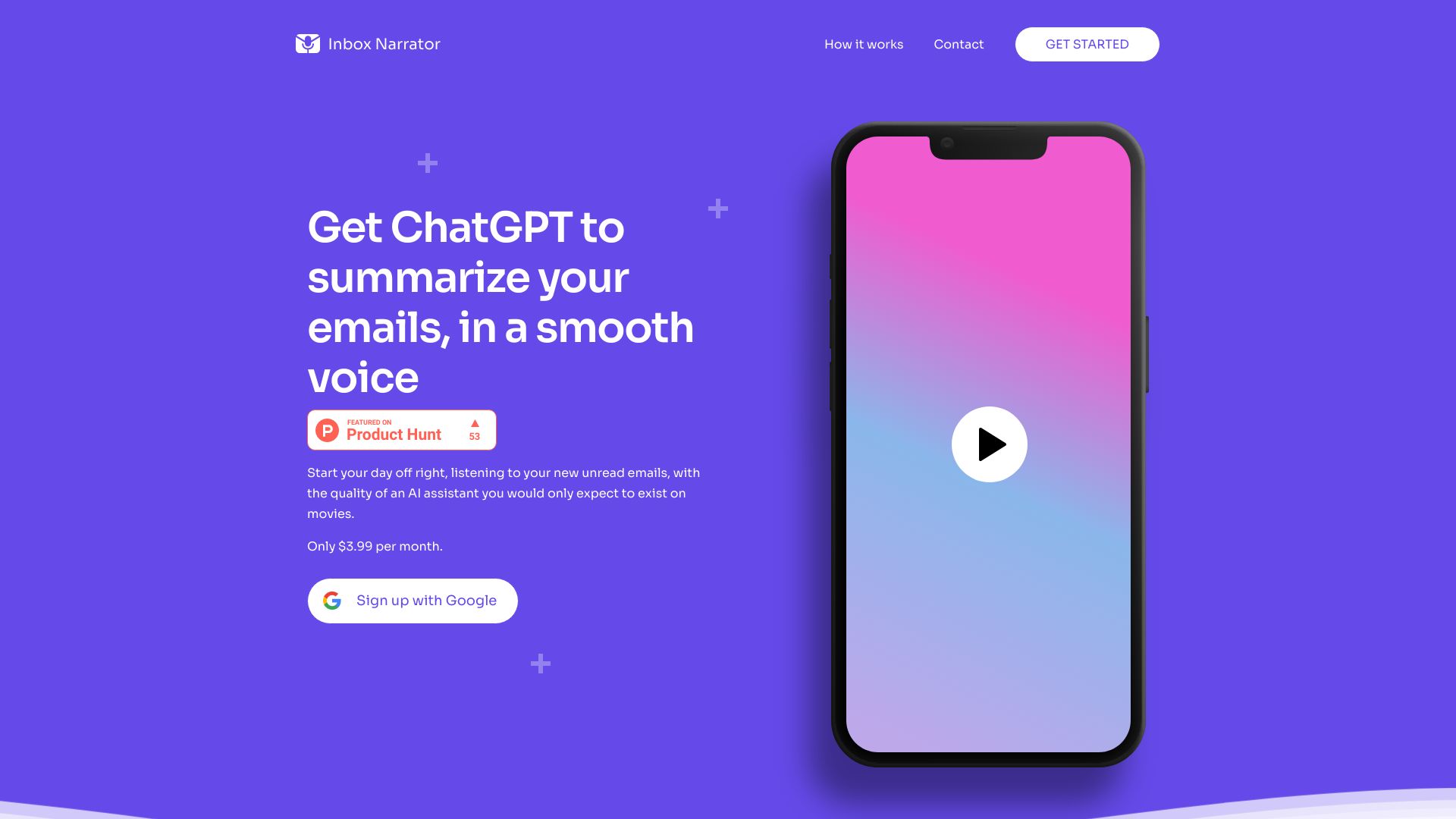
Inbox Narrator summarizes your Gmail emails using ChatGPT and delivers them in a human-like voice via Siri or Google Assistant every morning. It transforms your inbox into a short morning podcast, helping you stay informed while you get ready for your day.
Access & connections
Where you can use Inbox Narrator, and what it plugs into.
Platforms
Integrations
Capabilities
What this tool accepts, produces, and is strongest at.
Highlights
- Email Summary
- Email Chat
- Email Podcast
- Siri Integration
- Google Assistant Integration
FAQ 11
What is Inbox Narrator?
Inbox Narrator summarizes your Gmail emails using ChatGPT and delivers them in a human-like voice via Siri or Google Assistant every morning. It transforms your inbox into a short morning podcast, helping you stay informed while you get ready for your day.
How to use Inbox Narrator?
Create an account, connect your Gmail, set up Siri or Google Assistant, and listen to daily email summaries.
How does Inbox Narrator work?
Inbox Narrator connects to your Gmail account, summarizes your new emails using AI, and delivers these summaries to your voice assistant, such as Siri or Google Assistant, every morning. Simply sign up, link your Gmail account, configure your voice assistant, and start enjoying daily email summaries.
Is my email data safe and secure with Inbox Narrator?
Absolutely! We take your privacy and security seriously. We request read-only access to your Gmail account, and your email content is never stored. Our focus is solely on creating summaries from your new inbox emails.
How do I set up Inbox Narrator with Siri or Google Assistant?
After the sign-up process, you'll receive step-by-step instructions to effortlessly configure Siri or Google Assistant to fetch your email summaries each morning.
Can I customize the email summary based on my preferences?
Currently, Inbox Narrator is designed to provide a general summary of your new inbox emails. However, we're continuously working to improve and enhance the service, and we may introduce more customization options in the future.
What is the cost of the Inbox Narrator subscription?
Inbox Narrator is available for 30 free days trial, then a subscription fee of $5 per month.
Can I pause or cancel my Inbox Narrator subscription?
Yes, you can cancel your subscription anytime. Simply go to Settings > Manage Subscription and cancel it. If your subscription was not made through Stripe, or you have any issues there, please reach out to our support team at [email protected]
Will Inbox Narrator work with other email providers besides Gmail?
Currently, Inbox Narrator is designed to work with Gmail. We may consider adding support for other email providers in the future based on user feedback and demand.
Can I use Inbox Narrator on multiple devices?
Yes, you can use Inbox Narrator on any device that supports Siri or Google Assistant.
How do I contact Inbox Narrator support for help or feedback?
Please feel free to reach out to our support team at [email protected] for assistance or to provide feedback. We're always here to help and improve the service based on your input.
Related tools
Recommended


Inbox Narrator
From $5 per month