
IMG2Excel
AI image to Excel converter for structured table data extraction
Source rating 5.0
(80)
0 views
0 saves
Paid
From $14.90 one-time
Verdict
A quick read before you dig into the full page.
- Best if
- AI image to Excel converter for structured table data extraction
- Skip if
- You need a free plan with no credit card
- Pick this when
- Paid · From $14.90 one-time
Overview
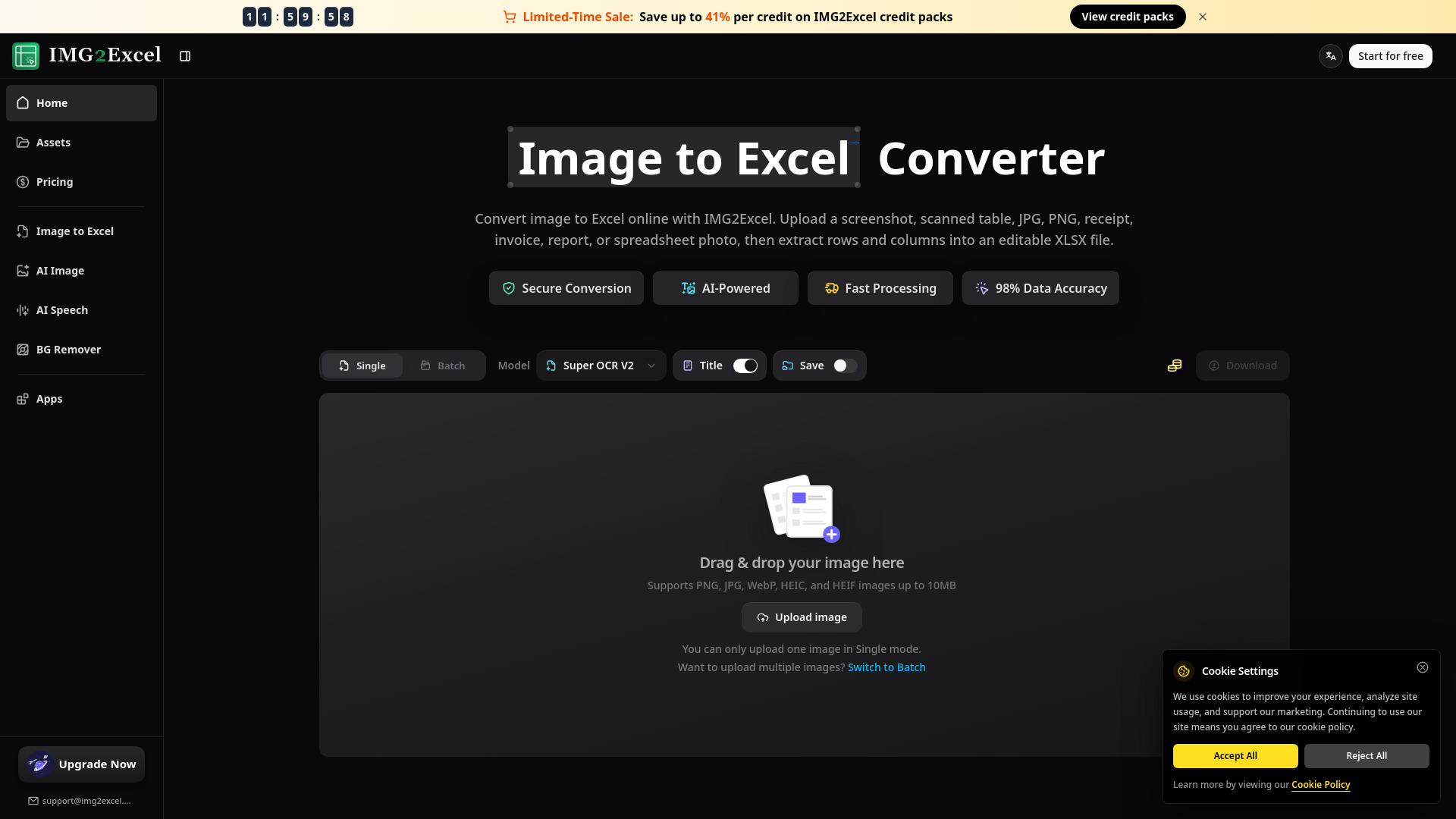
IMG2Excel is an AI-powered online image to Excel converter designed to extract text, numbers, and structured table data from screenshots, scanned tables, receipts, invoices, reports, or spreadsheet photos. It uses advanced OCR technology to read table layouts and automatically detects rows and columns, turning static visual tables into fully editable Microsoft Excel XLSX spreadsheets without the need for manual typing or desktop software installation.
Access & connections
Where you can use IMG2Excel, and what it plugs into.
Platforms
Integrations
Capabilities
What this tool accepts, produces, and is strongest at.
Highlights
- AI-driven OCR accuracy for text, numbers, and tables
- Automatic table, row, and column structure detection
- Instant interactive data preview before downloading
- Batch processing for uploading and converting multiple images simultaneously
- Secure file handling with encrypted storage and automated 24-hour deletion
- Multi-language support covering text recognition for dozens of languages
FAQ 5
What is IMG2Excel?
IMG2Excel is an AI-powered online image to Excel converter designed to extract text, numbers, and structured table data from screenshots, scanned tables, receipts, invoices, reports, or spreadsheet photos. It uses advanced OCR technology to read table layouts and automatically detects rows and columns, turning static visual tables into fully editable Microsoft Excel XLSX spreadsheets without the need for manual typing or desktop software installation.
How to use IMG2Excel?
To use IMG2Excel, first upload your image containing a table by dragging and dropping it or pasting a screenshot via Ctrl+V. The AI will process the file, recognize the rows and columns, and display an instant preview of the extracted table data. Review the preview for accuracy, and then download the final editable XLSX file directly to your device.
What image formats are supported by IMG2Excel?
IMG2Excel supports common table image formats including PNG, JPG, JPEG, WebP, HEIC, and HEIF, with a maximum upload size limit of 10MB per image.
Can I open the converted file in platforms other than Microsoft Excel?
Yes. IMG2Excel exports standard XLSX files, which can be opened in Microsoft Excel, easily imported into Google Sheets, or used in any other spreadsheet applications that support the Excel file format.
How does IMG2Excel protect the privacy of my business and financial data?
All uploaded and converted files are processed with encryption. Results that are not explicitly saved to user account assets are automatically deleted from the servers within 24 hours to ensure strict confidentiality.
Related tools
Recommended



IMG2Excel
From $14.90 one-time