
Free Image Translate ✓
Translate text in photos instantly.
Verdict
A quick read before you dig into the full page.
- Best if
- Translate text in photos instantly
- Skip if
- Limited file format support
- Pick this when
- Supports JPG, JPEG, PNG, BMP, and WEBP
Considering TranslateImage instead? Compare side by side
Overview
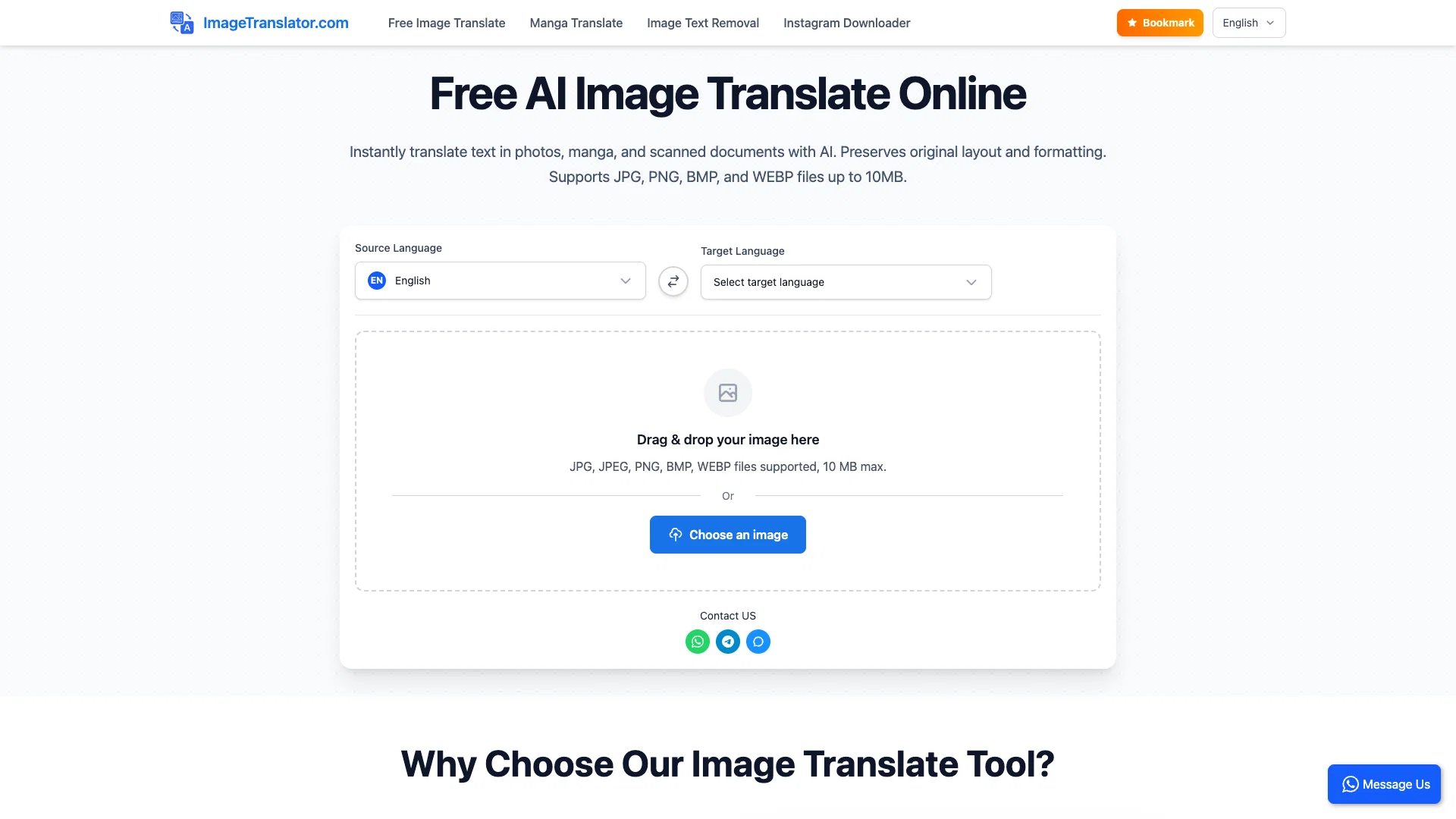
ImageTranslator is an AI-powered image translate tool that translates text within images. It was developed to facilitate seamless multilingual translation and is well-suited for travelers reading foreign signs, students studying multilingual documents, or businesses localizing their visuals.
This manga translator allows users to upload a photo, which can be in the JPG, JPEG, PNG, BMP, or WEBP file format. Once the image is uploaded, users can select the source and target languages for translation.
The translated version of the image, with original layout preserved, is then available for download. This utility can be especially useful for manga translate tasks, converting text in manga pages, webtoons, or scanned documents into a variety of languages.
The image text remove feature ensures clean background processing when needed. As a free image translate service, ImageTranslator supports common languages like English, Chinese, Japanese, Korean, German, French, and Spanish, along with a wide range of other languages, providing a comprehensive solution for image text translation needs.
Access & connections
Where you can use Free Image Translate.
Platforms
Capabilities
What this tool accepts, produces, and is strongest at.
Input
- Tabular
- Image
Output
- Image
Highlights
- No Signup
Supported features
- Translation
- Image Edit
- Image Understanding
- No Signup
Pros & cons
Pros
- Supports JPG, JPEG, PNG, BMP, and WEBP
- Original layout preserved
- Downloadable translations
- Wide language support
- Upload photos for translation
- Translates text in manga
- Translates text in webtoons
- Translates text in scanned documents
Show 15 more
- Applicable for business localisation
- Useful for multilingual education
- Helpful for travelers
- Large file support - 10MB
- Instant download of translated images
- Format-preserving translation
- Capable of manga translation
- Free usage - no subscription
- Secure and privacy aware processing
- Handles 100+ languages
- Detects and extracts text from bubbles, signs, and panels
- Multi-language pair support
- Seamless OCR text extraction
- No watermarks
- No registration needed
Cons
- 10MB max file size
- No in-app editing
- Overlays text on images
- Limited file format support
- No batch processing
- Not for large documents
- No offline functionality
- No iOS/Android app
Show 2 more
- Translations not always accurate
- No real-time translation
Compare alternatives
Similar tools in the catalog — with a clear reason to open each one.

Translate Image.io ✓
FreemiumTranslate text in photos to 130+ languages instantly.
Free + from $9.99/mo
Full comparison
TranslateImage AI ✓
Free TrialNative-quality AI translator preserving original image style.
Why look Higher community rating
Full comparison
AI Image Translator.io ✓
Free TrialInstantly translate text from images into 200+ languages.
Free + from $7.99
Full comparison
AI Image Translator.org ✓
FreemiumInstant, pixel-perfect translation for any image, in any language.
Why look Higher community rating
Full comparison
Releases 1
FAQ 12
What is the maximum file size that ImageTranslator can process?
How quickly can ImageTranslator translate my images?
Which file formats are supported by ImageTranslator?
Can ImageTranslator translate text in any image?
How to download the translated image in ImageTranslator?
How does ImageTranslator maintain the original layout after translation?
Which languages are supported by ImageTranslator?
Is there a cost to use ImageTranslator?
Does ImageTranslator store my uploaded images?
Can ImageTranslator translate a manga or webtoon?
Can ImageTranslator help with business localization?
Can I use ImageTranslator for academic purposes?
Related tools
Recommended

remio: Your Personal ChatGPT ✓
FreemiumGet Tailored Answer with Your Personal ChatGPT

Business Idea Generator AI ✓
FreeGenerate innovative business ideas with AI

Free Text-To-Speech ✓
FreeText transformed into customizable spoken output.

NSFW JS
FreeIdentify NSFW images in the browser

What-A-Prompt ✓
FreeSupercharge your ChatGPT prompts for better results.

DeepSeek ✓
FreeUnravel the mystery of AGI with curiosity