
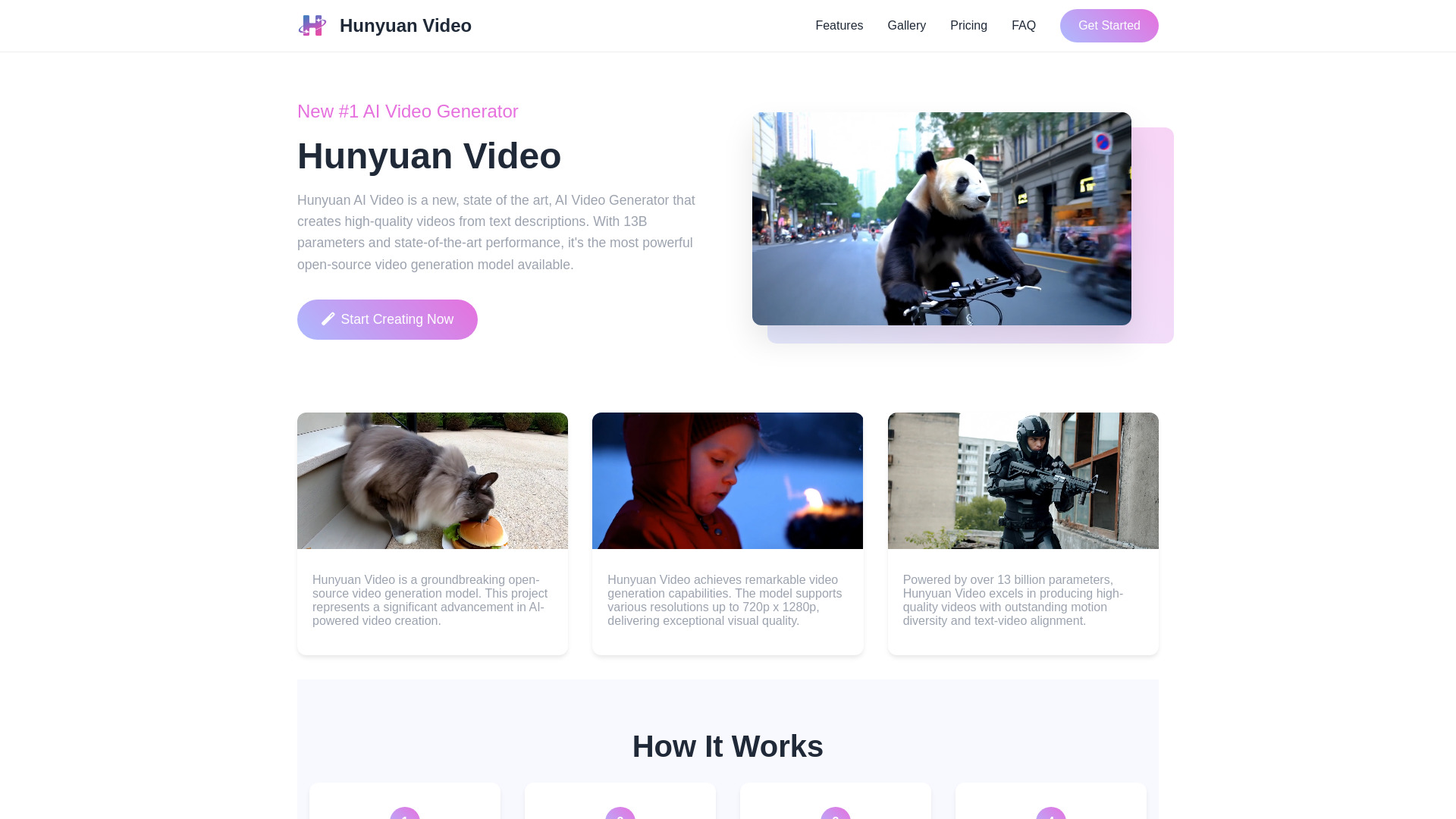
Hunyuan Video
Open-source AI video generator by Tencent, creating high-quality videos from text.
Source rating 5.0
(65)
0 views
0 saves
Unknown
Verdict
A quick read before you dig into the full page.
- Best if
- Open-source AI video generator by Tencent, creating high-quality videos from text
- Pick this when
- Open-source AI video generator by Tencent, creating high-quality videos from text
Overview
HunyuanVideo is a state-of-the-art open-source AI video generation model with 13B parameters, created by Tencent. It generates high-quality videos from text descriptions, featuring superior motion quality and visual fidelity. It supports resolutions up to 720p x 1280p and excels in producing videos with outstanding motion diversity and text-video alignment.
Access & connections
Where you can use Hunyuan Video, and what it plugs into.
Platforms
Integrations
Capabilities
What this tool accepts, produces, and is strongest at.
Highlights
- AI-powered video generation from text descriptions
- High-quality motion and visual fidelity
- Open-source with access to code and model weights
- HD resolution support (up to 720p x 1280p)
- MLLM Text Encoder for superior text understanding
FAQ 10
What is Hunyuan Video?
HunyuanVideo is a state-of-the-art open-source AI video generation model with 13B parameters, created by Tencent. It generates high-quality videos from text descriptions, featuring superior motion quality and visual fidelity. It supports resolutions up to 720p x 1280p and excels in producing videos with outstanding motion diversity and text-video alignment.
How to use Hunyuan Video?
To use Hunyuan Video, you write a prompt describing the video you want to create. Then, click generate, and the AI model will create your video. After processing, you can download the AI-generated video.
What are the video specifications?
Each generated video is 5 seconds long with a resolution of 1280x720 pixels (720p HD quality).
How do I get started?
Simply create an account, purchase credits, and start generating videos! Write your text description in the prompt box, click generate, and wait for your video to be created.
How many credits do I need per video?
Each video generation costs 12 credits. You can check the pricing page for credit packages and special offers.
How long does video generation take?
Video generation typically takes a few minutes. Once complete, you'll find your video in the "My Videos" section. We prioritize quality and stability to ensure the best results.
What kind of videos can I create?
You can create a wide variety of videos using text descriptions. HunyuanVideo particularly excels at generating cinematic and photorealistic scenes, from dynamic city landscapes to natural environments. The model is especially good at creating professional-quality footage with realistic lighting, camera movements, and atmospheric effects.
Can I download my generated videos?
Yes! Once your video is generated, you can download it directly from the "My Videos" section. Videos are saved in MP4 format for easy sharing and use.
Can I use the generated videos commercially?
Yes, you own the rights to videos you generate. You can use them for personal or commercial purposes, subject to our terms of service.
How good is the quality?
HunyuanVideo outperforms previous state-of-the-art models, scoring 68.5% in text alignment, 64.5% in motion quality, and 96.4% in visual quality in professional evaluations.
Related tools
Recommended



Hunyuan Video