
Text humanization 2026 Rank: #286
Humanize AI ✓
Transform robotic AI content into natural, engaging text.
Free + from $9/mo
Verdict
A quick read before you dig into the full page.
- Best if
- Transform robotic AI content into natural, engaging text
- Skip if
- Complex for beginners
- Pick this when
- Symbol Finder
Considering WriteHuman instead? Compare side by side
Overview
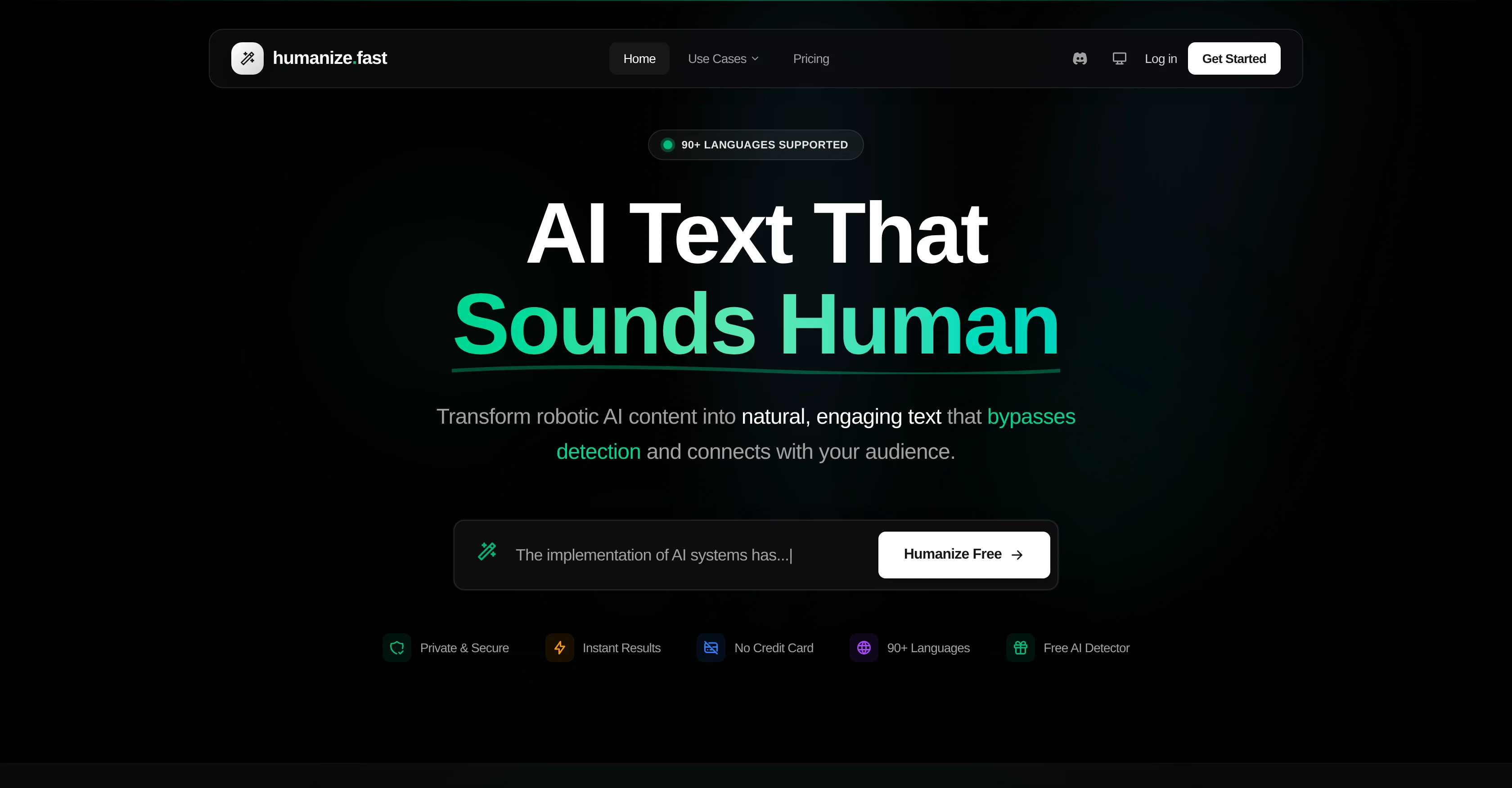
Humanize AI is a tool designed to convert AI-generated text into a more natural, human-like form of writing. The platform caters to business owners, creators, bloggers, writers, agencies, and others who produce digital content.
It features three tools designed for different use cases. The AI Humanizer is used for transforming robotic AI text into natural, flowing content and comes in Quick, Deep, or Complete levels.
The AI Detector is used to analyze a given text to determine if it was AI-generated. The Symbols Finder is used to detect hidden Unicode characters, zero-width spaces, and invisible symbols that can cause issues.
The service supports over 90 languages and delivers instant results. More importantly, it ensures privacy as the content is processed and immediately discarded without being stored or used for training.
The tool offers different intensity levels (Quick, Deep, Complete) for transformation, enabling users to choose based on how much alteration they want in the original text.
Additionally, pro users can add custom style instructions for tone, formality, and writing preferences.Meanwhile, Humanize AI promises bypassing AI detection tools like GPTZero, Originality.ai, Turnitin, claiming consistent 95%+ human scores on these detectors.
The tool also allows users to upload documents directly for text extraction and humanization, supporting PDF, DOCX, DOC, and plain text files. The platform is designed to cater to students, content marketers, copywriters, agencies, and business professionals, among others.
Best for
Short scenarios where Humanize AI tends to shine.
-
Transform robotic AI content into natural, engaging text.
Example outputs 1
Sample generations and before/after results for Humanize AI.
Access & connections
Where you can use Humanize AI.
Platforms
Capabilities
What this tool accepts, produces, and is strongest at.
Input
- Tabular
- Text
Output
- Text
Supported features
- Rewrite
- Writing
Pros & cons
Pros
- Symbol Finder
- 90+ languages supported
- Upload PDF, DOCX, TXT
- Customization options
- 95%+ human scores
- Privacy protection
- Writing style adjustment
- Different humanization intensities
Show 37 more
- Education tool
- Robotic text humanization
- Custom style instructions
- Multiple user catering
- Business content creation tool
- Instant results
- Text analysis
- Zero-width detection
- Unicode detection
- Maintains original meaning
- Document upload
- Language auto-detection
- Privacy focused
- Fast text humanizing
- Supports content marketing
- Preserves cultural context
- Adjustable transformation intensity
- Word files support
- Perplexity and burstiness analysis
- Avoids plagiarism detection
- Hybrid detection algorithm
- Clean text export
- Homoglyph finder
- Caters to content marketers
- Multiple digital content use cases
- Delivers for bloggers & creators
- Specifically designed for writers
- Advanced language models
- Built for global reach
- Real-time text processing
- Offers business professionalism
- Ideal for copywriters
- Great for content agencies
- Helps overcome writer's block
- Creates authentic voice content
- Content scales without quality drop
- Supports academic uses
Cons
- Limited free trial
- Only document upload feature
- No API
- Complex for beginners
- Requires intense customization
- Limited language interpretation
- Inefficiency in preserving original tone
- Does not support all file types
Show 2 more
- May not maintain style consistency
- Short word limit for free users
Compare alternatives
Similar tools in the catalog — with a clear reason to open each one.

WriteHuman ✓
Free TrialUndetectable and private content generation.
Why look More privacy-focused
Full comparison
Humanize ✓
FreemiumTransform AI text into undetectable human writing.
Why look Better for writing
Full comparison
Clever AI Humanizer ✓
FreeMake AI text undetectable and human-like.
Why look Fully free option
Full comparison
AI Humanizer Text ✓
Free TrialTransform robotic AI text into natural writing.
Why look Better for writing
Full comparison
AI-Text-Humanizer.com ✓
FreemiumHumanize AI text into undetectable and convincing human content.
Why look Offers a public API
Full comparison
Oneclickhuman ✓
Free TrialEnhanced and humanized content through technology.
Why look Better for writing
Full comparisonPeople also view
Tools that often show up alongside Humanize AI in collections and comparisons.
WriteHuman ✓
Free TrialUndetectable and private content generation.
Oneclickhuman ✓
Free TrialEnhanced and humanized content through technology.
Humanize ✓
FreemiumTransform AI text into undetectable human writing.
Clever AI Humanizer ✓
FreeMake AI text undetectable and human-like.
AI-Text-Humanizer.com ✓
FreemiumHumanize AI text into undetectable and convincing human content.
AI Humanizer Text ✓
Free TrialTransform robotic AI text into natural writing.

Verva ✓
FreemiumHumanize AI-generated text into natural, undetectable writing

UltraHumanizer ✓
FreeTurn stiff AI drafts into natural writing.
Releases 1
FAQ 12
What is Humanize AI?
How does the AI Humanizer feature of Humanize AI work?
What is the purpose of the AI Detector in Humanize AI?
How does the Symbols Finder in Humanize AI function?
Can Humanize AI support multiple languages?
Does Humanize AI support document uploads for text extraction?
How does Humanize AI ensure privacy?
Can I adjust the transformation intensity on Humanize AI?
How efficient is the text processing in Humanize AI?
Does Humanize AI preserve the original message during text transformation?
Can Humanize AI help in creating SEO content?
How can Humanize AI benefit Social Media Influencers?
Related tools
Recommended

Observe Earth ✓
FreeSee the world and share what's really happening.

RemoteX ✓
FreemiumChat with your servers. Safely.

Notis ✓
Free TrialThe first WhatsApp assistant that runs on your ChatGPT and Claude subscriptions

Pounce ✓
Free TrialGet real followers and engagement in minutes.

Denovo ✓
FreemiumTurn your idea into a real business in minutes.

VoooAI ✓
FreemiumGenerate a Multimedia workflow with one sentence.Support OpenClaw