

HeyBoss AI ✓
Create apps and websites by chatting with AI.
Free + from $24.99/mo
Verdict
A quick read before you dig into the full page.
- Best if
- Create apps and websites by chatting with AI
- Skip if
- Limited databasing capabilities
- Pick this when
- No-code builder
Considering B12 AI Website Builder instead? Compare side by side
Overview
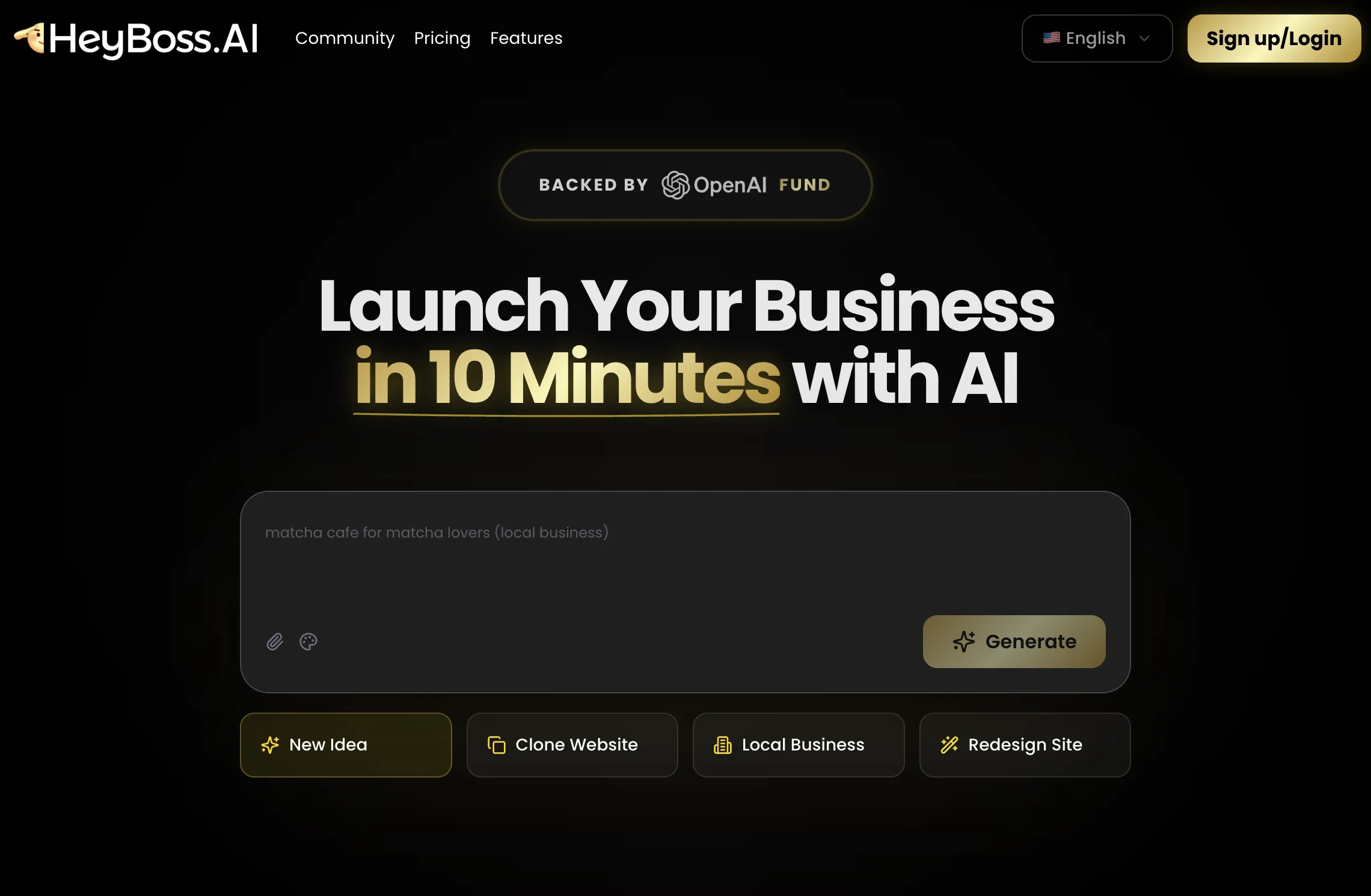
HeyBoss AI is an AI-powered no-code builder designed to facilitate the creation of websites and apps. This tool is equipped to generate custom websites in minutes and includes integrated elements such as templates, CRM, SEO, email systems, and payment structures.
Through its community feature, users can interact with AI agents, allowing for a more refined and personalized development experience. The tool also offers a range of additions including apps and tools, blogs and content, e-commerce platforms, landing pages, marketing tools, portfolios, prototype stores, and marketplaces.
HeyBoss AI offers an AI App Store which hosts various AI models and a Built-in Database. It also has a visual editor feature that simplifies the design process.
The solution caters to the SEO needs of the platform being developed, thus promoting efficiency in marketing. Lastly, HeyBoss AI can manage payments, demonstrating its capability as a comprehensive business tool.
The platform prides itself on its user-friendly interface, allowing for an easy, conversational approach to website and app building. It is created to be accessible to users with varying levels of technical skills.
Access & connections
Where you can use HeyBoss AI.
Capabilities
What this tool accepts, produces, and is strongest at.
Input
- Text
Output
- Text
Supported features
- IDE
Pros & cons
Pros
- No-code builder
- Quick website generation
- Integrated CRM
- Effective SEO
- Built-in email systems
- Payment structures included
- Community interaction feature
- Blogs and content provision
Show 25 more
- E-commerce platform integration
- Marketing tools provision
- Prototype store creation
- Inclusion of marketplaces
- Built-in Database
- Visual editor for design
- User-friendly interface
- Conversational approach to building
- Technical accessibility for all
- Manage payments automatically
- Comprehensive business tool
- Personalized development experience
- Suitable for varying skills
- Landing page creation
- Portfolios creation
- Handles SEO needs
- Promotes marketing efficiency
- Generates custom websites
- Refined development experience
- Apps and tools additions
- Built-in templates
- Website and application building
- Easy to use
- Supports different languages
- Community engagement
Cons
- Limited customization options
- Community feature dependence
- Potentially impersonal customer interactions
- Limited to available templates
- Lacks advanced SEO features
- Payment system compatibility issues
- Requires constant Internet connection
- No offline mode
Show 1 more
- Limited databasing capabilities
Compare alternatives
Similar tools in the catalog — with a clear reason to open each one.


Redesignr Ai - website redesign and landing page bui... ✓
FreemiumRedesign And Build websites, docs, and blogs with AI in minutes
Why look Typically cheaper
Full comparison
InstaWebAI ✓
FreemiumCreate, launch and grow your business website all in one platform
Free + from $25/mo
Full comparison
AI Builder | Hostinger Horizons ✓
Free TrialBuild web apps and websites without writing any code.
Why look Typically cheaper
Full comparison
Macaly ✓
FreemiumAI website builder with built-in database, hosting & more
Why look Offers a public API
Full comparison
Releases 1
Imported reviews 7
I run a small online consultancy, and I’ve wasted hours testing site builders that promise simplicity but still need tutorials. HeyBoss.ai finally got it right. I typed a short description of my service, and its AI “team” built the whole website with sections, images, and working forms. It even connected Stripe for payments and set up SEO basics without me touching a thing. The site looked professional right away. The monthly price is much lower than hiring a designer or developer, and everything — hosting, editing, and updates — is included. My only complaint is that if you’re a perfectionist about layout, you’ll wish for more manual control. But honestly, that’s the point. It’s built for people who want it done, not to keep tinkering.
I needed a simple but professional website to show my portfolio and take commissions. HeyBoss.ai basically did all the hard work. I told it what I do and who my audience is, and the AI designed everything — home page, portfolio, contact form, even SEO setup. The payment system with Stripe worked right away, so I could start taking custom orders on day one. It’s priced well too, considering it includes hosting, editing, and marketing tools. The only drawback is it’s not for people who like full creative control — you have to trust the AI’s judgment. But if you just want to focus on your work, it’s a dream.
HeyBoss.ai's clone feature is honestly a game-changer for anyone building an e-commerce site. I found a competitor's website with a layout I loved; clean product grids, smooth checkout flow, perfect navigation structure. I simply dropped their URL into HeyBoss, and within minutes it generated a site with that same professional design framework. But here's where it gets powerful: instead of being stuck with an exact copy, I could immediately prompt changes. I asked it to adjust the color scheme to match my brand, rearrange sections to highlight bestsellers, and modify the product page layout to include customer reviews more prominently. Each change happened in real-time through simple conversational prompts. Why this matters for shop owners: You're not starting from a blank canvas or generic template. You can take inspiration from successful stores in your niche and make it your own without hiring a designer or learning complex tools. The AI handles the technical execution while you focus on the strategic decisions; what to emphasize, how to position products, what your brand should feel like. The major benefit: Speed to market is everything in e-commerce. I went from concept to live shop ready to take orders in under an hour. The clone feature gave me a proven structure, and the prompt-based customization let me differentiate without starting from scratch. The downsides: While the clone feature captures layout and structure impressively well, some advanced interactive elements or custom functionality from the original site might not transfer perfectly. You may need to describe what you want and let the AI rebuild it. Also, if you're cloning from a site with very complex custom features (like advanced product configurators or subscription systems), you might find the recreated version simplified. For standard e-commerce needs though; product listings, cart, checkout, basic filtering, it handles everything beautifully.
HeyBoss.ai helped me turn my cooking course idea into a live website in under fifteen minutes. The process felt like working with a full production team: one AI acted like a food photographer's eye for layout, another like a web developer, and another as a coordinator making sure everything came together perfectly. The final product wasn't just functional—it looked like something a professional culinary brand would pay thousands for. I love that it bundles hosting, analytics, and SEO into one platform. I didn't have to figure out how to integrate payment processors, email capture forms, or course delivery systems.
I used HeyBoss.ai to build a site where I could display paintings and take custom requests. It’s shockingly quick — I described my art style, added some photos, and within minutes I had a live website with payment and contact sections ready. The built-in SEO helped my site show up faster on Google, which I didn’t expect. I like how it feels done-for-you instead of having to drag and drop everything. It’s reasonably priced, especially since it includes hosting and support.
I built a bakery website for my aunt’s small shop. She had zero online presence before. The AI made a clean, mobile-friendly site with her menu, order form, and Google Maps location.
Honestly, this took waaaay too long to generate. I didn’t really have the patience for it. However, I did appreciate the little group chat animation during the wait, definitely more fun than just staring at a boring loading bar. But still, I couldn't wait until the website was done
FAQ 12
What is HeyBoss AI?
What does the no-code feature in HeyBoss AI mean?
What tools are integrated into HeyBoss AI?
What is the community feature in HeyBoss AI and how does it work?
What is the advantage of the AI App Store in HeyBoss AI?
Does HeyBoss AI have a built-in database?
Can HeyBoss AI handle payments?
How accessible is HeyBoss AI to someone without technical skills?
Can I generate templates using HeyBoss AI?
How does the visual editor in HeyBoss AI simplify the design process?
Does HeyBoss AI cater to the SEO needs of the platform?
What type of contents can be created using HeyBoss AI?
Related tools
Recommended

Lumi.new ✓
FreemiumCreate apps & websites by chatting with AI

Mocha ✓
FreemiumTurn app ideas into reality, instantly.

Readdy ✓
FreemiumCreate and publish beautiful websites with AI.

Trickle Magic Canvas ✓
FreemiumTurn your ideas into live apps and websites with AI.

MyClever AI Website Builder ✓
PaidGenerate website designs with AI instantly.

CodeRabbit ✓
Free TrialEnhanced code review for improved workflow and quality.