

Exam grading 2026 Rank: #2583
HERON ✓
AI tool that grades handwritten exams in seconds.
Verdict
A quick read before you dig into the full page.
- Best if
- AI tool that grades handwritten exams in seconds
- Skip if
- Limited to certain test types
- Pick this when
- Grades handwritten exams quickly
Considering GradeLab instead? Compare side by side
Overview
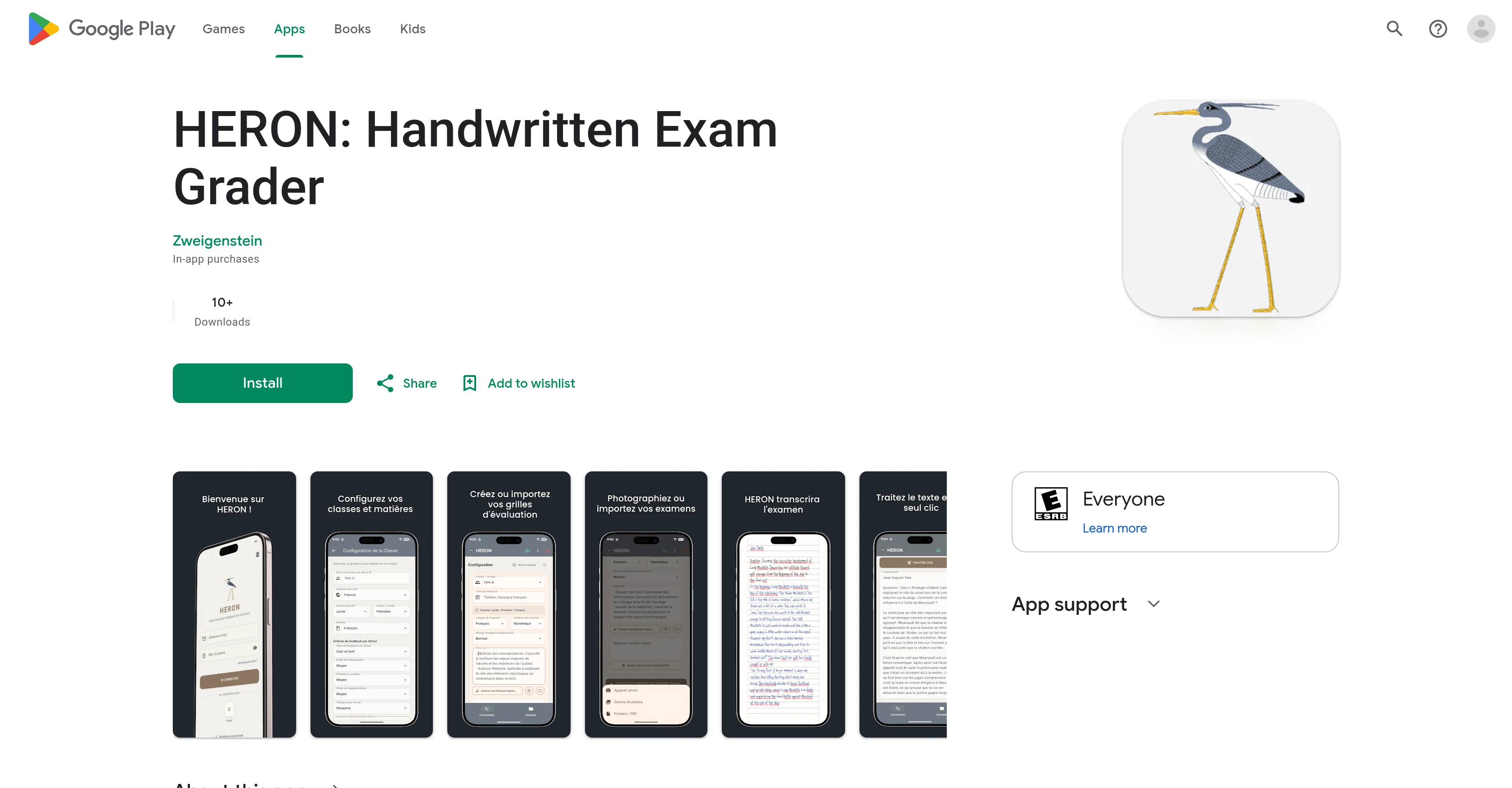
HERON: Handwritten Exam Grader is an AI-powered tool designed to assist teachers with grading handwritten exams. Leveraging advanced AI technology, this tool works by scanning the handwriting on physical exams using a smartphone camera and automating the grading process, thereby significantly reducing the time spent on manual grading.
Rather than just providing a grade, HERON also generates instant comments and performance reports for students and their guardians, enhancing the evaluation process and feedback.
The tool also allows for the organization of courses, students, and assessments by maintaining a digital record of all graded tests. Exporting results to school management platforms is seamless with HERONs copy tools and spreadsheet exports.
HERON also features an AI Exam Scanner capable of recognizing a range of handwriting styles to ensure accurate scanning and grading. This tool is flexible enough to handle various types of tests, whether they are multiple-choice, open-ended questions, or complex problems, and can be utilized across all levels of education, from primary and secondary to higher education.
Teachers can also save and reuse grading templates and rubrics, adding another layer of convenience to the grading process. This app strives to reduce human error in grading and provides near-instantaneous analysis and feedback.
Access & connections
Where you can use HERON.
Platforms
Capabilities
What this tool accepts, produces, and is strongest at.
Input
- Image
Output
- Tabular
- Text
Supported features
- Mobile Companion
- Transcription
- Education
Pros & cons
Pros
- Grades handwritten exams quickly
- Accurate handwriting interpretation
- Exams captured via smartphone
- Grading templates and rubrics
- Digital record creation
- Automated reports and feedback
- Export function to school management platforms
- Handles diverse test types
Show 14 more
- Grades multiple choice and open-ended questions
- Grades complex problems
- Near-instant learner analysis
- Reduces human error
- Copy tools for easy export
- Feedback for students and guardians
- Course, student, and assessment organization
- Seamless data export
- Saves grading templates for reuse
- Instant comments generation
- Handwriting style recognition
- Useful across all education levels
- Contributes to work-life balance
- Enhances teaching quality
Cons
- Requires smartphone camera
- Possible misinterpretation of handwriting
- Copying tools limited
- Dependency on saved templates
- Limited handwriting styles recognized
- Data privacy concerns
- Limited to certain test types
- In-app purchases
Show 2 more
- May require frequent updates
- Not multi-platform
Compare alternatives
Similar tools in the catalog — with a clear reason to open each one.

MarkInMinutes ✓
PaidGrade students in minutes, not hours.
Why look Offers a public API
Full comparisonReleases 1
FAQ 12
What is HERON?
How does HERON utilize AI technology for grading?
Does HERON recognize all styles of handwriting?
What time-saving features does HERON offer?
Can HERON automate the grading process?
How does HERON help in managing courses and assessments?
What information does HERON's automated reports provide?
Can HERON's results be easily shared with school management platforms?
What types of questions can HERON grade?
Does HERON offer any benefits in terms of reducing human error?
How does using HERON affect a teacher's work-life balance?
What devices can I use to capture the handwriting for HERON to analyze?
Related tools
Recommended

MagicSlides.app AI PPT Maker ✓
FreemiumCreate Stunning PPTs in Seconds with the AI PPT Maker

GetLogit ✓
FreemiumArtificial intelligence, available for everyone.

ChatGPT ✓
FreemiumAsk anything, create anything, and move from idea to action.

Automateed ✓
Free TrialCreate eBooks effortlessly with Automateed, the AI-powered writing tool.

Notis ✓
Free TrialThe first WhatsApp assistant that runs on your ChatGPT and Claude subscriptions

CodeRabbit ✓
Free TrialEnhanced code review for improved workflow and quality.